TL;DR
- HR software does nine jobs: holds the record of who works here, finds and selects people, brings them in, pays them, tracks time and absence, runs goals and reviews, delivers learning, listens, and keeps documents and compliance in order. Most organisations buy tools in the order the sales calls arrive rather than the order the jobs become painful, and end up with nine systems that do not talk to each other.
- Size decides the answer more than sector does. A team of ten needs payroll and a reliable place for records; almost everything else can be a shared document and a calendar. Around fifty, absence, onboarding and the review cycle stop working by memory. Past a couple of hundred, the cost of not integrating shows up as duplicate data entry and numbers nobody trusts.
- Payroll is the one job that cannot stay in a spreadsheet: GOV.UK's steps for employers cover registering for PAYE and choosing payroll software, which “will work out how much tax and National Insurance you owe, including an employer's National Insurance contribution”. Every tool also brings duties: the ICO's employment guidance sets out what organisations “must, should, and could do to comply”, and says that if you take a different approach you “must be able to demonstrate that this approach also complies with the law”.
Ask an HR team what tools they use and you get a list of products. Ask what jobs those products do and the list is usually shorter than the number of subscriptions. HR tools accumulate: an applicant tracker bought for one hiring push, a survey tool from an engagement project, a signing tool somebody expensed, a spreadsheet that quietly became the master record.
This article maps the tools by the job they do rather than by vendor, says what an organisation of ten, fifty and two hundred people actually needs, gives four questions to ask before buying anything, and covers the duties that come with every system that holds information about people. It names no products and ranks nothing, for the same reason our HRIS post explains why we do not publish a top-five list.
If the tools you have do not fit the way you work, the answer is not always another tool. See how New Dynamics workflows let you shape forms, stages and approvals around your own process.
The nine jobs
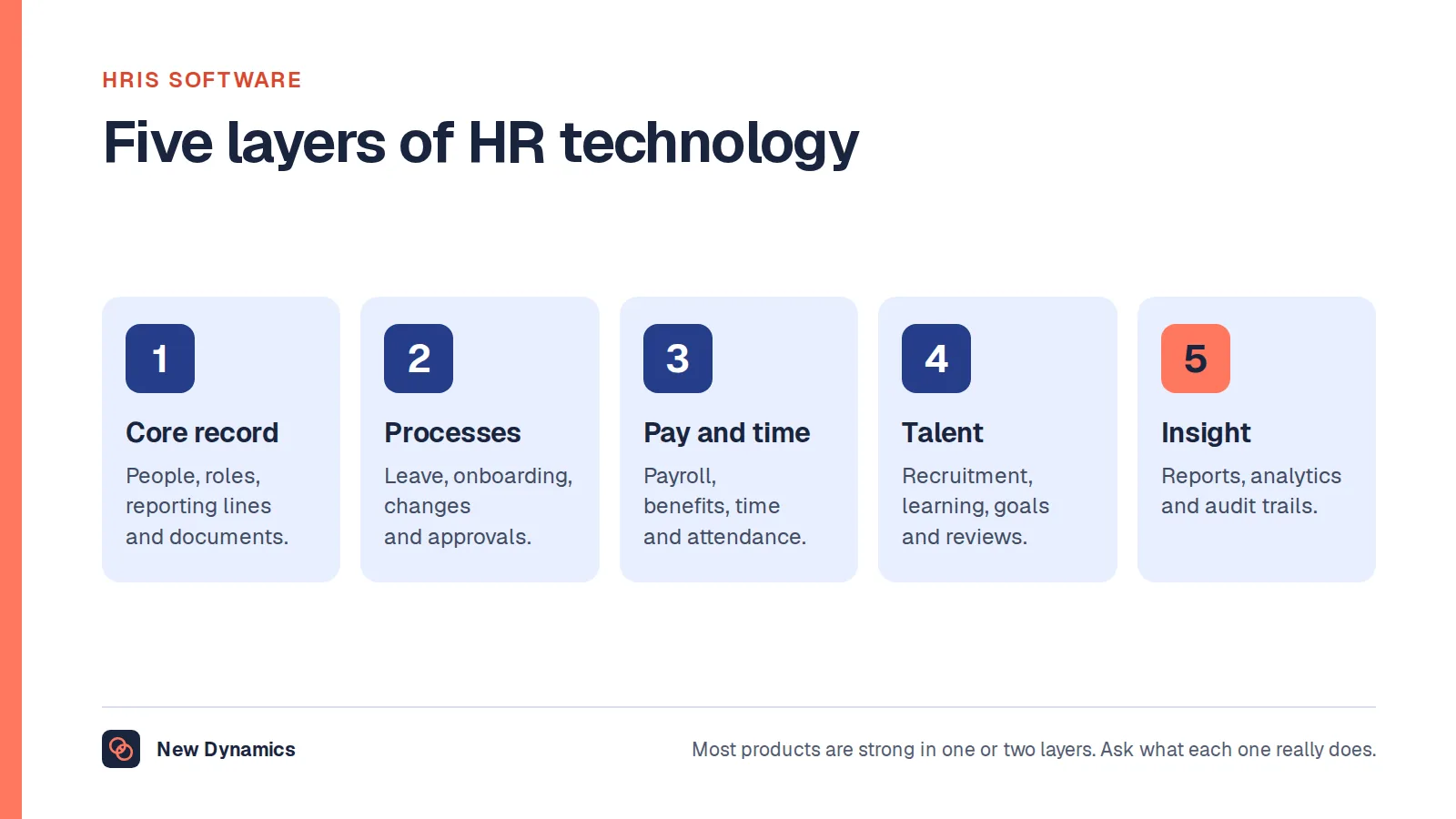
- The record. One place that knows who works here: names, roles, managers, start dates, contracts, pay, and the history of changes. Everything else depends on this being right, which is why it is the first thing to fix and the last thing to buy twice.
- Hiring. Advertising, applications, screening, interviews, offers. An applicant tracking system organises it; it does not improve your questions.
- Onboarding. Equipment, access, paperwork, the first-week plan, the check-ins. Mostly a checklist with owners and dates, which is why it is so often a document and so often forgotten.
- Pay. Calculating pay, tax and deductions, paying people and reporting to the tax authority. The one job that cannot stay in a spreadsheet.
- Time and absence. Holiday requests and balances, sickness records, shift rotas and timesheets where the work needs them.
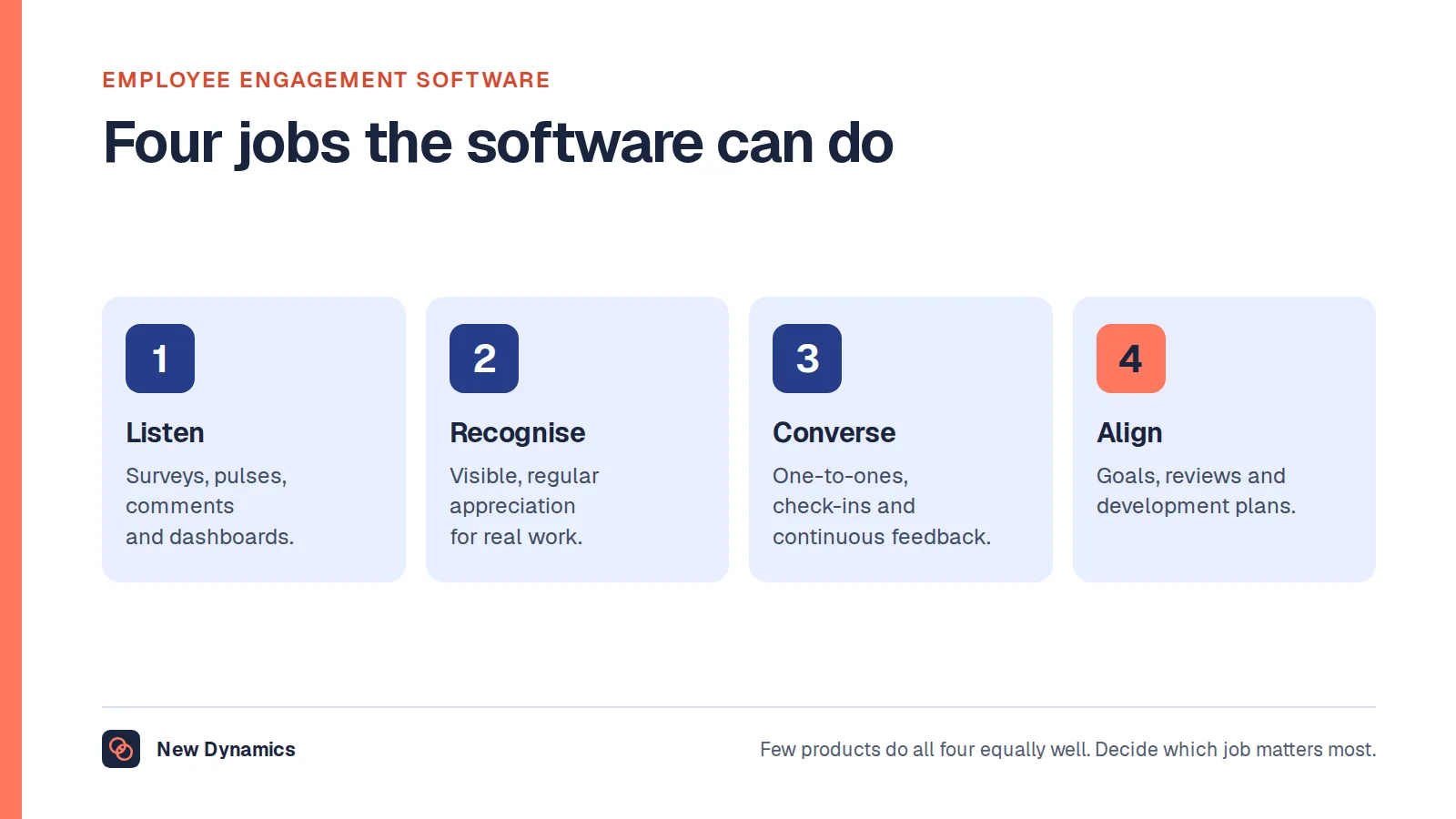
- Performance and goals. Objectives, check-ins, review cycles, feedback and the record of what was agreed.
- Learning. Mandatory training and its expiry dates, development courses, records of who has completed what.
- Listening. Surveys, pulse checks and the loop back to people about what changed.
- Documents and compliance. Contracts and signatures, policies and acknowledgements, right-to-work and other checks, retention and deletion.

Some products cover several of these; a human resources information system usually covers the first and parts of four, five and nine, and our HRIS post sets out what those systems include.
What each size actually needs
Around ten people. Payroll software, because of the tax obligations, and one reliable place for the record. GOV.UK's PAYE for employers steps take an employer through registering for PAYE, choosing how to run payroll and choosing payroll software, which “will work out how much tax and National Insurance you owe, including an employer's National Insurance contribution on each employee's earnings above” the threshold, and on through workplace pension responsibilities and employers' liability insurance. Everything else at this size can be a shared folder, a calendar and a conversation, as long as somebody owns it.
Around fifty. Memory stops working. Holiday balances get disputed, onboarding steps get missed, and the review cycle collapses because nobody can see who has done what. This is the point at which absence, onboarding and performance tools repay themselves, and at which the record needs to be a system rather than a spreadsheet with tabs.
Two hundred and up. The problem changes from "we do not have a tool" to "our tools disagree". Duplicate data entry, headcount numbers that differ by department, and reports nobody trusts. The work is integration and ownership rather than acquisition, and the first question about any new tool becomes what it will read from and write back to.

Four questions before you buy anything
- What job is this doing, and who is in pain? Name the person and the frequency. A tool bought for a problem nobody has is a tool nobody logs into.
- What happens to the record? Does this tool read from the single record of people, or create another one? Two records of who works here is the beginning of every data problem HR has.
- Who will run it after the project? Configuration, permissions, joiners and leavers, and the annual review of who has access. If the answer is "we will work that out", the tool will drift.
- What does it cost to leave? Export format, notice period, and whether you can get your data out in a usable state. Ask before signing, not at renewal.
A fifth, uncomfortable question is worth asking too: could a better process remove the need for the tool? Some HR software exists to manage complexity that the organisation invented and could remove.

The duties that come with the tools
Every system in the list holds information about people, and some watch what they do.
- Monitoring. The ICO's employment guidance on monitoring workers covers tools that track activity, including those using “solely automated processes” and biometrics. It states that the guidance “says what organisations must, should, and could do to comply” and that if you take a different approach “you must be able to demonstrate that this approach also complies with the law”. Anything that measures people needs a lawful basis, transparency and proportionality, decided before the trial, not after.
- Recruitment records. The ICO's guidance on keeping recruitment records says you “must not keep information for longer than you need to”, that the law does not set timescales for recruitment records, and that you should “carefully consider how long you need to keep this information for and set clear retention periods”. An applicant tracking system will keep everything for ever unless you configure it not to.
- Access and leavers. The commonest breach in a small HR stack is not a hack; it is a former manager who still has access to a folder.
Treat data protection as part of the buying decision rather than a task for afterwards, and write the retention rules into the configuration.
How to consolidate when you already have nine
- List the tools and the nine jobs, and mark which tool does which. The overlaps will be obvious and slightly embarrassing.
- Find the second record of people and decide which one is authoritative.
- Cancel what nobody has logged into in ninety days, after asking why.
- Renegotiate at renewal, not before, and use the leaving question from above as your leverage.
- Integrate the two that matter most rather than all of them: usually the record and payroll, then the record and whatever holds absence.
Frequently asked questions
What are HR tools?
Software that does the jobs an HR function needs: holding the record of who works here, hiring, onboarding, pay, time and absence, performance and goals, learning, listening, and documents and compliance. Some products cover several jobs; an HR information system usually covers the record and parts of pay, absence and compliance.
What HR tools does a small business need?
Payroll software, because of the tax and pension obligations, and one reliable place for employee records. GOV.UK's steps for employers cover registering for PAYE, choosing payroll software, workplace pension duties and employers' liability insurance. Most other jobs can be a shared document and a calendar until around fifty people, as long as someone owns them.
What is an HR tech stack?
The set of tools an organisation uses across those nine jobs, and the connections between them. A good stack has one authoritative record of people and a small number of systems that read from it; a poor one has several records that disagree.
Do HR tools need a data protection assessment?
Anything holding or monitoring personal data brings duties. The ICO's employment guidance sets out what organisations must, should and could do, including for monitoring tools and automated processes, and says that a different approach must be demonstrably compliant. Decide the lawful basis, transparency and retention before you trial a tool, and configure retention rather than keeping everything.
How do you choose between HR tools?
Start from the job and the person in pain, check what happens to the single record of people, name who will run the tool after implementation, and ask what leaving costs. Then run a structured selection against your own requirements rather than a feature comparison.
Your next step: map before you buy
- Write the nine jobs down the page and put your current tools beside them.
- Mark which tool holds the authoritative record of who works here.
- For the next purchase, answer the four questions in writing before the demo.
- Set retention rules in the tools you already have.
For a structured way to select a system against your own requirements, read and download our HRIS selection guide. The guide is free to read, and the PDF uses our short download form.
Want goals, check-ins and the review cycle in one place, on your own forms, reading from the record you already keep? Book a New Dynamics demo and bring your current tool list. You can also email contact@new-dynamics.com.