BambooHR
Employee records and HR workflows.
POTENTIAL WORKFLOW
Employee profiles, managers and lifecycle changes.
Bring your HR, identity and everyday work tools into the conversation. Explore how New Dynamics could fit into your people ecosystem.
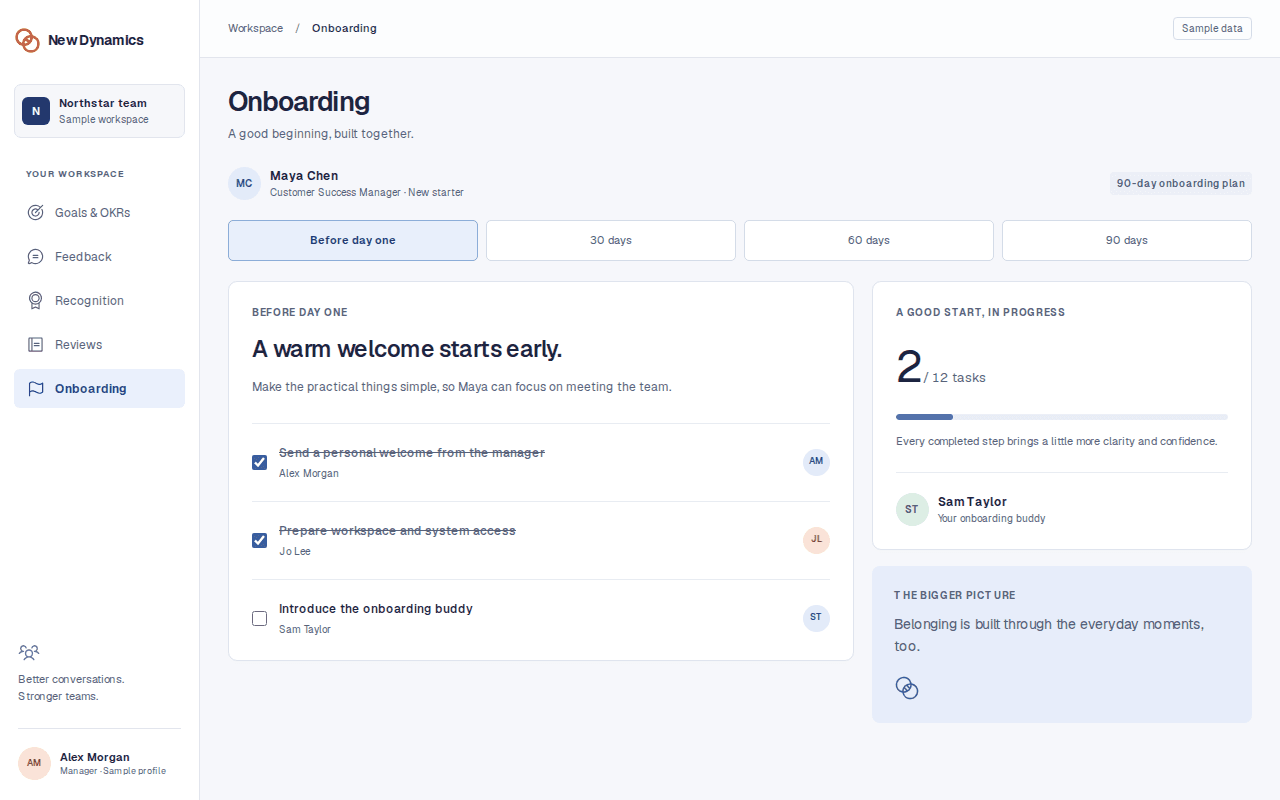
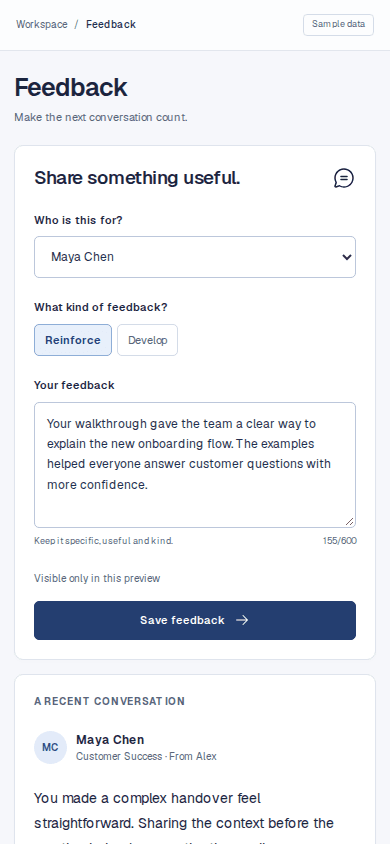
Start with your HR system. Then explore the connections that would make everyday performance conversations easier.
Employee records and HR workflows.
Employee profiles, managers and lifecycle changes.
Enterprise human capital management.
Worker records, organisation structures and reporting lines.
 HR & payroll
Cloud HR and talent management.
Core employee data and organisational alignment.
 HR & payroll
Human capital management for enterprise teams.
Worker profiles, assignments and manager relationships.
 HR & payroll
HR and people management with Bob.
People records, teams and employment changes.
 HR & payroll
HR software for small and mid-sized organisations.
Employee directory data and reporting relationships.
 HR & payroll
Workforce management across HR, IT and finance.
Employee lifecycle events and workforce structure.
 HR & payroll
Global workforce, HR and payroll tools.
Global team records and employment status.
Payroll and human capital management.
Employee master data and manager assignments.
 HR & payroll
HR, payroll and workforce management.
People data, departments and employee lifecycle updates.
Human capital and workforce management.
Worker records and organisational changes.
 HR & payroll
Payroll, benefits and HR for growing teams.
Employee details and new starter information.
HR and employee management software.
Employee profiles, teams and reporting lines.
 HR & payroll
HR tools for everyday people operations.
Employee directory and manager information.
 Identity & access
Cloud identity and access management, formerly Azure AD.
Single sign-on, provisioning and access lifecycle requirements.
Workforce identity and access management.
Single sign-on and joiner, mover and leaver access.
 Identity & access
Google productivity tools and business identity.
Workspace identity and employee account requirements.
Team chat, meetings and collaboration.
Review reminders and prompts within team conversations.
 Communication & calendars
Messaging and collaboration for work.
Feedback prompts, recognition and timely reminders.
 Communication & calendars
Email and calendar for work.
Review invitations and 1:1 scheduling requirements.
Shared calendars and meeting scheduling.
Check-in invitations and calendar availability.
Video meetings and workplace collaboration.
Meeting links for 1:1s and review conversations.
 Recruitment
Hiring and applicant tracking software.
The transition from accepted offer to onboarding.
 Recruitment
Applicant tracking and recruitment management.
New hire handovers and onboarding preparation.
 Recruitment
Recruiting, scheduling and hiring analytics.
Hired candidate information for new starter workflows.
 Learning & development
Learning and talent development tools.
Learning activities linked to development conversations.
 Learning & development
Collaborative learning and employee training.
Course progress and agreed development actions.
Project and work tracking from Atlassian.
Project context for goals and review preparation.
Work and project management for teams.
Project milestones linked to team objectives.
Customer relationship management.
Agreed business outcomes as context for goal check-ins.
 Work & reporting
Business intelligence and data visualisation.
Permissioned aggregate people reporting and export needs.
Workflow automation across business applications.
Event triggers, actions and cross-tool workflow requirements.
 Automation
Workflow automation across Microsoft and other services.
Approval workflows, notifications and data handoff requirements.
Useful integrations start with a clear purpose, a responsible data boundary and an owner.
Single sign-on and provisioning from Microsoft Entra ID, Okta or your directory decide whether every employee, including those without a desk, can get in without a ticket each.
Review security requirementsScope how employee records, teams and manager relationships could stay aligned with your HR system, from someone’s first day to their next role.
Explore onboardingIdentify the moments when a reminder, meeting invitation or development action would help people follow through in the tools they already use.
Explore feedbackA focused integration conversation should leave you with clear requirements, ownership and next steps.
Discuss your stackIdentify which system owns employee records, reporting lines, identity and each workflow.
Agree fields, direction, update frequency and what should stay in its original system.
Review platform editions, API access, permissions, available methods and any implementation gaps.
Define testing, error handling, ongoing ownership, cost and the rollout plan before committing.
This is an integration planning directory, not a catalogue of live connectors. The listed platforms are candidates to discuss with New Dynamics. Availability, supported fields, sync direction, timing, permissions, cost and implementation scope must be confirmed before you rely on a connection.
Identity and access. Single sign-on and provisioning from Microsoft Entra ID, Okta or another directory decide whether site, shift and store staff can get in without a ticket for each person, and it is the question most likely to stall a rollout late. Agree it before the HR system feed.
Large-suite environments are usually planned around exports and the API rather than a deep two-way connector. Define which employee fields need to move and how often, then confirm the method with the team. No connector is assumed to be available until it is confirmed in writing.
Yes. Start with the HR system that holds your employee records. Useful topics include employee identifiers, names, departments, manager relationships, start dates and status changes. The team can then review your platform edition, API access and the connection you need.
Microsoft renamed Azure Active Directory to Microsoft Entra ID. We list it under Identity & access. For your evaluation, discuss single sign-on, supported protocols, user provisioning, group mapping and what happens when someone leaves. This does not imply a live New Dynamics connector or a Microsoft partnership.
Potential workflows include prompts for feedback, review reminders and recognition notifications. Agree what should appear in a message, who can see it and how it links back to the appropriate workspace. Sensitive review content should be considered separately from general notifications.
The aim of integration planning is to define how performance workflows fit around the systems you already use. Identify the source of truth for each field and decide which information needs to move. Confirm the actual connection scope with the team before making a purchasing decision.
Bring those requirements into the discussion. Depending on the systems involved, evaluation may cover APIs, webhooks, automation tools or controlled file transfers. No method is assumed to be available: access, mapping, error handling and ongoing ownership need to be agreed.
Bring your platform names and editions, the workflows you want to improve, the fields you need, the preferred direction and frequency of updates, and your IT or security requirements. A technical owner from your organisation can help confirm access and implementation constraints.
No. Names and logos identify the platforms under discussion and belong to their respective owners. Their inclusion does not imply affiliation, endorsement, certification or an available connector. Official website links are provided so you can explore each provider directly.
Platform names and logos are trademarks of their respective owners. Links go to official provider websites. Listing does not imply endorsement, partnership or connector availability. See the logo credits.