TL;DR
- Employee engagement software does four jobs: it helps you listen, recognise good work, support regular conversations and keep people aligned on goals. Few products do all four equally well.
- Software cannot fix poor management, unfair pay or an unmanageable workload. It makes good habits easier and problems more visible. Decide which problem you are solving before you look at products.
- Judge tools on adoption by managers, confidentiality controls, honest analytics, security, data protection and the cost of leaving. Use the 15 vendor questions and a time-limited pilot.
Every vendor in this market promises a more engaged workforce. Fewer can tell you which of your problems their product would solve. That gap is where budgets disappear.
This guide explains what employee engagement software really does, what it cannot do, and how to choose it. It contains no vendor rankings. It gives you criteria and questions that work whichever products you are considering, including ours.
A note on where we stand: New Dynamics is a performance management platform. We cover part of this territory, such as employee recognition, feedback, goals and reviews. We explain exactly where we fit near the end, so that you can judge the advice accordingly.
What is employee engagement software?
Employee engagement software is any tool intended to help an organisation understand and improve how people experience their work. The label covers products that do quite different things. It helps to sort them by the job they do.
| Job | What the software does | Typical features |
|---|---|---|
| Listen | Collects employees' views and shows patterns | Engagement and pulse surveys, comments, dashboards |
| Recognise | Makes appreciation visible and regular | Peer recognition, values tags, milestones, rewards |
| Converse | Supports the manager and employee relationship | One-to-one agendas, continuous feedback, check-ins |
| Align | Connects daily work to goals and development | Goals and OKRs, reviews, development plans |
Some products also offer internal communications, wellbeing content or benefits. Few do all of these equally well. A survey specialist and a recognition specialist are both sold as engagement platforms, and they solve different problems.

What software can and cannot do for engagement
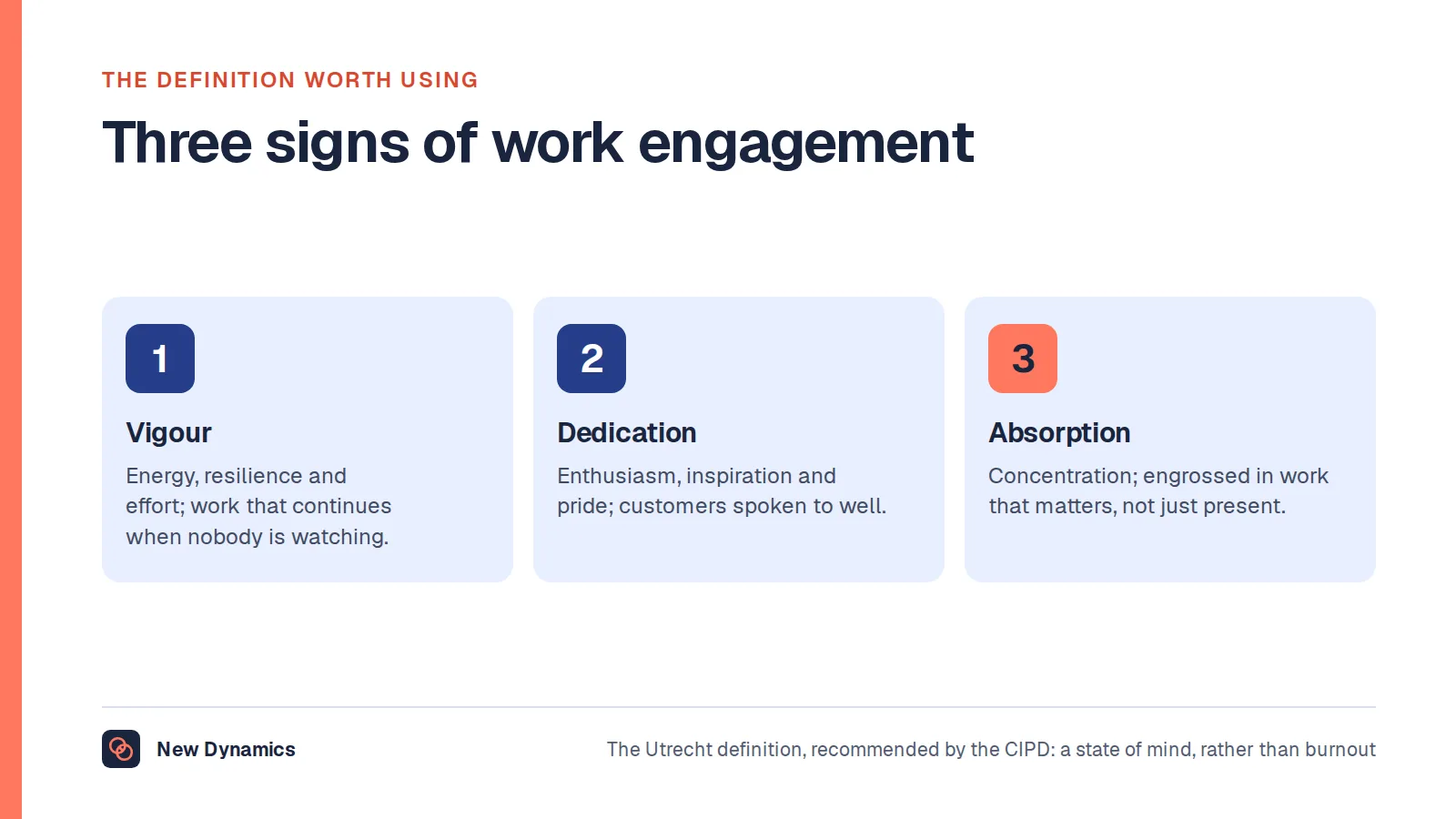
The CIPD factsheet on employee engagement and motivation names the things that drive engagement: leadership, line managers who motivate, empower and support, employee voice and organisational integrity. Every one of those is a human behaviour.
Software can:
- make it easy to ask, and to see patterns you would otherwise miss;
- prompt managers to hold the conversations they keep postponing;
- make recognition frequent and visible;
- keep a record, so that reviews rest on evidence.
Software cannot:
- make a poor manager care;
- fix pay that people believe is unfair;
- reduce a workload that is simply too high;
- create trust where leaders do not act on what they hear.
The CIPD also warns that composite engagement scores “can oversimplify matters dramatically”. Be wary of any product whose main promise is a single number that goes up.
Five questions to answer before you look at products
- Which problem are we solving? “Low engagement” is a symptom. Are people leaving, burning out, unclear on priorities or unrecognised?
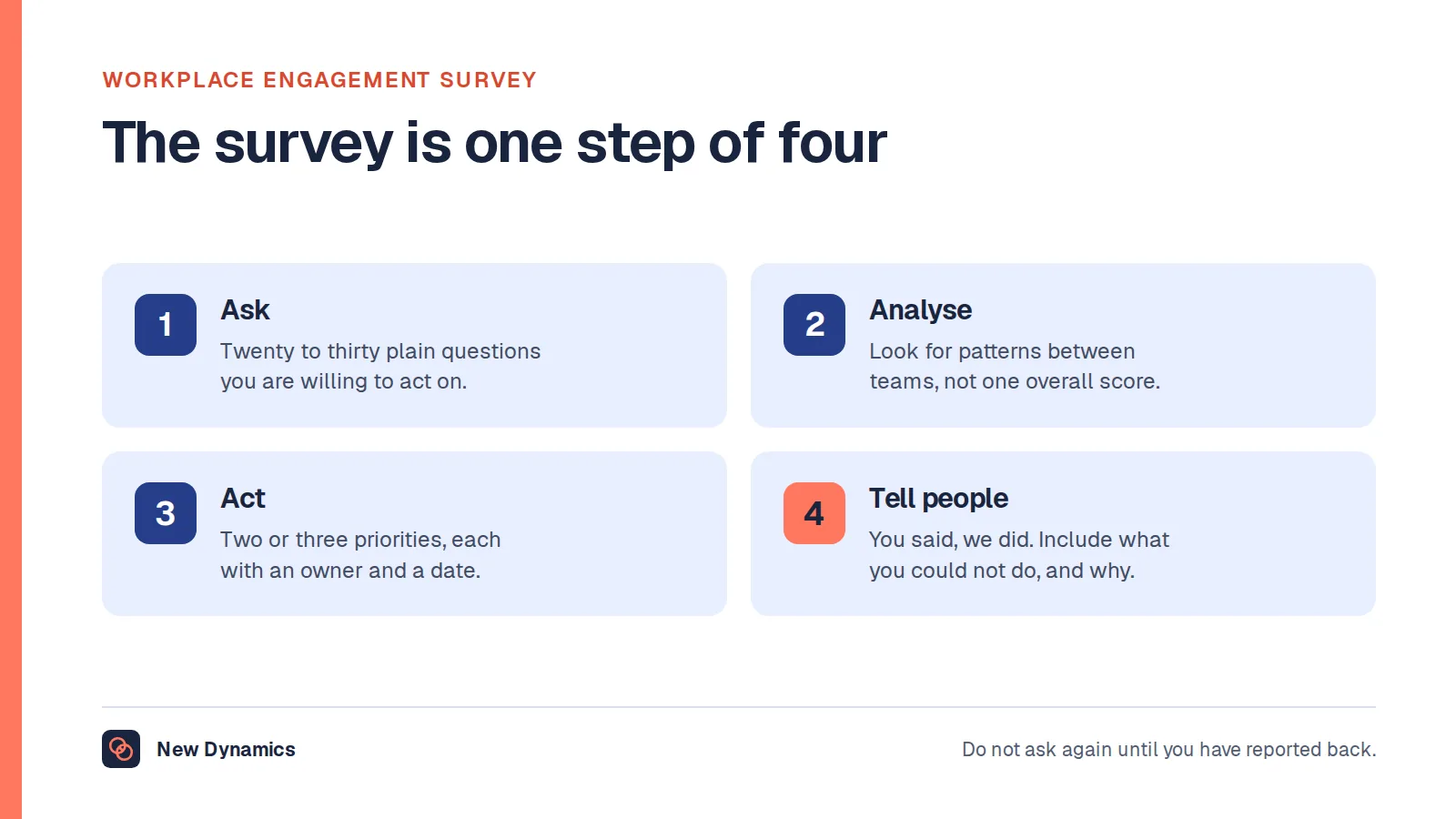
- What will we do with what we learn? If nobody owns the follow-up, a survey tool will make things worse. Our guide to running a workplace engagement survey explains why.
- Who will use it every week? Tools used only by HR rarely change anything. Managers and employees are the real users.
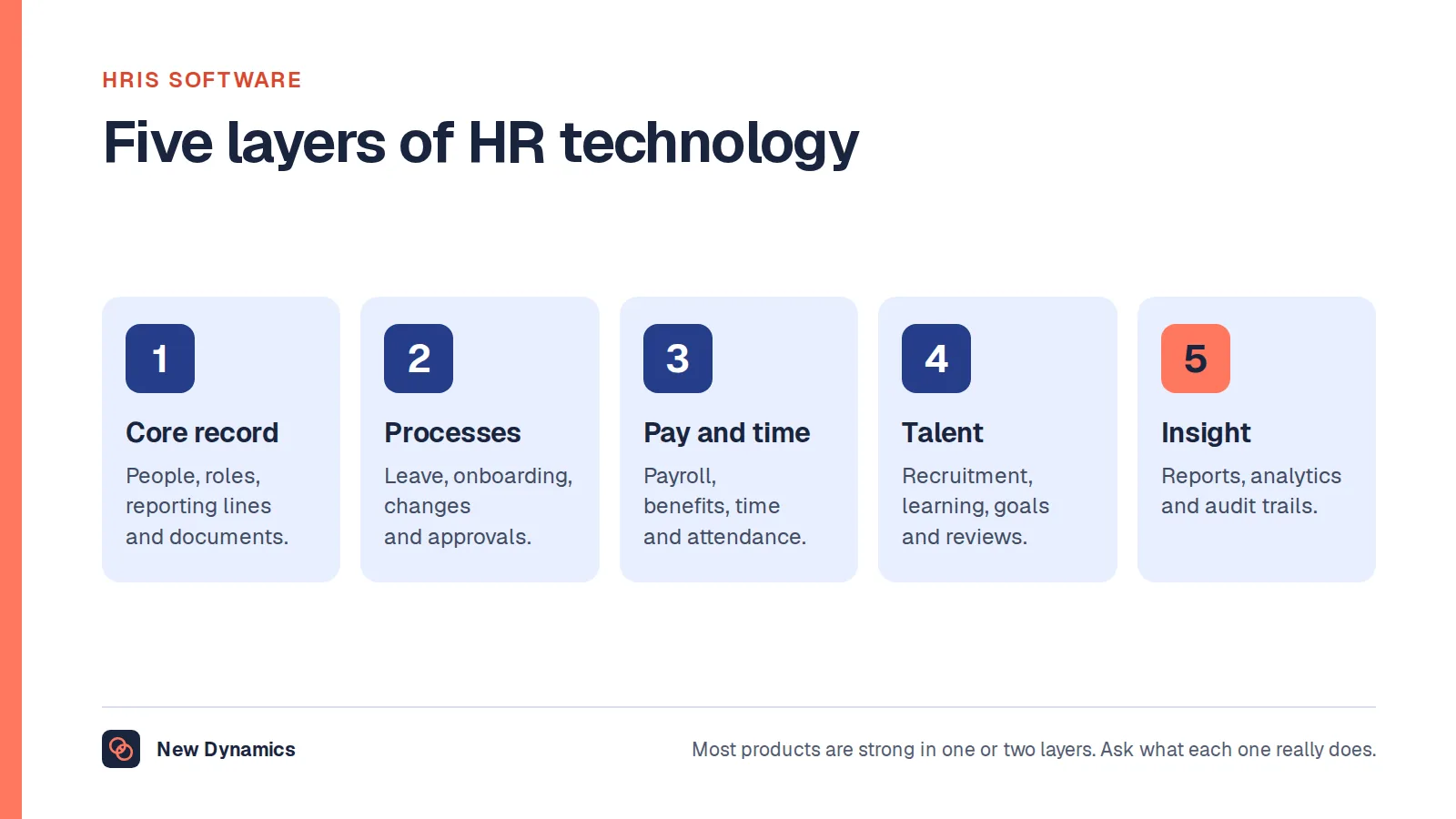
- What do we already own? Your HR system or collaboration suite may already cover part of the need. Our explainer on HRIS software sets out the layers an HR system can cover.
- How will we know it worked? Choose two or three indicators in advance, such as regretted leavers, completion of one-to-ones or internal moves. Our success indicator examples can help.
How to evaluate employee engagement software: 10 criteria
1. Manager and employee experience
Adoption decides everything. Ask to use the product as a busy manager would, on a phone, in five minutes. If a task takes ten clicks, it will not happen.
2. Fit with how you work
Check that review cycles, question sets, recognition values and approval steps can be changed by your own team without a consultancy project. Also check how it handles people with more than one manager.
3. Confidentiality controls
For survey tools, ask how minimum group sizes are enforced, whether combinations of filters can expose individuals, and who can see free-text comments. Trust in the tool depends on the answers.
4. Honest analytics
Prefer clear, specific measures to a proprietary score. Ask how benchmarks are built and whether the comparison groups resemble you. Ask what the product does when the numbers are too small to be meaningful.
5. Action support
Look for features that help managers act: suggested agendas, action tracking and reminders. A dashboard alone changes nothing.
6. Integrations
At a minimum you will want a reliable feed from your HR system, single sign-on and a place in the tools people already use. Ask which integrations are built and supported by the vendor, and which depend on third parties.
7. Security
The UK National Cyber Security Centre publishes 14 cloud security principles, which it describes as “designed to help you choose a cloud provider that meets your security needs”. They cover areas such as data in transit protection, separation between customers, identity and authentication, and audit information for customers. Use them as a checklist, and ask for independent evidence.
8. Data protection
Engagement tools process sensitive opinions about work and colleagues. Agree where data is stored, how long it is kept, who the sub-processors are and how deletion works. In the UK, check whether you need a data protection impact assessment. The Information Commissioner's Office publishes guidance on DPIAs. Involve your data protection lead early.
9. Transparency about AI
Many products now summarise comments, suggest actions or draft feedback. Ask what data the AI uses, whether your data trains shared models, how outputs can be checked and whether features can be switched off. We set out our own view in AI performance management.
10. Total cost, support and exit
Include implementation, integrations, training and internal time. Ask what support is included. Then ask the question buyers forget: how do we get our data out, in what format, if we leave?

15 questions to ask every vendor
- Which specific problem do your customers buy this to solve?
- What do managers have to do each week, and how long does it take?
- Can we see the product on a phone, as an employee would?
- What can our own administrators change without your help?
- How do you handle employees with more than one manager?
- What is the minimum group size for survey results, and can filters be combined to get round it?
- Who can read free-text comments?
- How are your benchmarks built, and how similar to us is the comparison group?
- Which integrations do you build and support yourselves?
- What independent security assurance can you share?
- Where is our data stored, who are your sub-processors and how is data deleted?
- What does your AI do, what data does it use and can we turn it off?
- What does implementation involve, and what do we need to provide?
- What is the full cost over three years, including everything we are likely to need?
- How do we export all our data if we leave?
Send the same questions to every supplier and compare the answers side by side. Our performance management software RFP template gives you an editable structure.
Run a fair pilot
A short pilot tells you more than any demonstration.
- Choose two or three teams with different managers, including a sceptic.
- Set a time limit, such as six to eight weeks.
- Define success in advance: usage by managers, quality of conversations and what people say about it.
- Collect feedback from employees as well as from managers and HR.
- Decide what would make you say no. Agreeing that beforehand keeps the decision honest.
Common buying mistakes
Buying a survey tool to fix a management problem. You will measure the problem more precisely and change nothing.
Choosing on features. The longest list rarely wins in practice. The tool people use wins.
Letting HR choose alone. Involve managers, employees, IT and your data protection lead from the start.
Ignoring overlap. Three tools that each do a little feedback and a little recognition create confusion. Decide which system owns which job.
Forgetting the exit. Contracts end. Make sure your data can leave with you.

Where New Dynamics fits
New Dynamics is a performance management platform. In the four-job model above, our focus is the everyday side of engagement:
- Recognise: employee recognition linked to real work.
- Converse: continuous feedback between people who work together.
- Align: goals and OKRs, performance reviews and multi-manager reviews for people who work across teams.
If your main need is a large-scale engagement survey, tell us. We would rather be clear about what we do than win a project we are wrong for. Ask us the 15 questions above, and ask us to confirm in writing what is included. You can also compare platforms side by side.
Frequently asked questions
What is employee engagement software?
Employee engagement software is a tool that helps an organisation understand and improve how people experience their work. Products typically do one or more of four jobs: listening through surveys, recognising good work, supporting regular manager conversations and aligning people on goals.
What features should an employee engagement platform have?
It depends on the job you need done. For listening, look for surveys, confidentiality controls and clear analytics. For everyday engagement, look for recognition, feedback, one-to-one support and goals. In every case, check ease of use, integrations, security and data export.
Does employee engagement software improve engagement?
Not by itself. Engagement depends on leadership, line managers, employee voice and fair treatment. Software makes good habits easier and problems more visible. It helps when someone owns the follow-up and managers use it every week.
How do you choose employee engagement software?
Start with the problem you need to solve. Decide how you will measure success, involve managers and IT, send every supplier the same questions and run a time-limited pilot with two or three teams before you commit.
What is the difference between engagement software and performance management software?
Engagement software usually centres on surveys and recognition. Performance management software centres on goals, feedback, reviews and development. The two overlap, because regular feedback and recognition support both. Some organisations use one tool for listening and another for everyday performance.
How much does employee engagement software cost?
Prices vary widely with the number of employees, the modules chosen and the support needed, and many suppliers quote on request. Compare the full cost over three years, including implementation, integrations, training and internal time, and ask what it costs to leave.
Your next step: write the problem down first
- Write one sentence describing the problem you want to solve and how you will know it is solved.
- Decide which of the four jobs matters most: listen, recognise, converse or align.
- Shortlist no more than four suppliers and send them the 15 questions.
- Plan a pilot with a clear end date and success measures.
For a fuller process for choosing HR technology, read and download our HRIS selection guide. The guide is free to read, and the PDF uses our short download form.
Want to test us against your own criteria? Book a New Dynamics demo and bring your list of questions. You can also email contact@new-dynamics.com.