TL;DR
- Three kinds of knowledge get pushed into one tool: procedures that must be current and correct, context that explains why things are the way they are, and expertise that lives in people. Only the first really belongs in a knowledge base.
- The measure that matters is whether a question gets answered without asking a person. Count your ten most common questions and time them. Most knowledge base projects are content and ownership problems rather than software problems.
- AI answers raise the stakes rather than lowering them, because a confident answer drawn from an out-of-date article is worse than no answer. Decide what the source of truth is, and who keeps it true, before you switch anything on.
The new starter asks where to find the expenses policy. The answer is that there are three versions: one in the shared drive, one attached to an old announcement, and one someone rewrote in a document last year. All three are wrong in different ways, and the quickest route to a correct answer is still to ask the person who sits opposite.
This article covers how to choose knowledge base software that avoids that outcome: the three kinds of knowledge and which one belongs in an article, why findability beats every other feature, how ownership works, what AI answers change, and the questions to ask before buying. It names no products.
Knowledge is easier to keep current when the people who use it can say it is wrong. See how New Dynamics continuous feedback keeps that kind of exchange going in the open.
If your real question is where announcements and documents live, our post on intranet software covers that boundary.
Three kinds of knowledge

Procedures. How to request leave, how to escalate a fault, what the approval limit is. Must be current, has one right answer, and belongs in a knowledge base with an owner and a review date.
Context. Why the process is like that, what was tried before, what the constraint is. Valuable and perishable, and usually better captured as short notes attached to the procedure than as a separate library nobody reads.
Expertise. The judgement that lives in people. A knowledge base can point at who knows, which is often the most useful thing it does, but it cannot hold the knowledge itself.
Most failed projects try to put all three in one place and end with a large, stale library.
Findability beats everything
A knowledge base is judged on one question: can someone get the right answer without asking a colleague?
Test it before you buy anything:
- Write down the ten questions your team answers most often.
- Try to answer each from your current system, with a stopwatch.
- Note how many end with "I asked someone".
That list is both your business case and your migration plan. If the ten answers do not exist, no product will help; if they exist but take four minutes each to find, search and structure are your requirement rather than storage.
Three things make the difference in practice: search that understands synonyms your organisation actually uses, one article per answer rather than five near-duplicates, and titles written as the question people ask.
Ownership, or it rots

Every article needs four things:
- An owner by name, not a team.
- A review date the system enforces and shows, so readers can see how fresh it is.
- A route to flag it wrong, visible to the reader, with the correction reaching the owner.
- An archive rule, because deleting is what keeps search honest.
The quiet killer is the article that is almost right. People follow it, get a slightly wrong outcome, and stop trusting everything around it.
What AI answers change
Several products now answer questions over your content instead of returning a list of links. That is genuinely useful and it raises the stakes.
- Garbage in, confident garbage out. A generated answer from three contradictory articles reads as authoritative. Clean the content before switching it on.
- Show the source. Every answer should link to the article it came from, with its review date visible.
- Decide what it may not answer. Pay, discipline, immigration status and anything with legal consequence should route to a person.
- Watch what people ask. The question log is the best content plan you will ever have, and it tells you where the gaps are.
- Mind the data. Knowledge bases accumulate personal data in examples and screenshots, and anything indexed for answering is being processed, so apply the same retention and access rules you would elsewhere. The ICO's standing expectation is that "You must not keep information for longer than you need to."
Accessibility also applies here: an answer locked inside a screenshot is unreadable to anyone using a screen reader, and government guidance is that "Employers must make reasonable adjustments to make sure workers with disabilities, or physical or mental health conditions, are not substantially disadvantaged when doing their jobs".
Questions for the demo

- Search our ten questions against our own content, imported for the trial.
- Show me an article past its review date, and what the reader sees.
- Show me the flag-it-wrong route, end to end, including who receives it.
- Show me the question log of searches that returned nothing.
- If you answer with AI, show the sources and the review dates behind an answer.
- What does the export look like, and in what format?
- How does this relate to our intranet and document store, rather than duplicating them?
What usually goes wrong
- Migrating everything. Moving a stale library into a new product produces a stale library with better search.
- No owners, so nothing is updated and nobody can be asked.
- Articles written by the expert for the expert, which answer a question nobody asked in words nobody uses.
- Duplicates, which are worse than gaps because they make every answer suspect.
- Measuring article count, which rewards exactly the wrong behaviour.
- Turning on AI answers over unowned content, which converts a quiet problem into a confident one.
Frequently asked questions
What is knowledge base software?
It is a system for storing and finding internal answers: articles, procedures and how-to guides, with search, categories, ownership and review dates. Knowledge management platforms add discovery, expertise location and sometimes AI answering over the same content.
What is the difference between a knowledge base and an intranet?
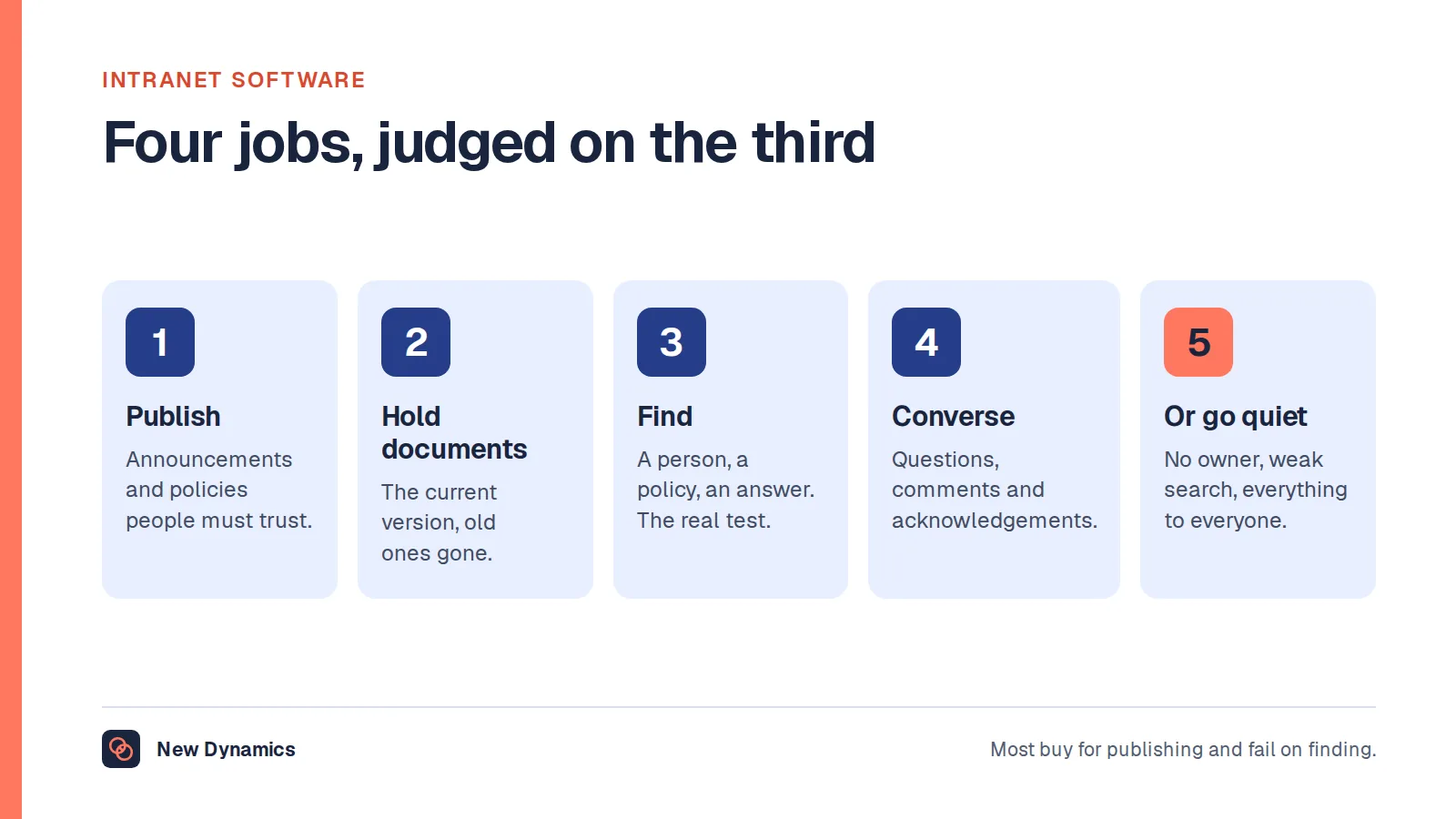
An intranet publishes and announces, and holds documents and policies. A knowledge base answers questions, with short articles written in the words people actually use. Many products do both, but the editorial disciplines are different and the knowledge base lives or dies on search.
How do you stop a knowledge base going out of date?
Give every article a named owner and an enforced review date, show the reader how fresh it is, make it easy to flag something wrong, and archive aggressively. An article that is almost right damages trust in everything around it.
Should you turn on AI answers over your knowledge base?
Only after the content is owned and the duplicates are gone, because a confident answer from a stale article is worse than a link to a list. Insist that every answer shows its source and review date, and route anything with legal or pay consequences to a person.
How do you measure whether a knowledge base works?
Time how long your ten most common questions take to answer, count how many searches return nothing, and track how often people still ask a colleague. Article counts and page views reward volume rather than usefulness.
Who should write knowledge base articles?
The person who owns the process, with help on wording. Titles should be the question as people ask it, and the article should answer it in the first two lines. Expert-written reference material is useful, but it is not the same thing as an answer.
Your next step: time the ten questions
- Write down the ten questions your team answers most often.
- Time how long each takes to answer from your current system, and note which end with asking a person.
- Assign an owner and a review date to the ten answers, wherever they currently live.
- Only then look at products, and make each one search your own content.
For the first-ninety-days structure that depends on finding answers quickly, read and download our employee onboarding guide. The guide is free to read, and the PDF uses our short download form.
Want questions and answers to stay close to the work rather than in a separate library? Book a New Dynamics demo and bring your ten questions. You can also email contact@new-dynamics.com.