TL;DR
- Time and attendance software exists to produce records: hours worked, absence, overtime and the evidence behind pay. Start from the record you have to produce for payroll and for a regulator, then work backwards to features.
- Two United Kingdom duties shape the requirement. Working time is normally limited to 48 hours a week averaged over 17 weeks unless someone opts out, and it is the employer's responsibility to keep records proving the minimum wage is paid, with those records kept for at least six years.
- Tracking time is not the same as monitoring behaviour. A tool that records hours is ordinary; one that adds screenshots, keystrokes or location brings a separate set of duties with it. This article describes the United Kingdom position and is general information, not legal advice.
Most time and attendance projects start with a feature list and end with a payroll reconciliation nobody can explain. The useful order is the other way round: decide what records you must be able to produce, for whom, and how quickly, and only then look at products.
This article covers what time and attendance software has to produce, the United Kingdom duties that set the floor, the line between tracking time and monitoring people, what changes when staff have no desk, and the questions to ask in a demo. It names no products and is general information rather than legal advice.
Hours tell you when someone worked, not how the work is going. See how New Dynamics continuous feedback keeps that conversation going alongside whatever records payroll needs.
If the request on your desk is really about watching people rather than paying them correctly, our post on employee monitoring software covers the duties that come first.
Start from the records

Five outputs cover almost every requirement:
- Hours by person and pay period, including starts, finishes and breaks where they matter.
- Absence by type: holiday, sickness, parental and unpaid, with balances.
- Overtime and premium hours, separated by rate, because payroll needs them apart.
- Exceptions: missed clock-ins, long shifts, unapproved overtime, patterns worth a look.
- An auditable trail of edits, showing who changed a record, when and why.
The fifth is the one most often missing and the one that matters when a figure is challenged.
Two duties that set the floor
Working time. Government guidance states that "You cannot work more than 48 hours a week on average - normally averaged over 17 weeks", and that a worker "can choose to work more by opting out of the 48-hour week". If your system cannot show a rolling average by person, you cannot see a breach coming and you cannot show you managed it.
Minimum wage records. The guidance is explicit that "It's the employer's responsibility to keep records proving that they are paying the minimum wage", that the usual evidence is payroll records showing total pay and total hours worked, and that records created on or after 1 April 2021 must be kept for at least six years. Hours records are therefore pay records, with a retention period attached.
Two practical consequences: the rolling average has to be visible before a problem, not after, and your retention settings have to reflect a multi-year obligation rather than a default of twelve months.
Tracking time is not monitoring people

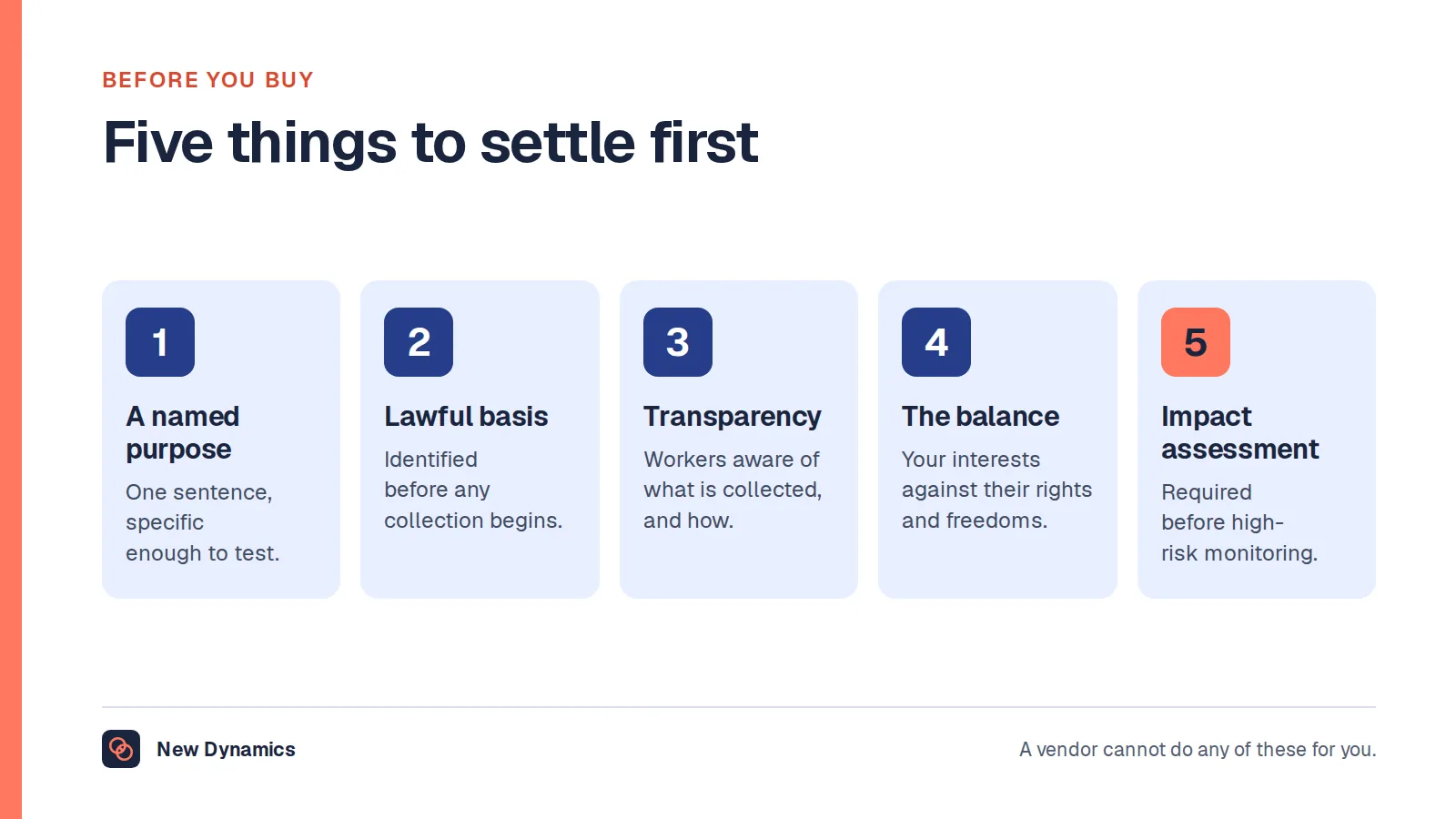
Recording hours worked is an ordinary administrative activity. Adding screenshots, keystroke capture, continuous location or activity scoring is a different thing, with its own duties: a lawful basis, transparency, a balance of interests and an impact assessment where risk is high.
Three rules keep the line clear:
- Buy the narrowest tool that produces your records. If you need hours, buy hours.
- Treat any monitoring feature as a separate decision, with its own assessment, even when it arrives switched on in the same product.
- Tell people what is collected. Workers accept recording hours. They resent discovering a feature nobody mentioned.
Location is the common grey area. Capturing a site at clock-in is usually proportionate where work happens on sites; continuous tracking through the day rarely is.
What changes when staff have no desk
Most time and attendance failures are deskless failures.
- Clock-in that works without a company device, and without assuming good signal.
- Shared devices at a site, with a fast, dignified way to identify yourself. Biometrics bring their own duties and are not a casual choice.
- Offline capture that syncs later, because a warehouse basement is not a connectivity plan.
- Language and accessibility, since the clock-in screen is the one piece of software everybody has to use.
- A correction route that does not require emailing a manager who is on another shift.
Questions for the demo

- Show me a rolling 17 week average for one person, and what happens as it approaches the limit.
- Show me the audit trail for an edited timesheet, including who approved it.
- Show me what payroll receives, as a file, for a period with overtime and absence in it.
- Show me clock-in on a shared device with no personal phone involved.
- What is captured besides time, and can each of those be switched off?
- What is the retention setting, and can it hold records for six years or more?
- What happens offline, and how do conflicts resolve?
What usually goes wrong
- Buying a monitoring suite to solve a payroll problem, which creates a trust problem alongside the original one.
- No audit trail, so a disputed hour becomes one person's word against another's.
- Retention set too short, which quietly breaks a six-year obligation.
- Approval bottlenecks, where one manager holds up a whole site's pay run.
- Ignoring the correction path, so people stop reporting errors in their own hours, usually not in their favour.
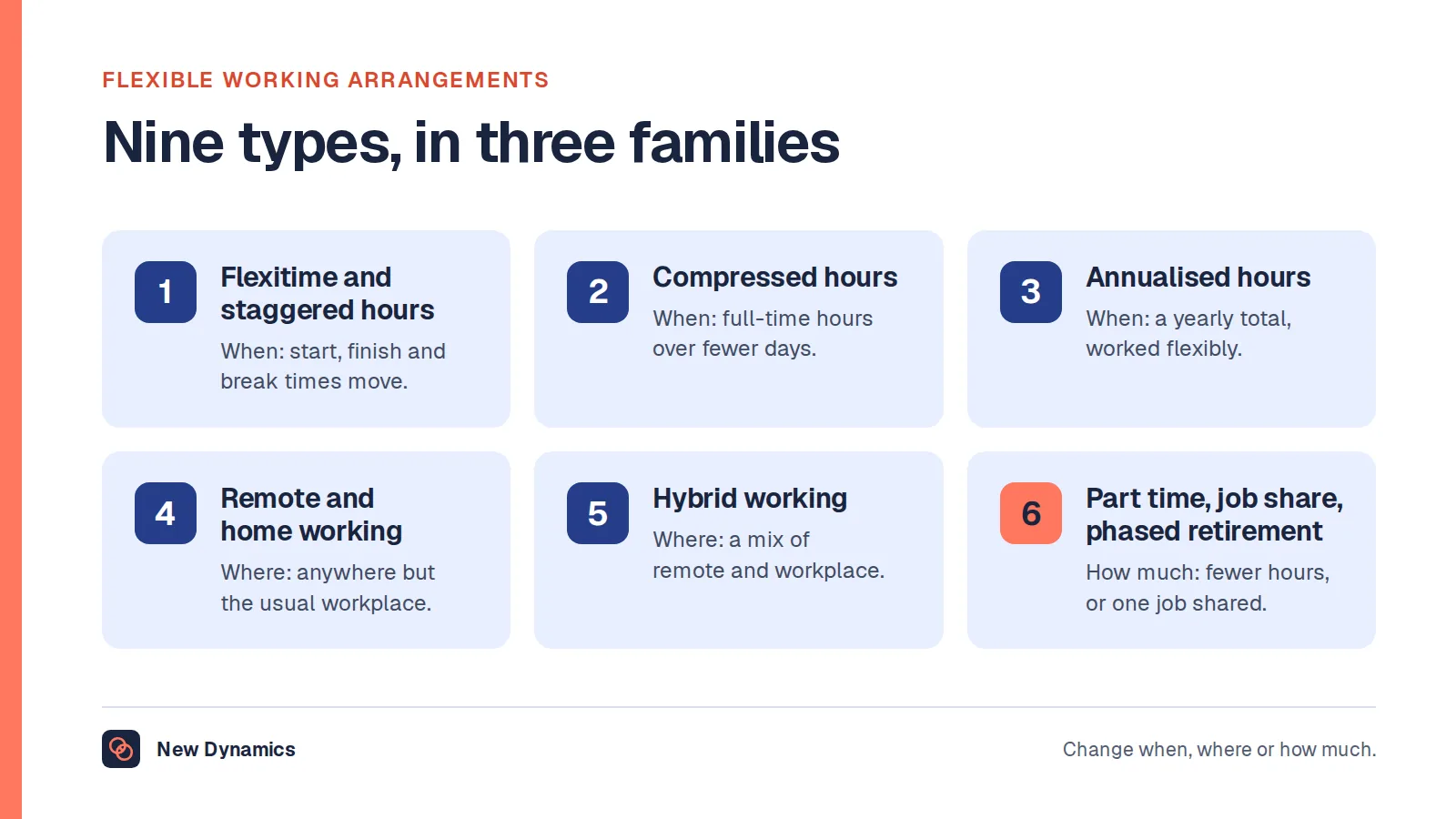
- Treating flexible working as an exception the system cannot represent, which our post on flexible working arrangements covers in more detail.
Frequently asked questions
What is time and attendance software?
It is software that records when people work: clock-ins and clock-outs or timesheets, breaks, absence, overtime and exceptions, producing the hours that payroll uses and an audit trail of any edits. It is distinct from monitoring software, which records activity rather than hours.
What working time records must UK employers keep?
Employers need to be able to show that working time limits are respected, with the usual limit being 48 hours a week averaged over 17 weeks unless the worker has opted out, and to keep records proving minimum wage compliance. Those pay records must be kept for at least six years where they were created on or after 1 April 2021.
Is time tracking the same as employee monitoring?
No. Recording hours worked is ordinary administration. Capturing screenshots, keystrokes, browsing or continuous location is monitoring, and it brings separate duties including a lawful basis, transparency and an impact assessment where the risk is high. Treat any such feature as its own decision.
Can you require staff to clock in with a fingerprint?
Biometric data is special category data and carries extra duties, so it is not a casual configuration choice. If you are considering it, complete an impact assessment, offer an alternative, and be able to explain why a less intrusive method would not work.
What should time and attendance software send to payroll?
A file per pay period showing hours by person, split by rate, with absence types and any approved adjustments, plus a record of who approved what. Ask to see that file produced live for a messy period, rather than a clean sample.
How long should timesheet records be kept?
Long enough to meet the pay-record obligation, which is at least six years for records created on or after 1 April 2021, and no longer than you need beyond that. Set the period deliberately in the software rather than accepting the default.
Your next step: write the record you must produce
- List the records you have to produce: for payroll, for a working time question, and for an inspection.
- Check whether your current system can show a rolling 17 week average by person.
- Confirm your retention setting covers at least six years for pay records.
- In any demo, ask for the payroll file and the audit trail on a messy period.
For the wider duties around employee data, read and download our employee data protection guide. The guide is free to read, and the PDF uses our short download form.
Want hours and performance to stop being the same conversation? Book a New Dynamics demo and bring your current pay period file. You can also email contact@new-dynamics.com.