TL;DR
- Scheduling software is bought to save a manager time and judged by everyone else on something different: how much notice they get, how easy a swap is, and whether the rota respects their life. Both matter, and only one appears in the demo.
- Rest rules are not optional inputs. Workers are entitled to an uninterrupted 20 minute break when working more than six hours, 11 hours between working days, and a weekly rest period, so a rota tool that cannot enforce those is an incident waiting to be scheduled.
- Judge a product on the deskless experience, swap and cover handling, notice periods, and whether it can show cost before the rota is published. This article describes the United Kingdom position and is general information, not legal advice.
A rota is the most personal piece of software in most organisations. It decides whether someone can collect a child, take a class, or hold down a second job. The manager who builds it is usually doing so in a spreadsheet at the end of a shift, with four people's requests in their inbox and one phone call still to make.
This article covers what employee scheduling software has to do: the rest rules it must respect, the notice that people actually feel, swaps and cover, what changes for deskless teams, the cost view that stops surprises, and the questions to ask in a demo. It names no products and is general information rather than legal advice.
A rota decides when people work; what happens in those hours is a separate conversation. See how New Dynamics continuous feedback keeps that going for teams who rarely sit at a desk.
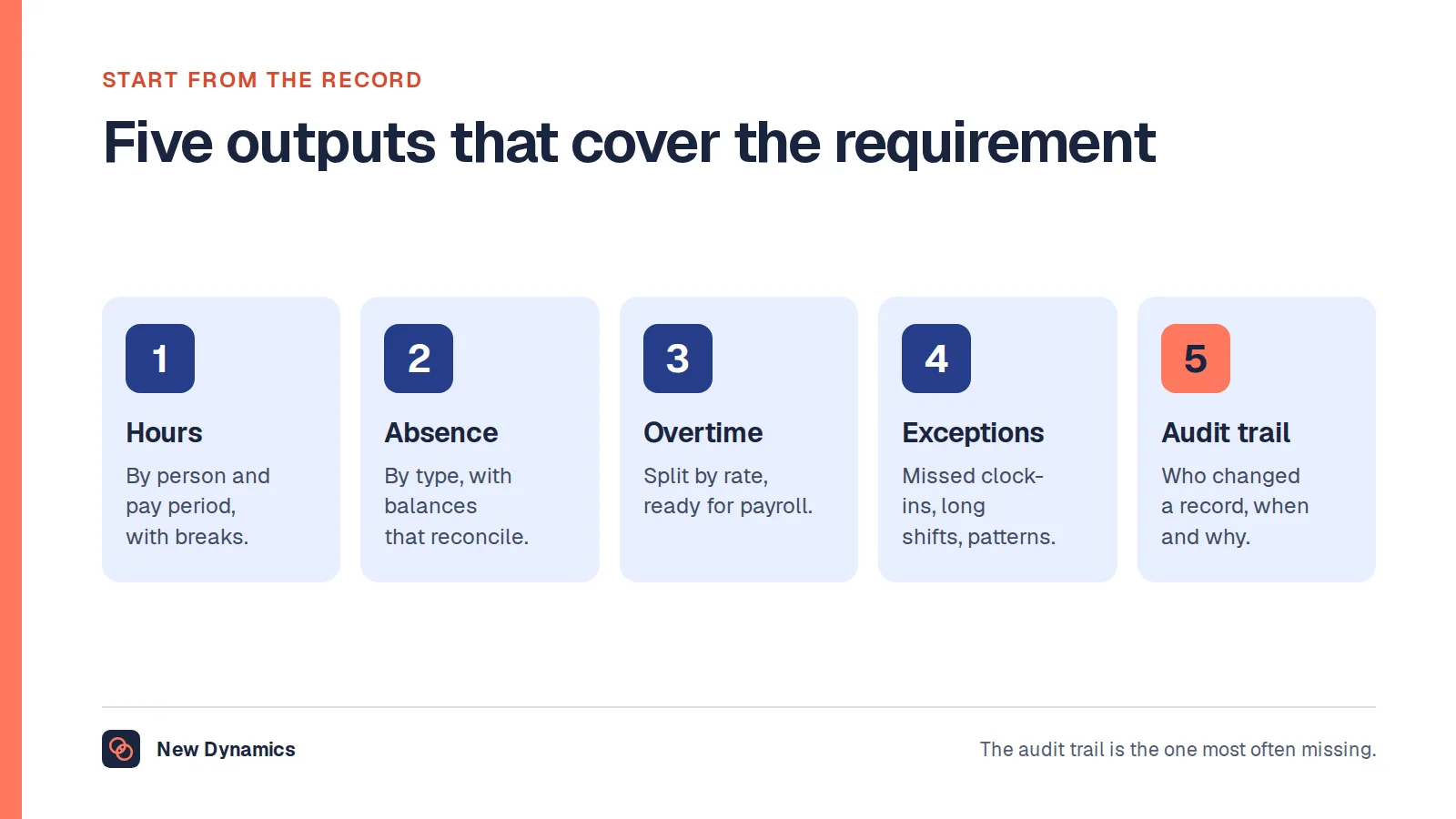
If the same project is also about recording hours for pay, our post on time and attendance software covers the records side.
The rules a rota must respect

These are entitlements, not preferences. Government guidance sets out that workers are entitled to "one uninterrupted 20 minute rest break during their working day, if they work more than 6 hours a day", to "11 hours rest between working days", and to either "an uninterrupted 24 hours without any work each week" or "an uninterrupted 48 hours without any work each fortnight".
On top of that, working time is normally limited to "48 hours a week on average - normally averaged over 17 weeks" unless the worker has opted out.
What that means for the software is concrete: it should refuse, or at least loudly warn, when a draft rota breaches daily rest, skips a required break, or pushes someone over the average. Catching it after publication means asking someone to rearrange their life.
Notice is the feature people feel
Ask any shift worker what would improve their job and the answer is rarely an app. It is knowing the rota further ahead and having it change less often.
Three settings make the difference:
- A published notice period, set as a rule rather than an aspiration, with any change inside it requiring a reason.
- A change log visible to the person affected, so a quietly edited shift is impossible.
- Agreed availability held in the system, so the rota starts from what people can do rather than from last month's grid.
If a product cannot enforce a notice period, it will not change anything about how the rota feels, however good the drag-and-drop is.
Swaps, cover and the sickness call

Most of a scheduling manager's week goes here, and it is where products differ most.
- Swaps between staff, with a rule about who may swap with whom and whether approval is needed.
- Open shift offers to a qualified group, rather than a round of phone calls.
- Skills and certification checks built into eligibility, so the system does not offer a shift to someone without the required ticket.
- Cost visibility at the moment of cover, since overtime and agency decisions are made under pressure.
- A record of who approved what, which matters when a shift is disputed later.
Ask to see a sickness call handled live at eleven o'clock the night before. That single scenario separates most products.
What changes for deskless teams
- No work email. Invitations, logins and resets have to work on a personal phone, without assuming one.
- Low data and offline. A rota that will not load on a weak connection is not available.
- Shared devices on site, with a dignified identification method.
- Language options, because rotas are frequently published to multilingual teams.
- A phone-free route, since some people genuinely do not have a smartphone, and a printed rota and a phone line still need to exist.
Cost, before you publish
A rota is a budget. Good products show the cost of the draft before it goes out: hours by rate, overtime, premium shifts and any agency use. Without it, cost control happens in arrears, which is how a quarter goes wrong quietly.
Two numbers worth watching weekly: the share of shifts changed after publication, and the share of hours worked as unplanned overtime. Both are usually fixable by rota design rather than by a better tool.
Questions for the demo

- Build a rota that breaks daily rest, and show me what the system does.
- Handle a sickness call the night before, including the offer, acceptance and cost impact.
- Show me the change log for a published shift that was edited.
- Show it on a personal phone, with no work account and a weak connection.
- Show me the cost of a draft before publication.
- How does it handle qualifications that expire mid-rota?
- What goes to payroll, and how do differences get resolved?
What usually goes wrong
- Automation before rules. An optimiser with no rest constraints produces efficient, unlawful rotas.
- Notice periods that exist on paper only.
- Swaps that bypass qualifications, which is a safety problem rather than an admin one.
- The manager keeps the spreadsheet, because the tool cannot represent one awkward constraint. Find that constraint before buying.
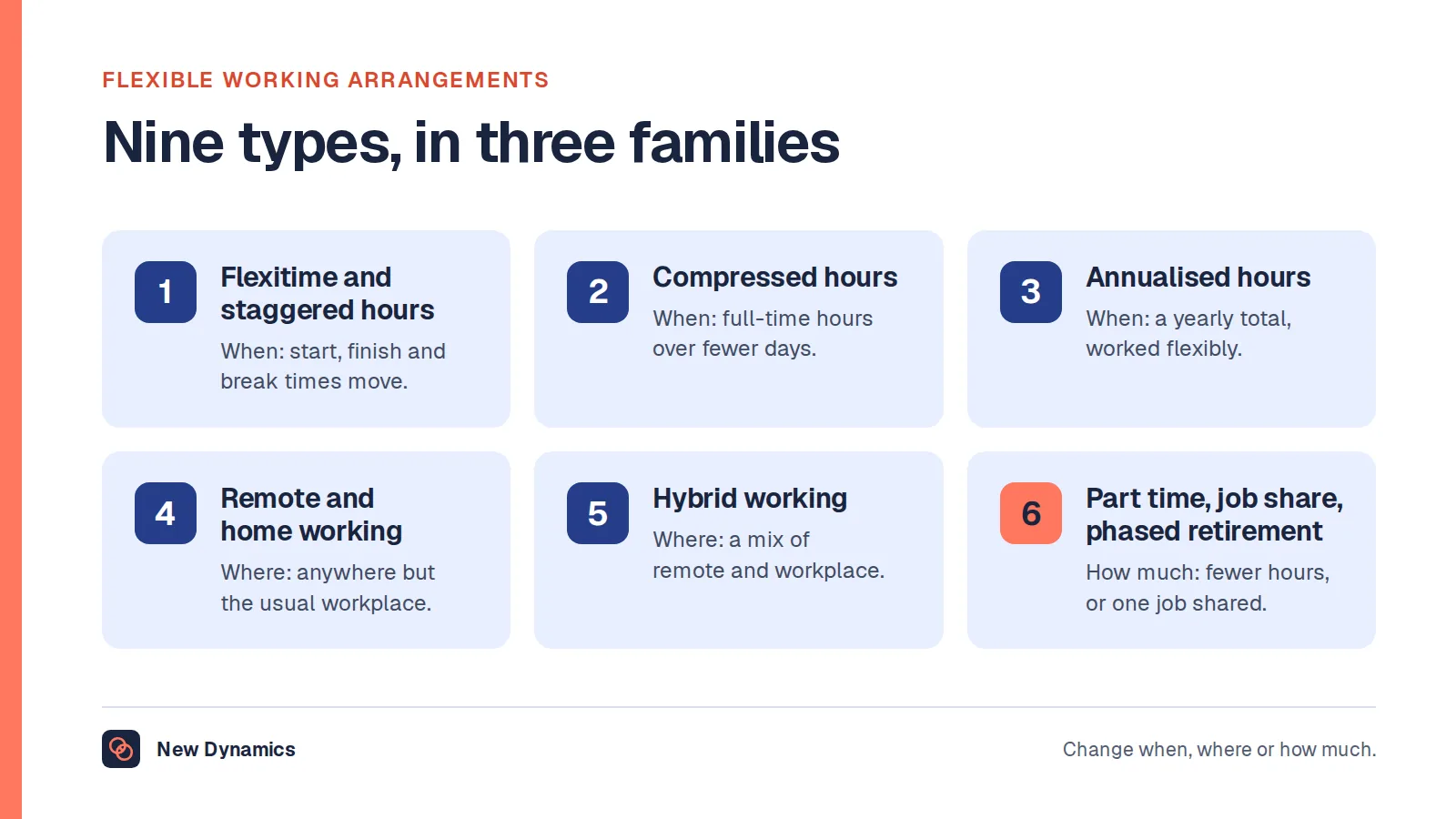
- Treating flexible working requests as exceptions the system cannot hold. Our post on flexible working arrangements covers how to handle them properly.
- No way to say no. If declining a shift offer is socially expensive, availability data becomes fiction.
Frequently asked questions
What is employee scheduling software?
It is software for building and publishing rotas: holding availability and qualifications, assigning shifts, handling swaps and cover, applying rest and working time rules, showing cost, and passing worked hours to payroll. It is distinct from time and attendance software, which records what actually happened.
What rest rules must a rota respect in the UK?
Workers are generally entitled to an uninterrupted 20 minute break when working more than six hours a day, 11 hours of rest between working days, and either 24 hours uninterrupted rest each week or 48 hours each fortnight. Working time is also normally limited to 48 hours a week averaged over 17 weeks unless someone has opted out.
How much notice should staff get of their shifts?
Longer than most employers give, and consistently. Set a published notice period as a rule in the system, require a reason for changes inside it, and measure the proportion of shifts that change after publication. That measure tends to predict turnover better than any engagement score.
Can scheduling software build the rota automatically?
It can produce a draft, and that is useful when rules and availability are accurately configured. Automation before the rules are right produces rotas that are efficient and unworkable, so configure constraints first and treat any generated rota as a draft a human publishes.
What should scheduling software show about cost?
The cost of the draft before publication: hours by rate, overtime, premium shifts and agency use, with the effect of a cover decision visible at the moment it is made. Cost that only appears in arrears cannot be managed.
How do you handle shift swaps fairly?
Set rules about who may swap with whom, enforce qualification requirements automatically, require approval where it matters, and keep a record of who approved what. Publish open shifts to everyone eligible rather than offering them informally, which is how favouritism creeps in.
Your next step: test the awkward cases
- Take last month's rota and count the shifts that changed after publication.
- Write down the one constraint that keeps your managers in a spreadsheet, and test it in every demo.
- Check that your current process can evidence rest breaks and daily rest.
- Ask for the sickness-call scenario live, not described.
For the wider retention picture that rota stability feeds into, read and download our employee retention guide. The guide is free to read, and the PDF uses our short download form.
Want the conversation about how the work is going to reach people who never sit at a desk? Book a New Dynamics demo and bring last month's rota. You can also email contact@new-dynamics.com.