TL;DR
- Slack organises work into channels, which can be public or private, and threads keep a detailed discussion from cluttering the channel. Most Slack team collaboration problems come from undecided rules about which conversation goes where, not from the tool.
- Five decisions make a workspace usable: how channels are named, when to reply in a thread, what goes in a direct message, how fast people are expected to answer, and what never belongs in Slack at all.
- Messages are employee data. Depending on the subscription, owners can export private channels and DMs, and UK guidance from the ICO says monitoring the content of messages is hard to justify. This article is general information, not legal advice.
A team moves to Slack because email was slow. A year later there are four hundred channels, half of them abandoned, decisions are buried in a thread nobody can find, and the quietest people have stopped posting because every message lands in front of forty colleagues.
This article covers Slack team collaboration in practice: how the building blocks work according to Slack's own documentation, the five decisions that make a workspace usable, the people and data questions HR should settle, and what should stay out of Slack altogether. It describes Slack's features as Slack's help centre describes them and makes no claims about other products.
Some conversations need more structure than a chat message: feedback, objectives and recognition that should still be findable at review time. See how New Dynamics continuous feedback keeps those exchanges attached to goals rather than scattered across channels.
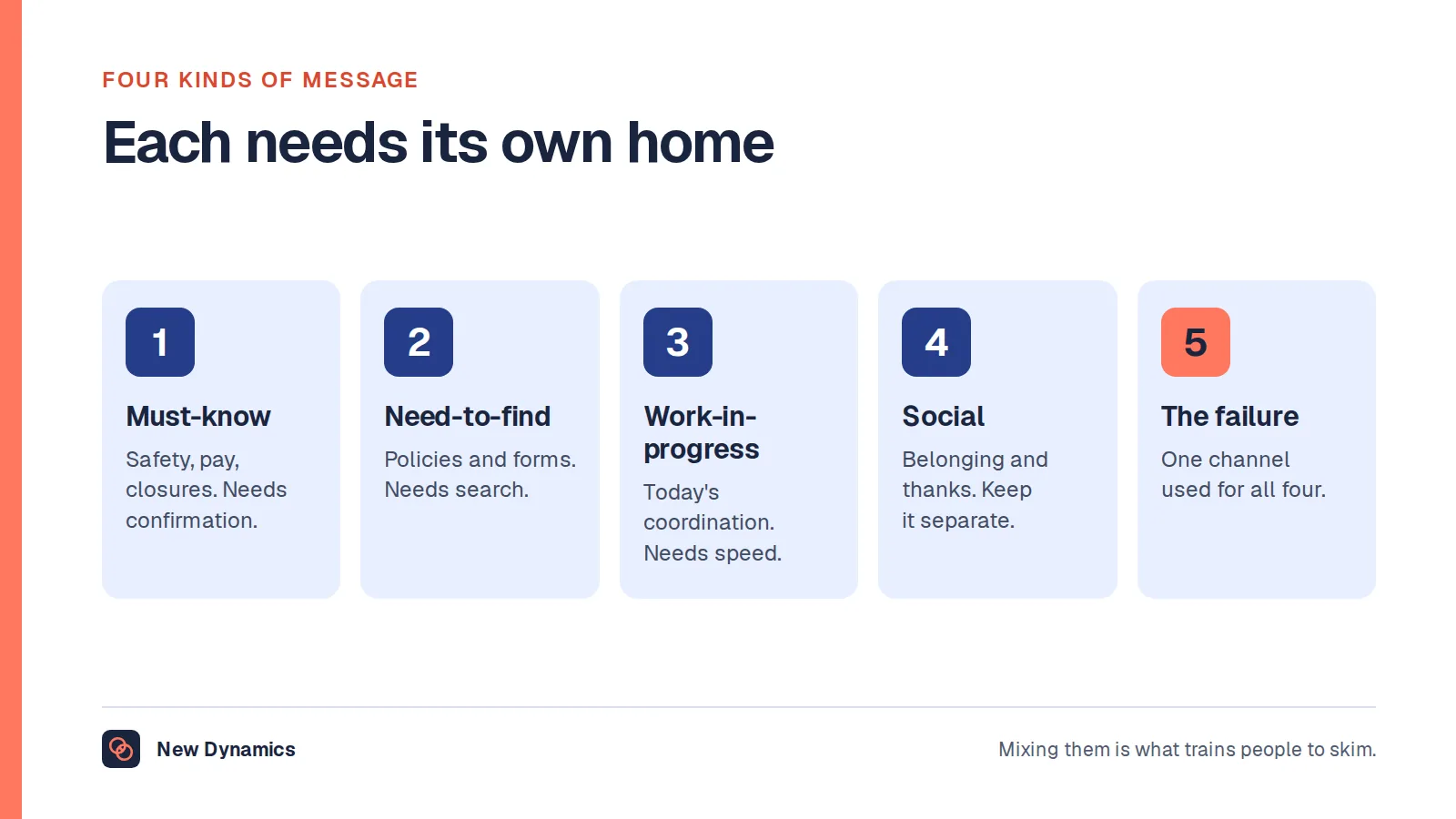
If you are still choosing between tools rather than setting one up, our post on internal communication tools covers the four kinds of message and how to judge reach.
How Slack organises team communication
Slack's help centre puts it plainly: "In Slack, work is organised into dedicated spaces called channels." Everything else hangs off that idea.
- Channels. According to the same article, "Channels in Slack can be public or private." Members of the workspace, though not guests, can find and join public channels; people must be added to a private channel by someone already in it.
- Threads. Slack describes threads as a way to "create organised discussions around specific messages", so a topic can be discussed in detail "without adding clutter to a channel or direct message (DM) conversation."
- Direct messages. One-to-one or small group conversations outside any channel. Useful, and the first place decisions disappear from view.
- Huddles. Slack's own phrasing is that huddles "recreate the quick, informal discussions that you'd have in the office". The same article sets the limits: on the free subscription a huddle has a maximum of two participants, and on paid subscriptions up to 50, with video for 25 at a time.
The features are simple. The difficulty is that each one is a choice about visibility: who sees a message, who can find it later and who was left out.
The five decisions that make Slack team collaboration work

Write these down in one short page, pin it in a channel everyone is in, and revisit it twice a year.
1. How channels are named
A naming pattern lets people guess where something lives before they search. A common pattern is a prefix for the channel's purpose followed by its subject: team- for a standing team, proj- for a project that will end, help- for questions to a function, social- for everything that is not work. Whatever pattern you pick, add two rules: every channel has a named owner, and a project channel is archived when the project closes.
2. When to reply in a thread
Agree that replies to a specific message go in its thread, and that the outcome is posted back to the channel when a thread reaches a decision. Threads keep the channel readable, but a decision that lives only in reply number 37 has, for most of the team, not been made.
3. What goes in a direct message
Direct messages suit personal and sensitive matters: a quick check on how someone is, an absence, a confidential question. They do not suit work decisions that other people need to see. A useful test is whether a colleague joining the team next month would need to know. If yes, it belongs in a channel.
4. How fast people are expected to answer
Without a published expectation, the fastest responder sets the norm, and the norm becomes "immediately". Say how quickly a message in a team channel needs an answer (same working day is common), what counts as urgent and how to flag it, and what happens outside working hours. Then make sure managers follow it, because people copy what senior colleagues do at nine in the evening rather than what a policy says.
5. What never belongs in Slack
Some things need a record, a process or a private conversation, and a fast chat channel is the wrong home for all three:
- formal performance feedback, warnings and anything that may be needed in a capability or disciplinary process;
- pay, health information and other special category data about named people;
- grievances and complaints, which need their own procedure;
- final versions of policies, which belong somewhere with a single current copy.
Collaboration that includes everyone

Chat tools reward people who are online, fast and confident writing in front of a group. That is not the same as the people with the best ideas. A few habits close the gap:
- Decide in writing, not by the first reply. Post the question, give a deadline for views, then summarise the decision. Quieter colleagues and people in other time zones get a fair chance to contribute.
- Mind the shift pattern. Part-time, shift and frontline colleagues may only see the workspace at the start of a shift. If a decision affects them, it has not been communicated until it has reached them.
- Keep huddles open. A huddle is quick, but the colleague who was not in it does not know what was agreed. Post a two-line summary in the channel afterwards.
- Use the social channels for social things, and let people mute them without it being noticed or held against them.
- Check accessibility. Screen readers, captions on recorded clips and plain language in announcements matter more than custom emoji.
People and data questions for HR
Messages in a workspace are personal data about the people who write them and the people they mention. Two facts are worth knowing before anyone needs them.
Who can export what. Slack's documentation on exporting workspace data sets out different rules by subscription. On free and Pro subscriptions, "Workspace owners and admins can export messages and file links from public channels in JSON format." On Business+ subscriptions, owners can apply for a tool that exports "messages and file links from public channels, private channels and DMs in JSON format." Enterprise subscriptions have further options that also need an application. Employees should not have to guess which of these applies: tell them.
What the ICO expects in the UK. The Information Commissioner's guidance on monitoring workers covers instant messages and "the chat functions in collaboration tools." It says employers "must inform workers of the purpose of any monitoring", that it "would be difficult to justify monitoring the content of emails and messages" in many cases, and that you must not access content without a clear policy in place.
In practice that means four things, written into your acceptable use policy:
- what the workspace may be used for, and whether personal use is allowed;
- who can export or search messages, under what circumstances, and who approves it;
- how long messages and files are kept;
- how people will be told, in advance, if their messages may be reviewed.
This is general information about the UK position, not legal advice. If you operate in other jurisdictions, their rules apply as well.
Where Slack stops and performance conversations begin
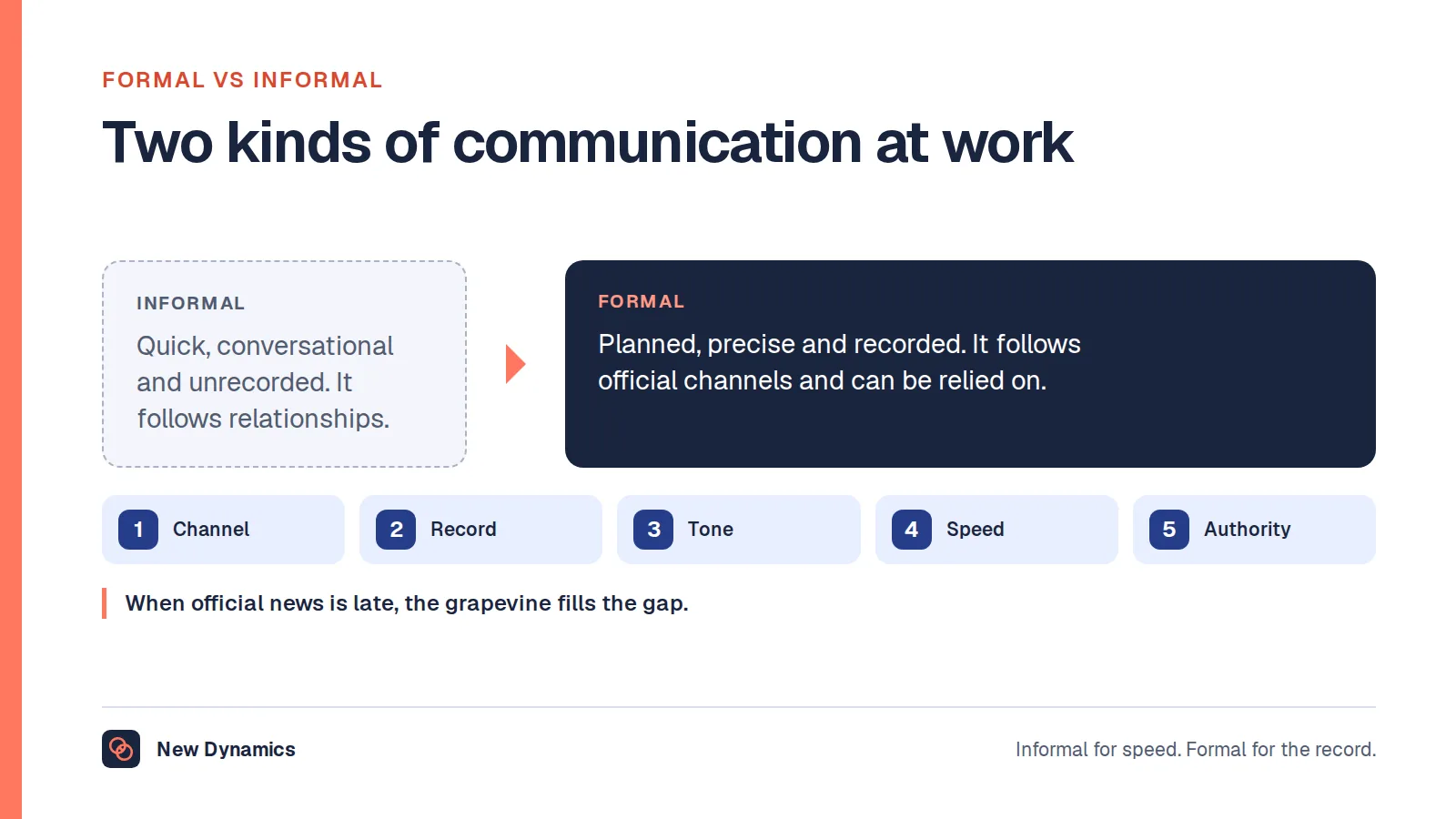
Slack is good at the day's coordination: quick questions, project updates, a thank-you in the moment. It is weak at anything that needs to be found and relied on months later. A comment in a channel in March is unlikely to make it into a review in December, and praise posted to forty people is not the same as feedback recorded against an objective.
The practical split most teams settle on:
- In Slack: coordination, questions, announcements, informal thanks, links to the record.
- In the performance record: objectives and changes to them, feedback that should count, one-to-one notes, recognition you want to see at review time.
- In the people process: anything formal, confidential or contested.
New Dynamics lists Slack in its integrations directory as a potential workflow for feedback prompts, recognition and reminders. The directory is a planning list rather than a catalogue of live connectors, so confirm the scope with us before relying on it. For keeping regular conversations on a steady footing, our post on one-to-one meeting cadence sets out a rhythm that works alongside chat.
Common mistakes
- Creating a channel for every question. Channel count rises, attention spreads thin and nothing is findable. Prefer fewer, owned channels.
- Leaving decisions in DMs. The rest of the team is left to guess. Post outcomes in the channel.
- Treating speed as commitment. Rewarding the fastest reply builds an always-on culture nobody chose.
- Never archiving. Old project channels make search worse every month.
- Discovering the export rules during a dispute. Decide and publish them before anyone asks.
Frequently asked questions
What is Slack used for in team collaboration?
Slack is used for day-to-day team communication organised into channels, which can be public or private, with threads for detailed discussion, direct messages for one-to-one conversations and huddles for quick calls. It works best for coordination and questions rather than for formal records.
How should teams organise Slack channels?
Use a naming pattern that signals purpose, such as a prefix for teams, projects, help channels and social channels, give every channel a named owner, and archive project channels when the work ends. Fewer, owned channels are easier to follow than many unowned ones.
When should you use a thread in Slack?
Reply in a thread when you are responding to a specific message, so the channel stays readable. When a thread reaches a decision, post the outcome back to the channel so people who did not follow the thread still see it.
Can employers read Slack direct messages?
It depends on the subscription and on your policy. Slack's documentation says owners on Business+ and Enterprise subscriptions can apply to export private channels and DMs. In the UK, the ICO says workers must be told the purpose of any monitoring and that monitoring message content is difficult to justify, so set and publish a clear policy first.
What should not be discussed in Slack?
Formal performance feedback, warnings, grievances, pay and health information about named people, and the final versions of policies. These need a record, a process or privacy that a fast chat channel does not provide.
How many people can join a Slack huddle?
According to Slack's help centre, a huddle on the free subscription has a maximum of two participants. On paid subscriptions it can have up to 50 participants, with video enabled for 25 at a time.
Your next step: write the one-page Slack charter
- Agree the naming pattern and name an owner for every active channel.
- Publish the thread rule, the DM test and the response expectation, including out of hours.
- List what never belongs in Slack and where each of those things goes instead.
- Write down who can export messages, when, and how employees will be told.
For the habits that make team communication land rather than just arrive, read and download our employee engagement guide. The guide is free to read, and the PDF uses our short download form.
Want feedback and recognition to stay findable at review time? Book a New Dynamics demo and bring your channel list. You can also email contact@new-dynamics.com.