TL;DR
- A visitor management system records who comes into a workplace, who they are visiting and when they leave. It can be a paper book, a tablet at reception or cloud software that sends invitations, prints badges and alerts the host.
- In the UK it supports two duties. The responsible person for fire safety must plan for an emergency, which is hard without knowing who is on site. And a visitor record is personal data, so the ICO's rules apply: tell visitors what you collect and why, collect only what you need and do not keep it longer than necessary.
- Choose the system by the problem: a small office may need only a clear sign-in and a retention date; a large or high-security site may need pre-registration, badges and evacuation lists. This is general information about Great Britain, not legal advice.
A fire alarm sounds. The fire marshal has a list of staff, but nobody knows whether the two contractors in the plant room, the candidate waiting for an interview or the auditor in the meeting room have left. That gap is the problem a visitor management system exists to close.
This article explains what a visitor management system is, the duties it helps with in Great Britain, what to record and for how long, the difference between paper, software and cloud systems, and the questions to ask before you choose one. It is general information, not legal advice. Fire safety rules differ in Scotland and Northern Ireland.
Visitor procedures fail when nobody owns them: the sign-out check, the retention review, the fire list. See how New Dynamics workflows give each recurring task an owner and a due date.
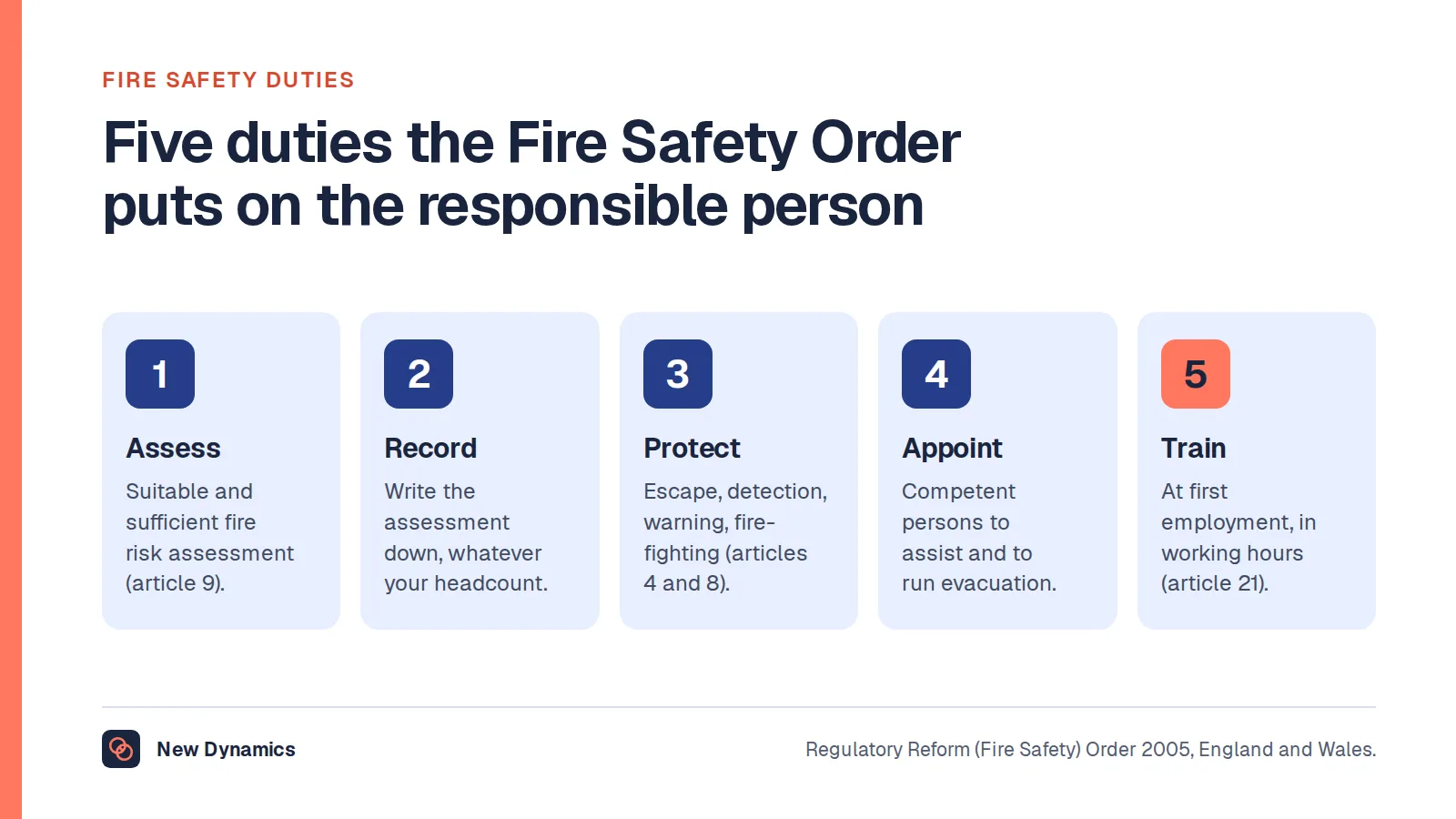
For the wider fire safety duties behind evacuation planning, our post on fire safety duties covers the responsible person's role in more depth.
What a visitor management system does

At its simplest, a visitor management system answers three questions: who is in the building, who are they here to see, and when did they leave. Most systems, whatever their format, follow the same steps:
- Pre-register. The host adds the visitor before they arrive, so reception knows to expect them.
- Sign in. The visitor gives their name and who they are visiting, and sees how their details will be used.
- Notify the host. Reception, or the system, tells the host their visitor has arrived.
- Issue a badge. A pass shows staff that the person has signed in, and sometimes which areas they may enter.
- Sign out. The visitor is removed from the on-site list when they leave.
The sign-out step is the one most often skipped, and it is the one that makes the list useful in an emergency.
The duties it helps with
Fire safety: knowing who is on site
GOV.UK's guidance on fire safety in the workplace says you are the "responsible person" for fire safety if you are an employer, owner, landlord, occupier or anyone else with control of the premises. Among other things, the responsible person must "plan for an emergency".
The law does not require a particular visitor system. But an emergency plan that cannot account for visitors has a gap, and a reliable on-site list is the simplest way to close it. In shared buildings, the same guidance notes there is likely to be more than one responsible person, who must co-ordinate their fire safety plans.
Data protection: a visitor log is personal data
Names, companies, car registrations, photos and signatures in a visitor log are personal data, so UK GDPR applies. Three ICO principles matter most here.
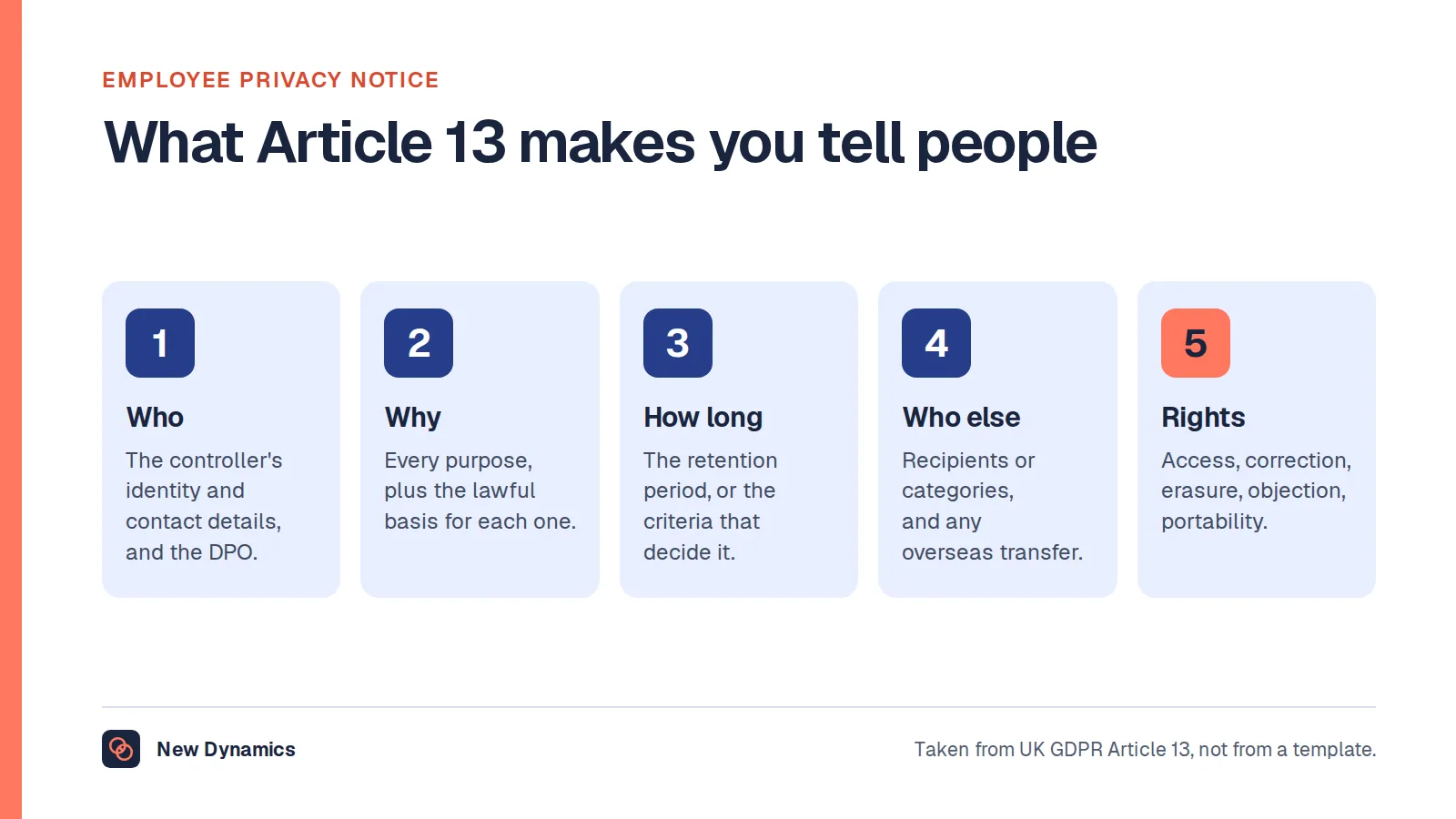
Tell visitors what you are doing. The ICO's guidance on the right to be informed says you must give people information including "your purposes for processing their personal data, your retention periods for that personal data, and who it will be shared with", and that "You must provide privacy information to individuals at the time you collect their personal data from them." In practice, that means a short notice at the sign-in point or on the screen, with a link to the full version.
Collect only what you need. The ICO's data minimisation guidance says personal data must be adequate, relevant and "limited to what is necessary", so that you do not hold more than you need for the purpose. A name, company, host and times in and out usually do the job. A photo, a copy of an ID document or a phone number needs its own reason.
Do not keep it for ever. The ICO's guidance on storage limitation begins: "You must not keep personal data for longer than you need it." It adds that you need "a policy setting standard retention periods wherever possible". A paper book that has sat at reception for five years, open at the latest page with every earlier visitor visible, fails on both counts.
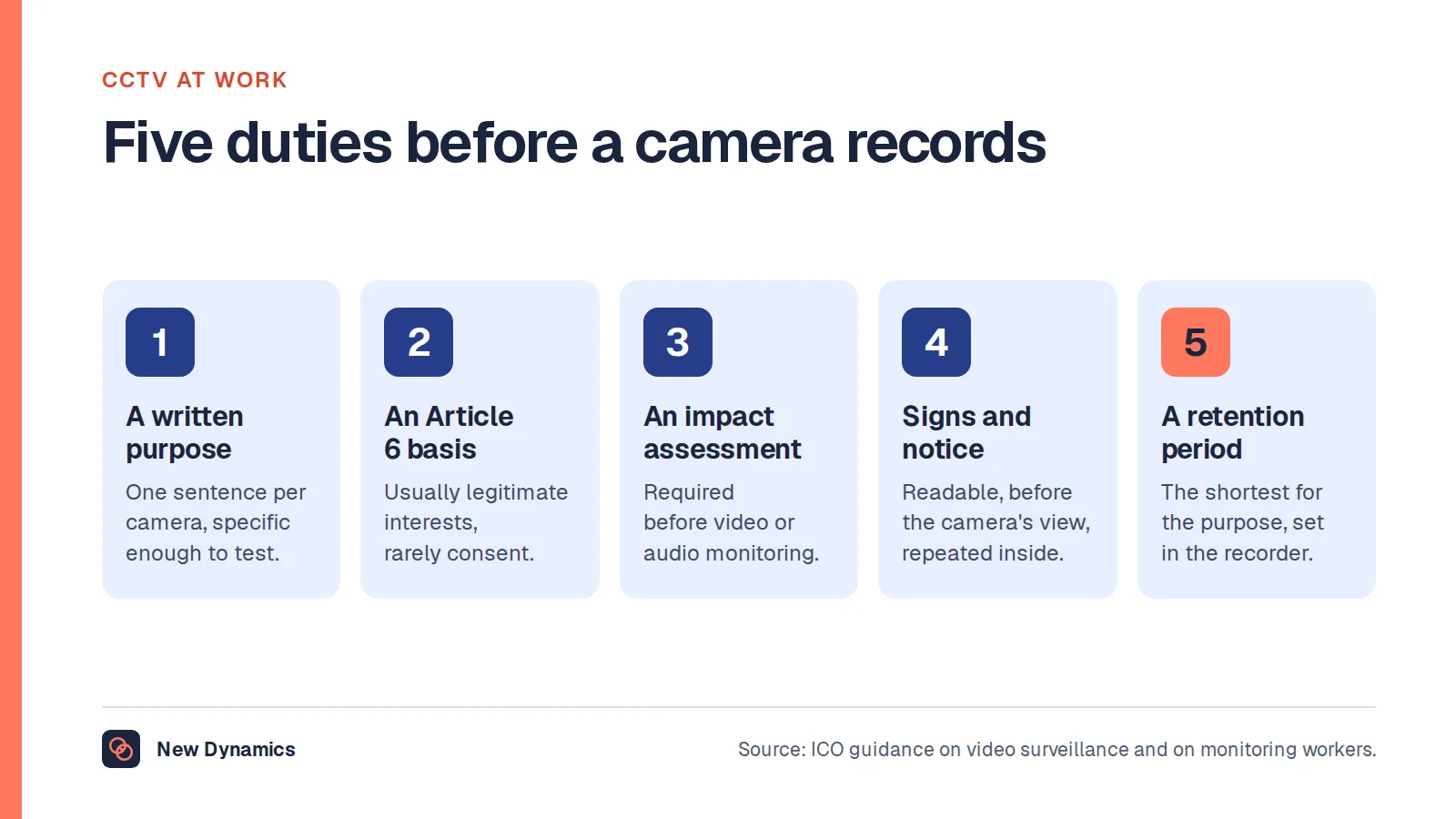
If the system includes cameras or photographs, our post on CCTV in the workplace covers the extra rules for images.
What to record, and what to leave out

| Usually needed | Needs a specific reason | Usually avoid |
|---|---|---|
| Name | Photo on the badge | Copies of ID documents, unless a site rule requires them |
| Company or reason for visit | Car registration, for car parks | Home address |
| Host | Phone number, for site emergencies | Health information |
| Time in and time out | Signed site rules, for contractors | Free-text "notes" fields |
Set a retention period for the log and write it down. Base it on why you keep the record: an evacuation list is needed for the day, while a contractor's record may need to be kept longer to show they were inducted. Then delete or anonymise on schedule.
Paper, software or cloud?
- A paper book is cheap and works in a power cut, but every visitor can read earlier entries, sign-out is easy to miss and retention is hard to manage. If you keep paper, use a tear-off or covered format so entries are not on show.
- Software on a reception tablet or PC speeds up sign-in, prints badges and gives a live on-site list. Check where the data is stored and who can see it.
- Cloud-based systems add pre-registration emails, host notifications, multi-site lists and remote evacuation lists on a phone. They also mean a supplier processes your visitors' data, so you need a contract that covers it and to know where the data is held.
The right choice depends on the site: how many visitors, how many entrances, whether contractors need inductions, and how strict security has to be.
Questions to ask before you choose a system
- What problem are we solving? Evacuation lists, security, contractor inductions, a better welcome, or all four?
- What is the minimum data we need? Start from the table above and justify each extra field.
- How will visitors be told how their data is used? At the point of sign-in, not buried in a website footer.
- How long will we keep records, and is deletion automatic?
- Who can see the log? Reception, hosts, security, fire marshals, the supplier?
- How does it work in an emergency? Can a fire marshal see the on-site list without the reception PC?
- What happens in a power or network cut? Keep a simple fallback.
Frequently asked questions
What is a visitor management system?
A visitor management system records who visits a workplace, who they are seeing and when they arrive and leave. It can be a paper book, a reception tablet or cloud software that pre-registers visitors, notifies hosts, prints badges and keeps a live list of who is on site.
Is a visitor log required by law in the UK?
There is no general law requiring a particular visitor log. But the responsible person for fire safety must plan for an emergency, and knowing who is on site is part of that. Check whether your sector or site has its own security or safeguarding rules on visitor records.
Does UK GDPR apply to a visitor sign-in book?
Yes. Names and other details in a visitor log are personal data. The ICO says you must tell people how you use their data at the time you collect it, collect only what you need, and not keep it longer than necessary.
How long should we keep visitor records?
There is no single period. The ICO says you must be able to justify how long you keep personal data and should have a policy with standard retention periods. Set yours based on why you keep the record, and delete or anonymise it on schedule.
What is the difference between a cloud-based and an on-site system?
An on-site system runs on a device at reception. A cloud-based system stores visitor data with the supplier and usually adds pre-registration, host alerts and mobile evacuation lists. Cloud systems need a data processing contract with the supplier.
Your next step: check your current sign-in
- Walk to reception and sign in as a visitor. Note what you are asked for and whether you are told why.
- Ask the fire marshal how they would know who is on site right now.
- Find the oldest visitor record you still hold, and decide how long you actually need it.
- Write down the retention period and who owns deleting the records.
For the wider data protection picture across HR, read and download our employee data protection guide. The guide is free to read, and the PDF uses our short download form.
Want recurring compliance tasks with an owner and a date? Book a New Dynamics demo and bring your current reception procedure. You can also email contact@new-dynamics.com.