TL;DR
- Feedback software covers two different jobs that vendors sell as one: everyday feedback between colleagues, and structured 360 reviews that run on a cycle. A tool that is good at one is often poor at the other, so decide which problem you are buying for.
- Anonymity in a team of five is a promise, not a technical state. If three colleagues give feedback and one writes in their own unmistakable style, the tool cannot protect them. Thresholds, aggregation and honest wording in the invitation do more than any setting.
- Keep 360 feedback out of pay and promotion decisions unless you have designed for it deliberately. Acas expects a review to rest on agreed objectives and behaviours, with a written record shared with the employee, and anonymous commentary sits awkwardly with both.
Two tools get sold under the same name. One is for a colleague to say "that handover was excellent, here is why" on a Tuesday. The other runs a structured 360 cycle twice a year, with raters, reminders and a report. Buying the second when you needed the first is how organisations end up with a feedback product that opens twice a year and a culture that has not changed.
This article covers how to choose employee feedback software, including 360 feedback systems, without naming a product: the two jobs, what anonymity can and cannot do in a small team, where 360s belong in relation to pay, the reports worth having, and the questions to ask in a demo.
Feedback only changes anything when it reaches the conversation it belongs in. See how New Dynamics continuous feedback keeps what colleagues say attached to the work, the goal and the next one-to-one.
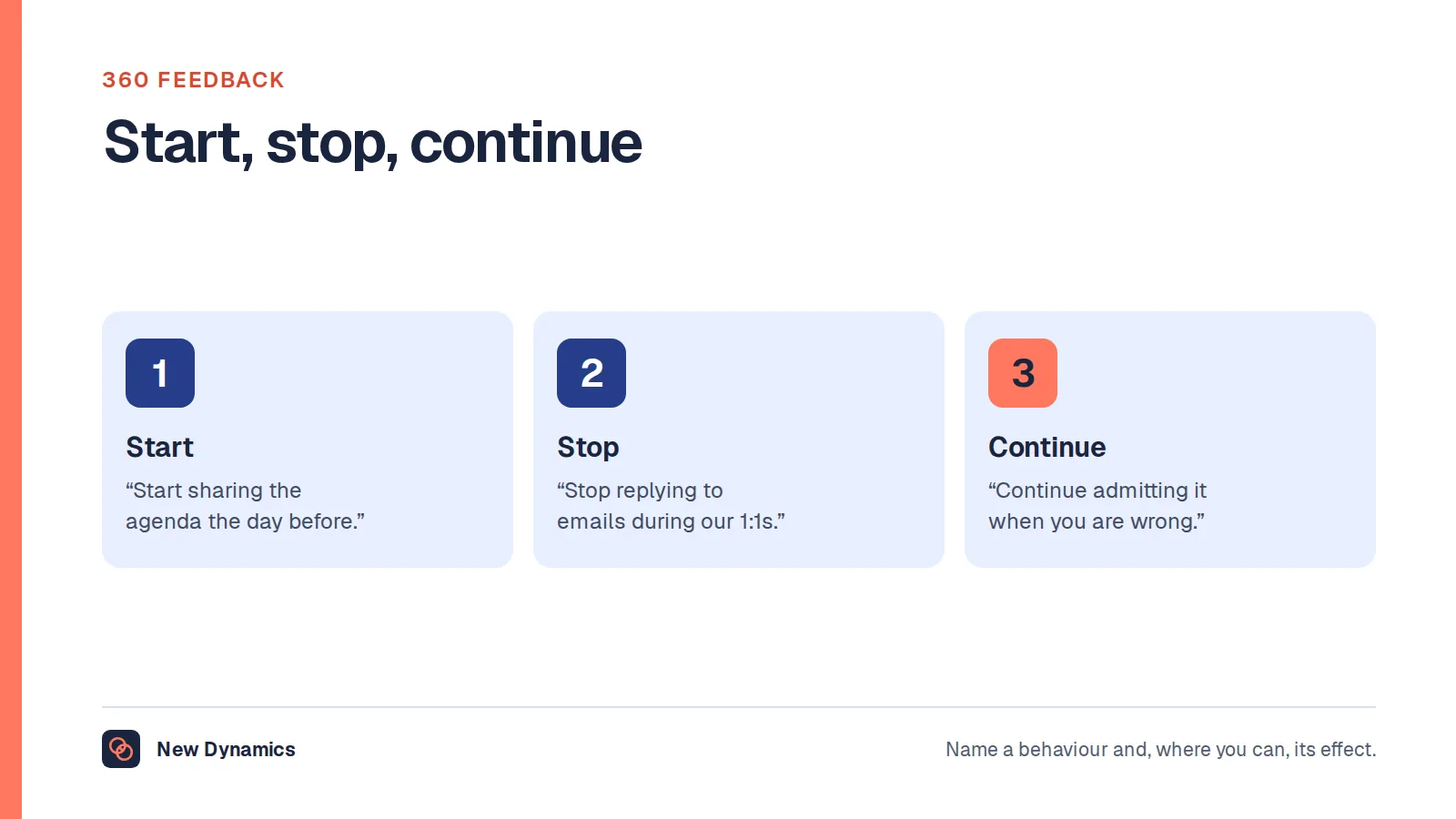
If you are writing the feedback rather than buying the tool, our 360 feedback examples give wording that is specific enough to act on.
Two jobs, one category

Everyday feedback has to be fast, visible and tied to real work. Its enemies are forms, approvals and a separate login. If giving feedback takes longer than sending a message, people send the message instead.
360 cycles need rater nomination and approval, reminders, thresholds, aggregation and a readable report. Its enemies are vague questions, raters chosen to be kind, and reports nobody is trained to read.
Some platforms do both competently. Many do one well and the other as a checkbox. Work out which job is urgent, buy for that, and treat the second as a bonus rather than a reason to compromise.
Anonymity in a small team is a promise
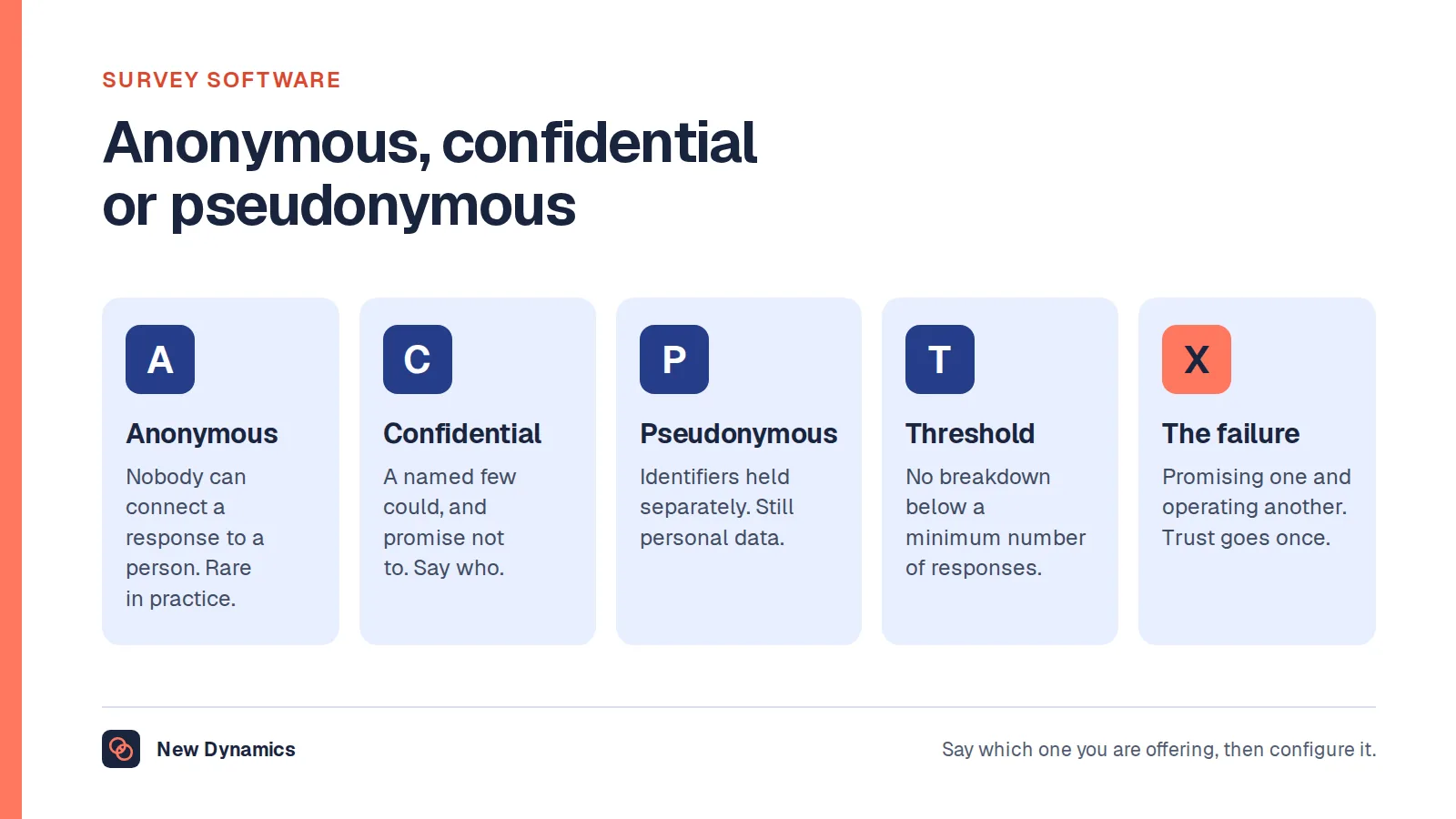
A 360 report that says "two of your five raters mentioned interruptions in meetings" protects nobody if the person knows which two find meetings hard. Writing style, examples and timing all identify people.
Three mechanisms help, and none of them is a toggle:
- A minimum number of raters before any grouped result is shown, enforced on every view and export rather than applied by convention.
- Aggregation instead of attribution, so themes are reported and individual comments are summarised rather than quoted verbatim.
- Honest wording in the invitation. Tell raters what the subject will see, in plain language. People calibrate what they write to what they believe will be visible, and a vague promise produces useless, safe feedback.
The same distinction applies here as in survey tools: most platforms are pseudonymous rather than anonymous, because the system still knows who submitted what, and the Information Commissioner's Office treats that as personal data, since "Pseudonymised data is personal data in the hands of someone who holds the additional information." Our guide to employee survey software sets out what that means in practice.
Keep 360s away from pay, unless you design for it
A 360 is a development instrument. Attach it to pay and three things happen: raters inflate, people recruit friendly raters, and nobody writes anything specific.
If you do want 360 input in a performance decision, be explicit that it is one input among several, say so before the cycle opens, and keep the decision anchored to the agreed objectives and behaviours. Acas describes a review as resting on whether someone is "meeting or has met any agreed objectives" and "demonstrating the right behaviours in their work", and adds that "It's important to keep a written record of what is discussed. This should be shared with the employee afterwards." Anonymous commentary that cannot be shared or evidenced sits badly with both of those.
The tool should support that separation: a 360 report that is visible to the subject and their manager, and nothing that quietly feeds a rating.
What the software has to do
For everyday feedback:
- Give in under a minute, from a phone, inside the tools people already use.
- Attach feedback to a goal, a project or a competency, so it is findable at review time.
- Let the recipient keep it, and let them choose what to share.
For 360 cycles:
- Nominate and approve raters, with a visible rule about how many and from where.
- Chase without the administrator writing emails.
- Apply thresholds and aggregation automatically.
- Produce a report a manager can read in ten minutes and discuss in thirty.
For both:
- Export everything in a usable format.
- Show who has given and received nothing, which is the report that tells you whether the habit exists.
- Keep a clear record of who can see what, since feedback about a person is personal data and the written record of a review is expected to be shared with the employee.
The reports that matter

- Coverage: who has received no feedback in ninety days, by team. Concentrated feedback usually means a few enthusiastic givers rather than a culture.
- Direction: upward, downward and sideways. Only downward means a manager habit.
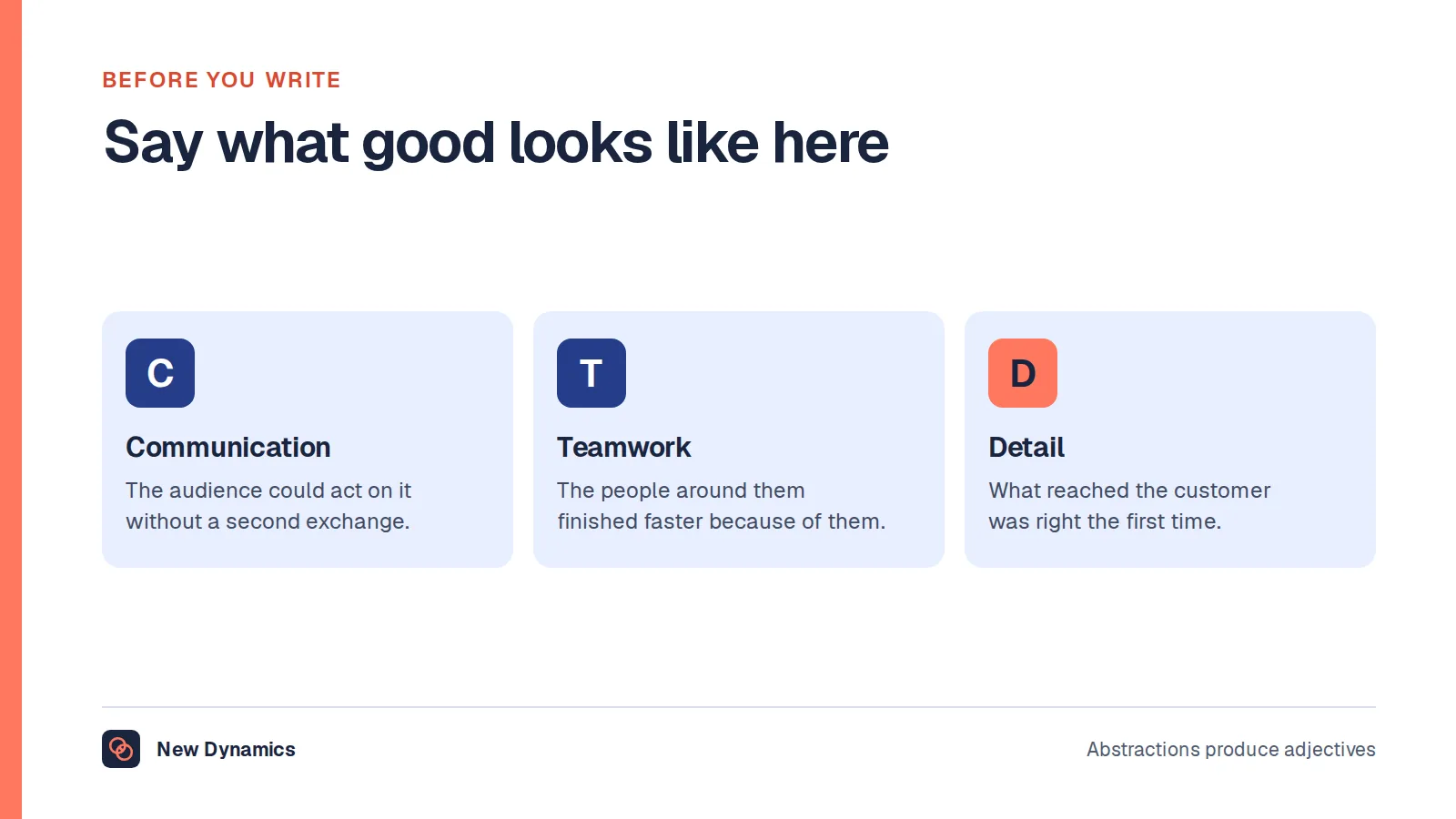
- Specificity: a sample of recent feedback read by a human. If most of it is "great job", the tool is working and the training is not.
- Cycle completion for 360s, including the raters who never respond, which tells you whether the ask is realistic.
- Time from feedback to conversation. Feedback that waits for the annual review has lost most of its value.
Questions to ask a provider

- Which of the two jobs is this built for, and what does the other look like in practice?
- Show me a 360 report for a subject with four raters, with the threshold enforced.
- What exactly does the subject see, and what does their manager see?
- Who can read individual comments, including your support staff?
- How does a feedback item reach a one-to-one or a review, rather than sitting in a feed?
- What happens to feedback when someone changes manager or leaves?
- What do we export at the end of the contract, and in what format?
What usually goes wrong
- Buying a 360 platform to fix a feedback culture. The cycle runs, the reports arrive, and nothing changes between cycles.
- Anonymity promised loosely, then broken by context. One identified rater ends honest feedback for a year.
- No training for the recipient. A 360 report is a difficult document to read about yourself. Budget an hour with someone who can help read it.
- Feedback with no home. If it does not surface in a one-to-one or at review time, it is a diary.
- Everything optional. A pure opt-in tool reaches the teams that already do this well and misses the ones that do not.
Do you need it at all?
For everyday feedback under about fifty people, a habit in an existing channel plus notes in one-to-ones often works better than a product, because it has no adoption cost. Dedicated software earns its place when you want feedback to be findable at review time, when 360 cycles need administration you do not want to do by hand, or when feedback has to reach people who do not sit at a desk.
For 360s specifically, buying software before you have agreed the questions, the rater rules and who reads the report is buying a process you have not designed.
Frequently asked questions
What is employee feedback software?
It is a tool for giving, storing and surfacing feedback at work. In practice it covers two jobs: everyday feedback between colleagues, attached to real work, and structured 360 cycles with nominated raters, thresholds and a report. Some products do both, many do one of them properly.
Is 360 feedback anonymous?
Usually it is confidential rather than anonymous. The system knows who submitted each response, and in a small group the writing itself often identifies people. Use a minimum number of raters, report themes rather than quotes, and tell raters honestly what the subject will see.
Should 360 feedback affect pay or promotion?
Keep them separate unless you have deliberately designed for it and said so before the cycle opens. Feedback gathered for development becomes inflated and vague once people know it affects money, and a pay decision should rest on agreed objectives and behaviours that can be evidenced and shared with the employee.
How many raters should a 360 have?
Enough that no individual is identifiable and few enough that people actually respond. Five to eight is a common range, drawn from a mix of manager, peers and direct reports, with the subject nominating and the manager approving so that the list is not all friends.
What is the difference between feedback software and survey software?
Feedback software is about named, specific input on a person's work, usually continuous. Survey software is about aggregated opinion across a population, usually periodic and confidential. The privacy mechanics differ, and so do the reports, which is why one tool rarely does both well.
How do you stop feedback tools going quiet after launch?
Tie them to something that already happens: the one-to-one, the end of a project, the review. Measure coverage rather than volume, train people to write specifics, and have leaders give feedback publicly and receive it visibly. A tool with no ritual attached goes quiet within two months.
Your next step: pick the job before the product
- Decide which of the two jobs you are solving this quarter, and write it down.
- If it is 360s, agree the questions, the rater rule and who reads the report before you look at any product.
- Ask every provider for a four-rater report with the threshold applied.
- Set the coverage report, not the volume chart, as the measure you will review after ninety days.
For the wording that makes feedback usable, and the habits that keep it going, read and download our employee feedback guide. The guide is free to read, and the PDF uses our short download form.
Want feedback that arrives attached to the goal and the next conversation? Book a New Dynamics demo and bring your current 360 questions. You can also email contact@new-dynamics.com.