TL;DR
- Two different things get bought together: a queue for everyday HR queries, and a case file for grievances, disciplinaries and investigations. The first needs speed and self-service, the second needs confidentiality, a defensible record and tight access.
- The record is the product. Acas expects employers to deal with grievances fairly and consistently, to investigate to get as much information as possible, and to take actions and make decisions as soon as they can, which means a timeline you can reconstruct months later.
- Access is the decision that matters most: who can see a case, who can see that a case exists, and what a subject access request would reveal. This article describes the United Kingdom position and is general information, not legal advice.
An HR team drowning in questions about holiday entitlement has a workload problem. An HR team handling three grievances and an investigation has a record-keeping and confidentiality problem. Buying one product for both is how organisations end up with sensitive allegations sitting in a general ticket queue.
This article separates the two, sets out what the case record has to contain, covers confidentiality and retention, and gives the questions to ask. It names no products and is general information rather than legal advice.
Most of what reaches HR as a case started as a conversation that did not happen. See how New Dynamics continuous feedback keeps smaller things visible before they escalate.
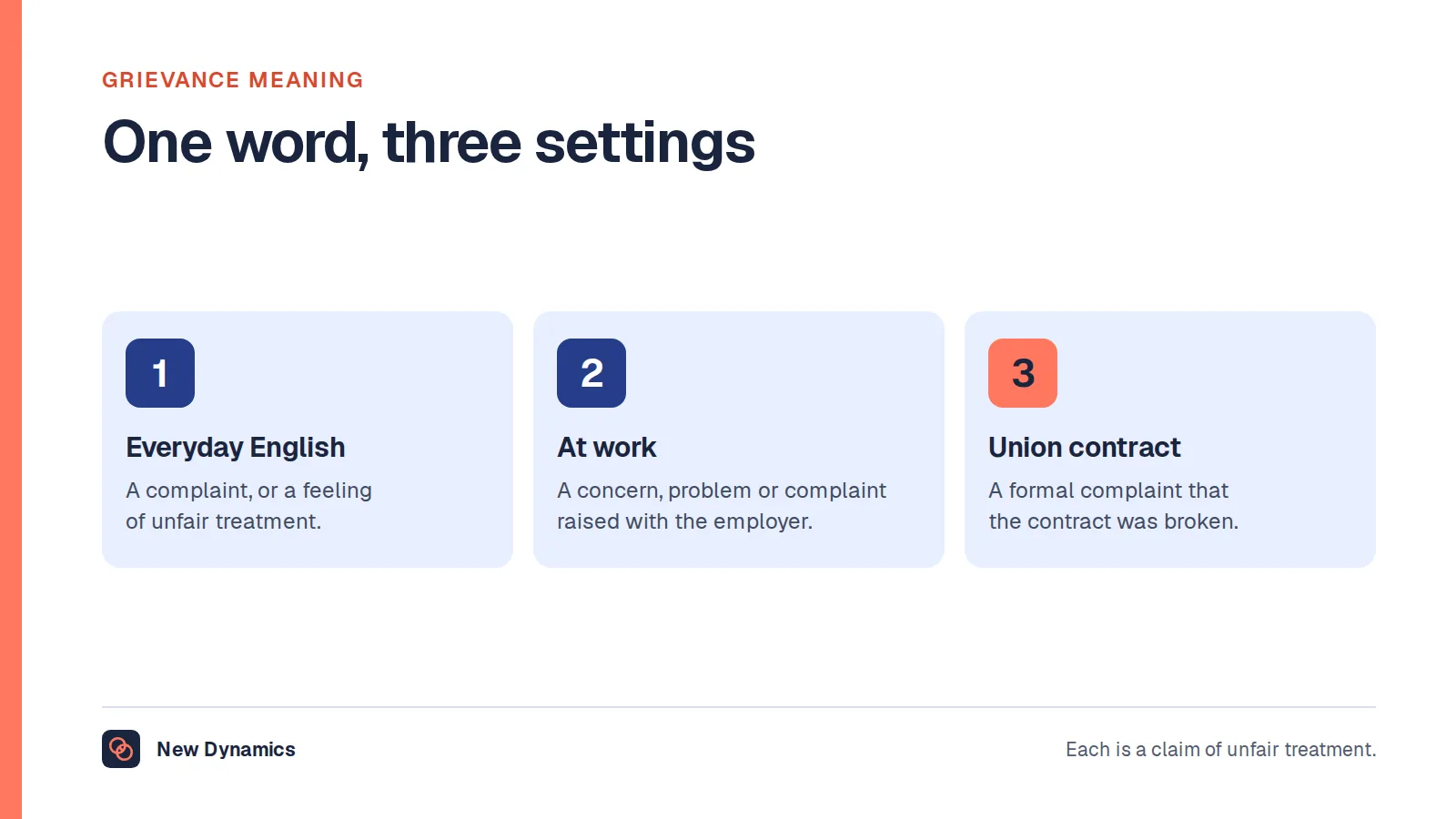
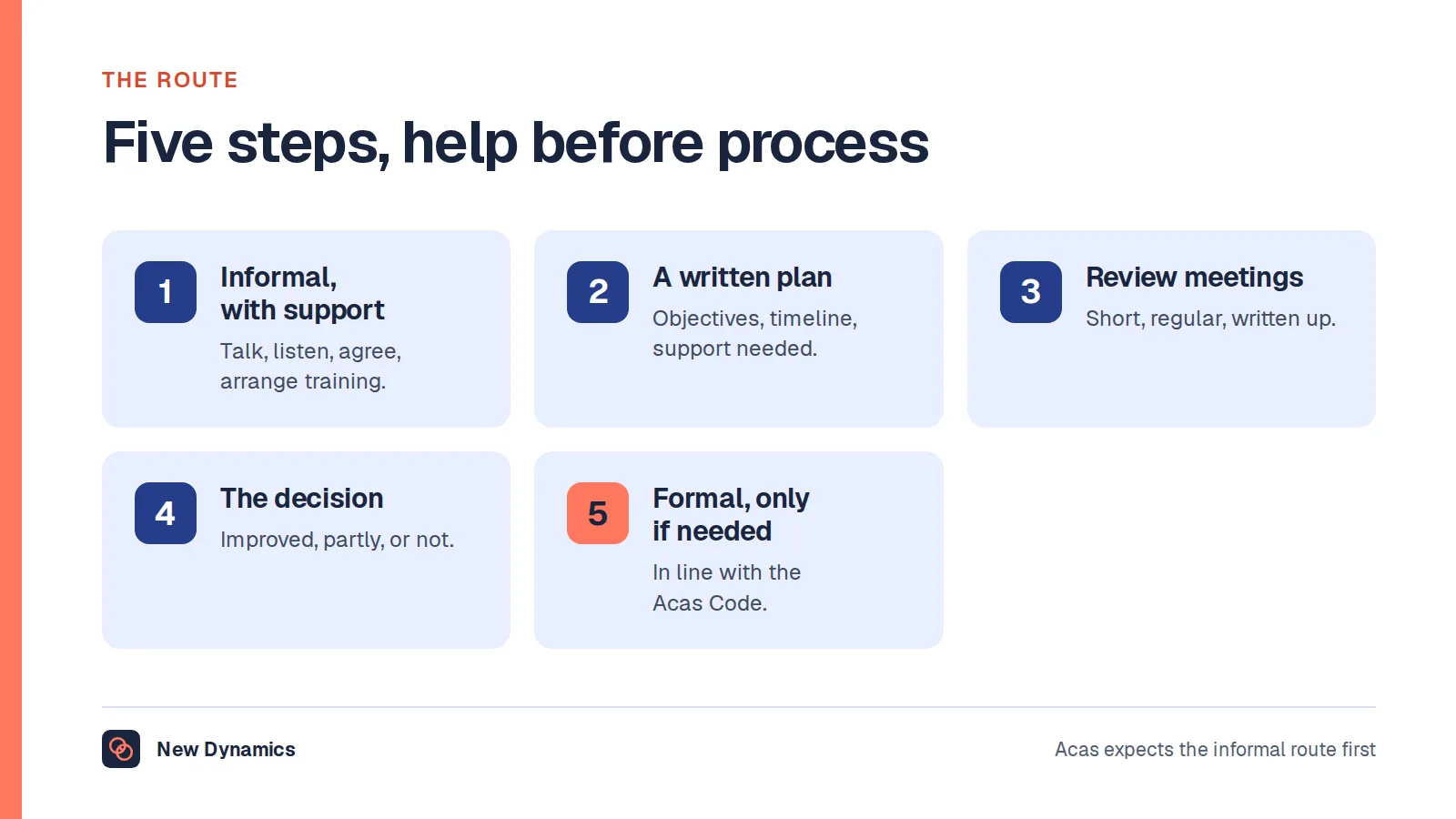
If what you need first is the procedure rather than the software, our post on what a grievance is covers the steps and the standard expected.
Queries and cases are different products

A query is "how much holiday do I have left", "when does the pay review happen", "can I change my pension contribution". It needs a fast answer, ideally self-service, and the measure is deflection and response time.
A case is a grievance, a disciplinary, an investigation, a whistleblowing report, a long-term absence or a dispute. It needs a named owner, a confidential file, a timeline, document control and restricted access. Speed matters, but defensibility matters more.
A single tool can do both only if it can keep them genuinely separate: separate permissions, separate storage, separate retention and no possibility of a case appearing in a general queue view.
What the case record has to contain
Acas expects employers to "deal with grievances fairly and consistently", to "investigate to get as much information as possible", and to "take actions and make decisions as soon as they can", as well as allowing the employee to be accompanied at a meeting and to appeal the outcome.
Translated into a system requirement, each case needs:
- A clear start date and what was alleged or raised, in the words used.
- A named owner and anyone else involved, with their role.
- The investigation trail: who was spoken to, when, what was said, what evidence was gathered.
- Meeting records, including who accompanied the employee.
- The decision and the reasons, communicated and dated.
- The appeal, if any, handled by someone different, with its own record.
- A timeline you can reconstruct, because delay is one of the most common criticisms of a process.
If the product cannot produce that as a single readable file, it is a ticket queue with a different label.
Confidentiality is the hard part

Three questions settle most of the design:
- Who can see the case? Named people, not a role everyone in HR holds. Case-by-case access beats blanket access.
- Who can see that a case exists? Metadata leaks. A list showing "investigation: warehouse team" tells colleagues more than you intended.
- What would a subject access request reveal? People have rights over information held about them, and a case file contains information about several people at once. Build the file knowing it may be read by the person it concerns.
Alongside that, set retention deliberately. Case files contain some of the most sensitive data an employer holds, and the ICO's standing expectation applies: "You must not keep information for longer than you need to."
Where an HR ticket queue genuinely helps
- Self-service first. If the top ten queries are answered in a knowledge base, the queue shrinks before it starts. Our post on knowledge base software covers making those answers findable.
- Routing and ownership, so nothing sits unowned in a shared inbox.
- Response time visibility, which is the measure HR teams are most often judged on and least often able to evidence.
- Pattern spotting. Thirty questions about the same policy is a policy problem, not a service problem.
Questions for the demo

- Show me a grievance case from raising to appeal, as a single exportable file.
- Show me access control on one case, with a named person added and removed.
- Show me what a general HR user sees when a sensitive case exists.
- Show me retention, including deletion of a closed case.
- How do you separate queries from cases, technically rather than by convention?
- What happens to a case when the owner leaves?
- What is the export, and in what format, at the end of the contract?
What usually goes wrong
- Cases in the general queue, visible to anyone covering the inbox.
- No timeline, so the question "why did this take five months" has no answer.
- Documents by email, which leaves the real record outside the system.
- Blanket HR access, which is the most common cause of a confidentiality complaint about the process itself.
- Retention never set, so files from a decade ago are still there when a subject access request arrives.
- Measuring closure speed only, which pushes people to close cases rather than resolve them.
Frequently asked questions
What is HR case management software?
It is a system for handling employee relations matters as cases: grievances, disciplinaries, investigations, whistleblowing reports and long-term absence. Each case has an owner, a confidential file, a timeline and restricted access. It is distinct from an HR ticketing system, which answers everyday queries.
What is the difference between HR ticketing and case management?
Ticketing handles high-volume questions where speed and self-service matter. Case management handles sensitive matters where confidentiality, a defensible record and controlled access matter more than speed. Products that do both must keep them separate technically, not just visually.
What records should a grievance case keep?
What was raised and when, who owns it, the investigation trail, meeting records including who accompanied the employee, the decision and its reasons, and any appeal handled by someone different. Acas expects a fair, consistent process and decisions taken as soon as reasonably possible, which a timeline has to evidence.
Who should be able to see an HR case?
Named individuals for that specific case, rather than everyone with an HR role. Also consider who can see that a case exists at all, because metadata in a list can identify people and the subject matter without anyone opening the file.
How long should HR case files be kept?
Only as long as needed, with a period set deliberately per case type and applied in the system. These are among the most sensitive records an employer holds, so indefinite retention is both a risk and a likely compliance problem.
Can HR case notes be seen by the employee?
A person has rights over information held about them, so assume a case file may be read by its subject. Write notes that are factual, dated and professional, and seek advice before withholding anything, particularly where a file contains information about other people.
Your next step: separate the two queues
- Count last quarter's HR contacts and split them into queries and cases.
- For cases, try to reconstruct one timeline end to end and see where the gaps are.
- Check who can currently see case files, and reduce it to named people.
- Set a retention period per case type before you look at any product.
For the wider duties around employee data, read and download our employee data protection guide. The guide is free to read, and the PDF uses our short download form.
Want fewer things reaching HR as cases in the first place? Book a New Dynamics demo and bring last quarter's case list. You can also email contact@new-dynamics.com.