TL;DR
- Workforce management covers five linked jobs: forecasting demand, building the schedule, recording what happened, managing absence, and proving compliance. Buying all five at once is how implementations stall, and buying them out of order is how they produce bad data.
- Above the working time rules sits a duty most buyers miss: the Health and Safety Executive is explicit that employers must manage fatigue risk, and that complying with the Working Time Regulations alone is insufficient to manage it.
- The order that works is record first, then schedule, then forecast. A forecast built on unreliable hours data produces confident nonsense. This article describes the United Kingdom position and is general information, not legal advice.
"Workforce management" is the widest label in HR technology. Ask three suppliers what it means and you will get a rota tool, a time clock and a demand forecasting engine, all of them correct and none of them the same purchase.
This article sets out what workforce management software actually covers, the order to buy it in, the fatigue duty that sits above the working time rules, what changes by sector, and the questions worth asking. It names no products and is general information rather than legal advice.
Whatever the system schedules, the conversation about how the work is going still has to happen. See how New Dynamics continuous feedback supports that for teams who rarely sit at a desk.
If you only need the rota, our post on employee scheduling software covers that narrower purchase.
The five jobs

- Forecast demand. How many people, with which skills, at what times, based on history and known events.
- Schedule. Turn that into a rota that respects rest rules, contracts, availability and cost.
- Record. Capture what actually happened: clock-ins, breaks, overtime, absence.
- Manage absence. Holiday, sickness, leave, with balances and cover.
- Prove compliance. Working time, pay records, qualifications and the evidence behind them.
Larger suites add labour cost analytics, skills management and sometimes payroll. The five above are the core, and the gap between a good and a poor implementation is usually in three and five rather than in one.
Buy them in reverse order
The common failure is starting with forecasting because it is the most impressive demonstration.
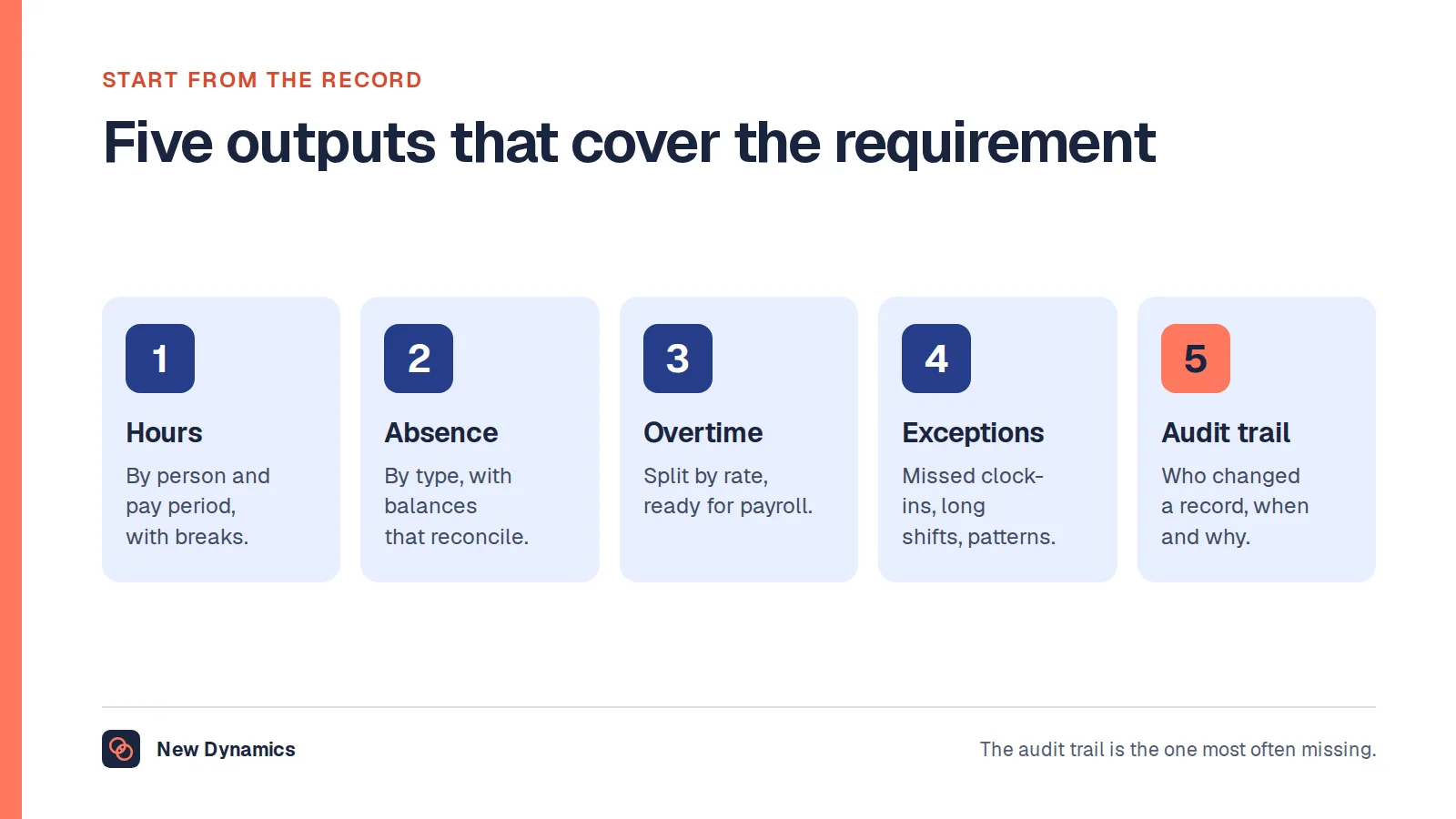
- Record first. If your hours data is incomplete or edited without an audit trail, everything built on it is guesswork. Our post on time and attendance software covers the records to get right.
- Then schedule. Once the data is trustworthy, scheduling can respect reality rather than an idealised shift pattern.
- Then forecast. With a year of clean data, forecasting becomes useful. Without it, the forecast is confident and wrong, and people stop believing the system.
Any supplier who encourages you to start at the glamorous end is selling, not implementing.
The duty above the rules

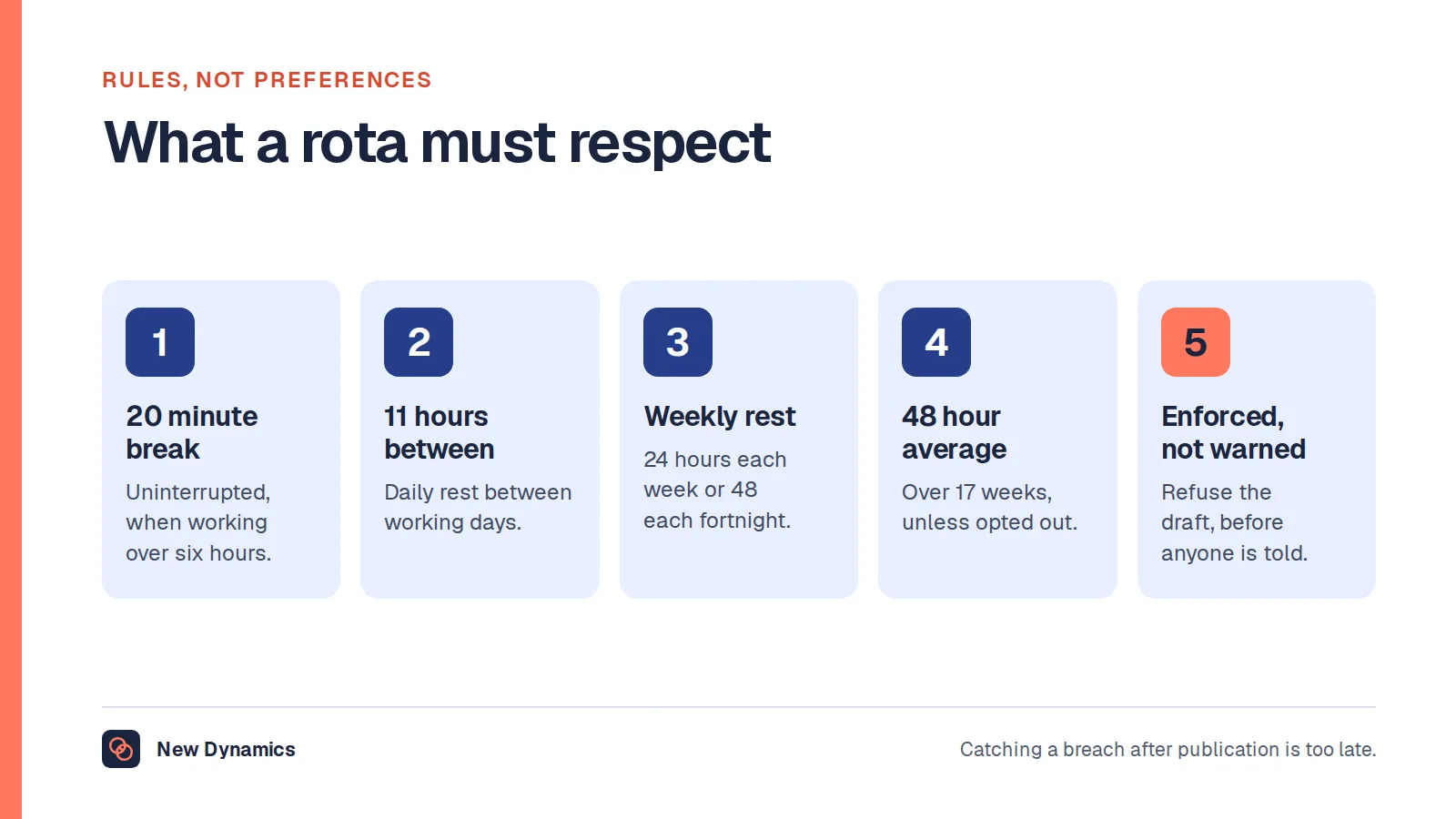
Most buyers check that a system enforces rest breaks and the weekly limit, which government guidance puts at "48 hours a week on average - normally averaged over 17 weeks" unless the worker has opted out. Fewer know that compliance with those rules is treated as a floor rather than a defence. The Health and Safety Executive states that "The legal duty is on employers to manage risks from fatigue, irrespective of any individual's willingness to work extra hours", and adds that "Compliance with the Working Time Regulations alone is insufficient to manage the risks of fatigue".
It also notes where the risk concentrates: accidents and injuries are "higher on night shifts, after a succession of shifts, when shifts are long".
What that means for a purchase:
- The system should show patterns, not just single-shift compliance: successive nights, long shifts, short turnarounds, accumulated overtime.
- Someone has to own the fatigue view and have authority to change a rota because of it.
- An override should be recorded with a reason, because that record is the evidence that risk was managed rather than ignored.
A tool that only warns at the moment of publication, with a button to continue, is not a fatigue control.
What changes by sector
- Retail and hospitality: demand swings fast, so re-forecasting and short-notice cover matter more than long-range planning. Notice periods are the fairness issue.
- Healthcare and care: qualifications, ratios and continuity of care constrain who can cover what. Compliance evidence is the deliverable.
- Field and mobile work: travel time, location capture and lone working change the requirement, and location data brings its own duties.
- Manufacturing and logistics: fixed patterns, fatigue management and annualised hours dominate.
Sector templates are useful starting points and dangerous finishing points. The constraint that makes your rota hard is usually local.
Questions for the demo

- Show me the fatigue view for one person across a month, not a single shift check.
- Show me an override being recorded, with a reason, and where that is reported.
- Show me the forecast accuracy report against actuals for a real period.
- Show me what payroll receives, for a messy period with absence and overtime.
- Show me the deskless experience on a personal phone with no work account.
- What is the implementation sequence you recommend, and why?
- What do we export at the end of the contract?
What usually goes wrong
- Forecast first, on data nobody trusts.
- No owner for the fatigue view, so patterns accumulate unnoticed.
- Over-configuration, where every local exception becomes a rule and the system becomes unmaintainable.
- Managers keep a parallel spreadsheet, which is always a sign that one real constraint was never modelled.
- Compliance treated as a report rather than as something that changes a rota before it is published.
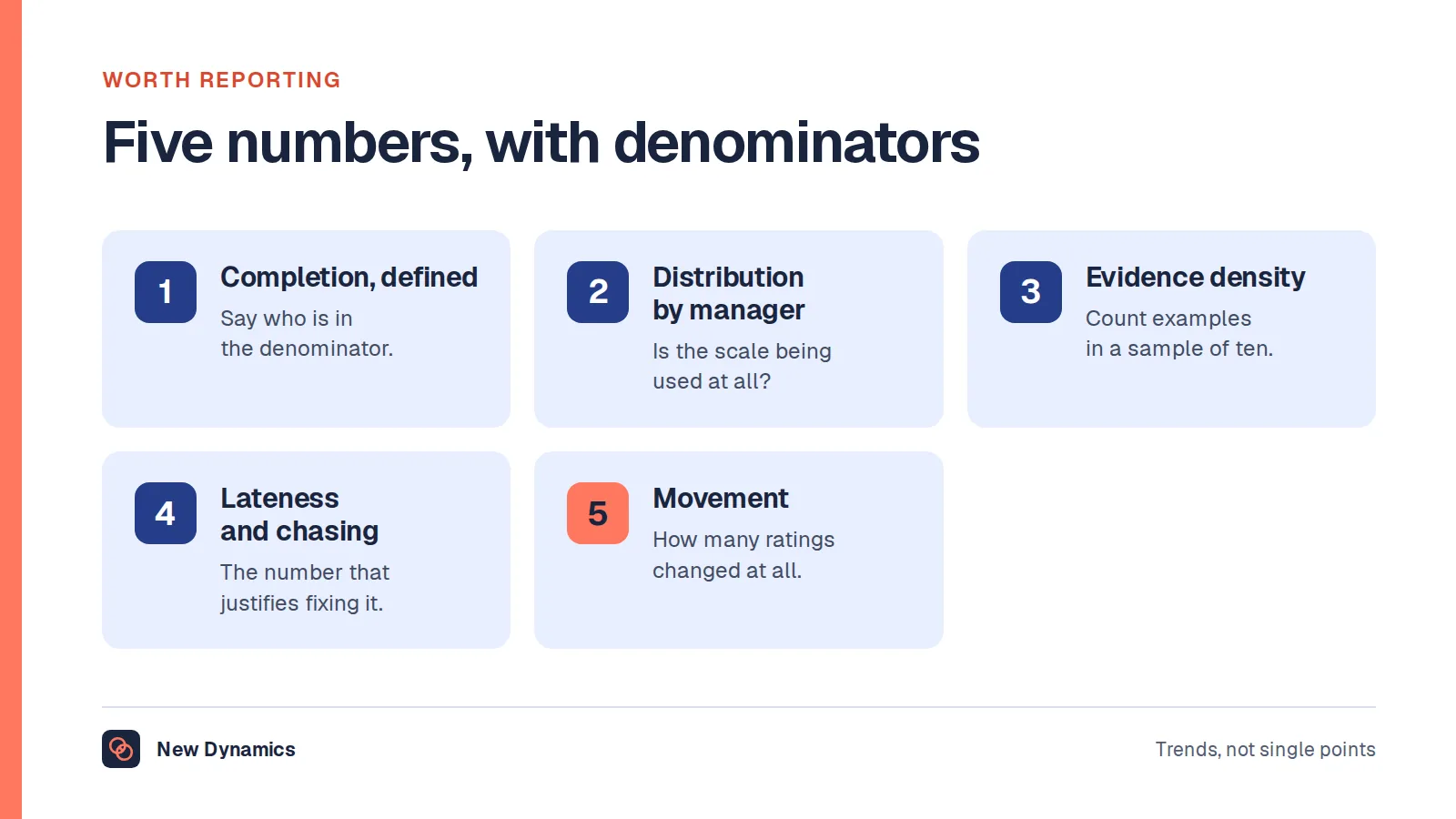
- Ignoring the employee view, so people get accurate rotas they cannot live with. Our post on performance reporting covers keeping measures honest once the data starts flowing.
Frequently asked questions
What is workforce management software?
It is software covering the cycle of planning and managing staffed work: forecasting demand, building schedules, recording hours and absence, and producing compliance evidence. Suppliers use the term for anything from a rota tool to a full suite including labour cost analytics, so check which of the five jobs a product really does.
What is the difference between WFM and scheduling software?
Scheduling software builds and publishes rotas. Workforce management includes scheduling but adds demand forecasting, time and attendance, absence management and compliance evidence. If the only problem is building the rota, the narrower purchase is usually the better one.
In what order should you implement workforce management?
Record first, so hours data is complete and auditable, then scheduling, then forecasting. A forecast built on unreliable data produces confident errors and destroys trust in the system, which is the usual reason implementations stall.
Does workforce management software keep you compliant with working time rules?
It helps, but compliance is yours, not the software's. Rest breaks, daily rest and the weekly average are the floor. The Health and Safety Executive treats compliance with the Working Time Regulations alone as insufficient for managing fatigue risk, so look for pattern-level views rather than single-shift checks.
How do you manage fatigue risk in a rota?
Look at patterns: successive night shifts, long shifts, short turnarounds and accumulated overtime. Give one person ownership of that view with authority to change a rota, require a recorded reason for any override, and treat the record as the evidence that the risk was managed.
Do small employers need workforce management software?
Usually not the full suite. A reliable way to record hours and a rota people can see is enough for most small employers, with forecasting added only when demand genuinely varies and the data exists to model it.
Your next step: check the data before the forecast
- Pull last month's hours and ask whether you could evidence every edit.
- Review one person's shift pattern across a month and look for successive nights, long shifts and short turnarounds.
- Decide who owns the fatigue view and what authority they have.
- In any demo, start with the records and the fatigue view, not the forecasting engine.
For the retention picture that rota stability and fatigue feed into, read and download our employee retention guide. The guide is free to read, and the PDF uses our short download form.
Want the conversation about how work is going to reach shift teams too? Book a New Dynamics demo and bring last month's rota. You can also email contact@new-dynamics.com.