TL;DR
- A candidate portal is the part of an employer's recruitment system that applicants log in to: to apply, upload documents, see the status of their application, book interviews, read messages and manage their details. It is the candidate's window onto the applicant tracking system.
- A good portal does six things: makes applying easy, shows status honestly, handles documents and checks once, lets candidates book and reschedule, carries every message in one place, and respects candidates' data. It cannot replace the human parts of the process: clear timelines, feedback and adjustments.
- Measure the experience with a short survey to everyone who applied, not only the hired. The template below has ten questions, two open, and takes three minutes. UK guidance from Acas and the ICO sets the minimum that every candidate is owed.
Most people meet an employer for the first time through a login page. What happens after they click apply, whether they can see where they stand, whether anyone tells them the outcome, decides what they say about the company for years, and whether they apply again.
This article explains what a candidate portal is, sets out the six things a good one does, describes what a portal cannot do and what candidates are owed under UK guidance on interviews and data protection, and gives a candidate experience survey template that you can send to everyone who applied.
The portal ends where onboarding begins, and the handover should be seamless. See how New Dynamics onboarding brings tasks, early goals and manager conversations into a clear path for a new starter.
What is a candidate portal?
The Cambridge Dictionary defines a portal, in the internet sense, as “a page on the World Wide Web that users can change so it shows information they want to see”. A candidate portal is that page for job applicants: the part of an employer's recruitment system that candidates log in to, in order to apply for roles, upload documents, see the status of their applications, book interviews, read and reply to messages and manage their personal details.
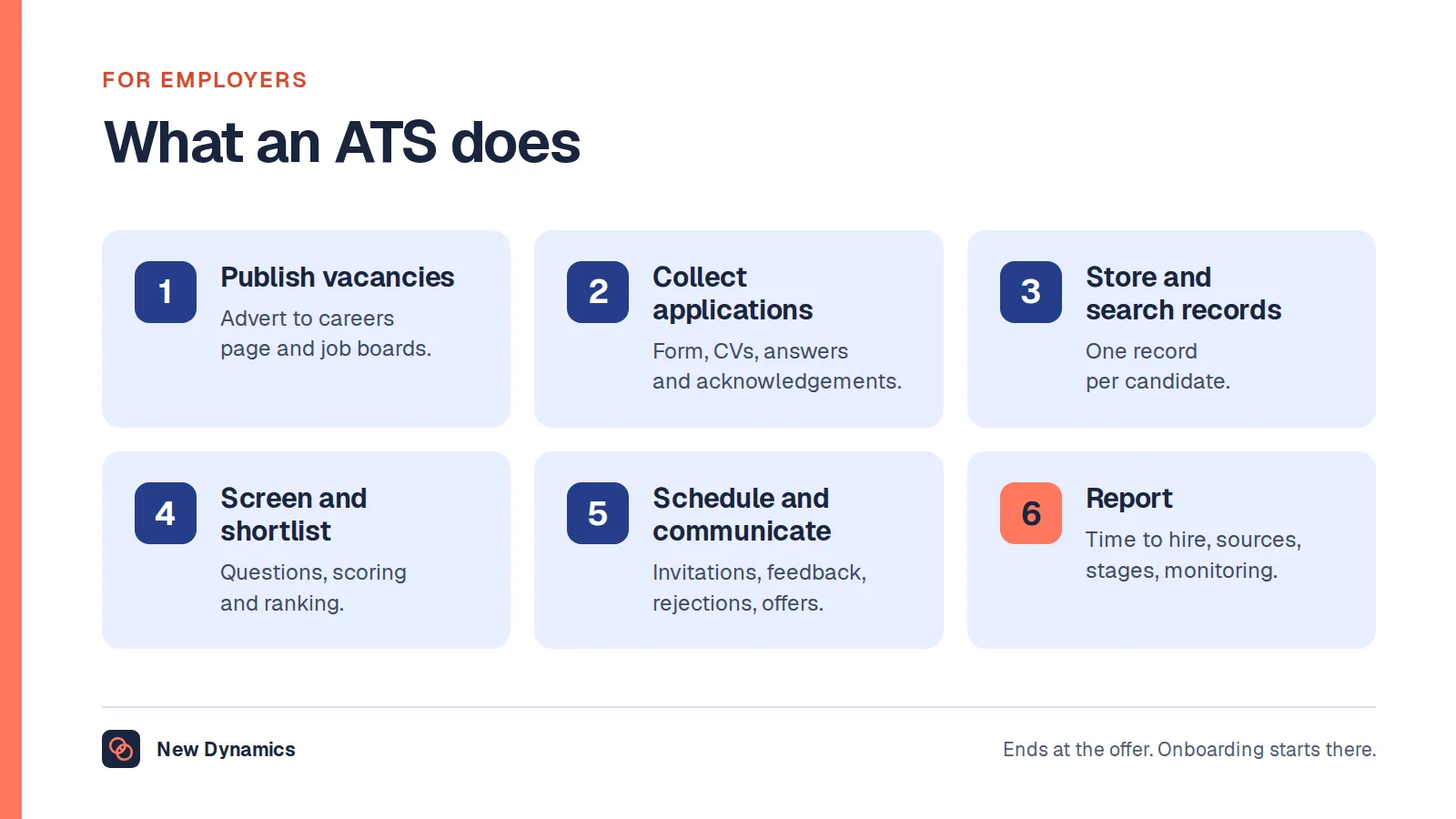
Technically it is the candidate-facing side of an applicant tracking system, which our guide to what an ATS is explains from the employer's side. Some employers call it an applicant portal, a careers account or a candidate hub. Some do not have one at all, and run recruitment by email, which is where most candidate experience complaints begin.
Six things a good candidate portal does
- Makes applying easy. One account, a short form that asks only what the role needs, a CV upload that works on a phone, and a clear confirmation with the closing date and what happens next.
- Shows status honestly. Applied, under review, interview, offer, unsuccessful, with dates. A status that says “under review” for six weeks is a status that lies.
- Handles documents and checks once. Right-to-work evidence, qualifications, references and any pre-employment checks, uploaded once, with a clear statement of why each is needed and at which stage.
- Lets candidates book and reschedule. Interview slots the candidate can choose, with the format, the people, the location or the link, and a way to ask for adjustments.
- Carries every message in one place. Invitations, questions, outcomes and feedback in the portal and by email, so that nothing is lost in a spam folder.
- Respects candidates' data. A plain privacy notice at the point of application, no questions the role does not justify, and deletion when the retention period ends.

What a portal cannot do
A portal shows the process. It does not make the process fair, quick or kind. Those depend on the people running it, and UK guidance sets out what every candidate is owed whether or not there is a login page.
At interview
Acas's guidance on interviewing job applicants says that by law employers must ask anyone coming to an interview to tell them if they need reasonable adjustments so they can attend, gives the examples of an accessible office, more time for a written test and a sign language interpreter, and advises asking each applicant the same questions where possible. At the end of each interview, Acas says, the employer should ask the applicant if they have any questions, “tell them when and how you will let them know whether they got the job or not”, tell them how they can ask follow-up questions, and “tell them what sort of feedback to expect”. A portal can carry the answers to those four points; it cannot make anyone give them.
With candidates' data
The Information Commissioner's Office's guidance on information provided by candidates says: “You must only collect information that is proportionate and relevant to the role.” It advises tailoring the application form to the vacancy, asking for special category information only at the stage when it is needed, and being transparent with candidates about how their information will be used. Its guidance on keeping recruitment records adds that “Under data protection law, you must not keep information for longer than you need to”, that employers should set clear retention periods, and that in general information should not be kept beyond the statutory period in which a legal claim could be brought.
That guidance applies in the UK, and this is general information, not legal advice. The practical consequence for a portal is simple: every field should have a reason, every stage should say what it collects and why, and the privacy notice should say how long records are kept.

What candidate experience means
Candidate experience is the sum of everything an applicant sees, hears and feels from the first advert to the offer or the rejection: how easy it was to apply, how long each stage took, whether anyone replied, how interviews were run, whether adjustments were made, whether feedback was given, and how the outcome was communicated. It matters because most applicants are rejected. If nine out of ten people who apply leave with a poor opinion, the employer has spent its recruitment budget creating critics.
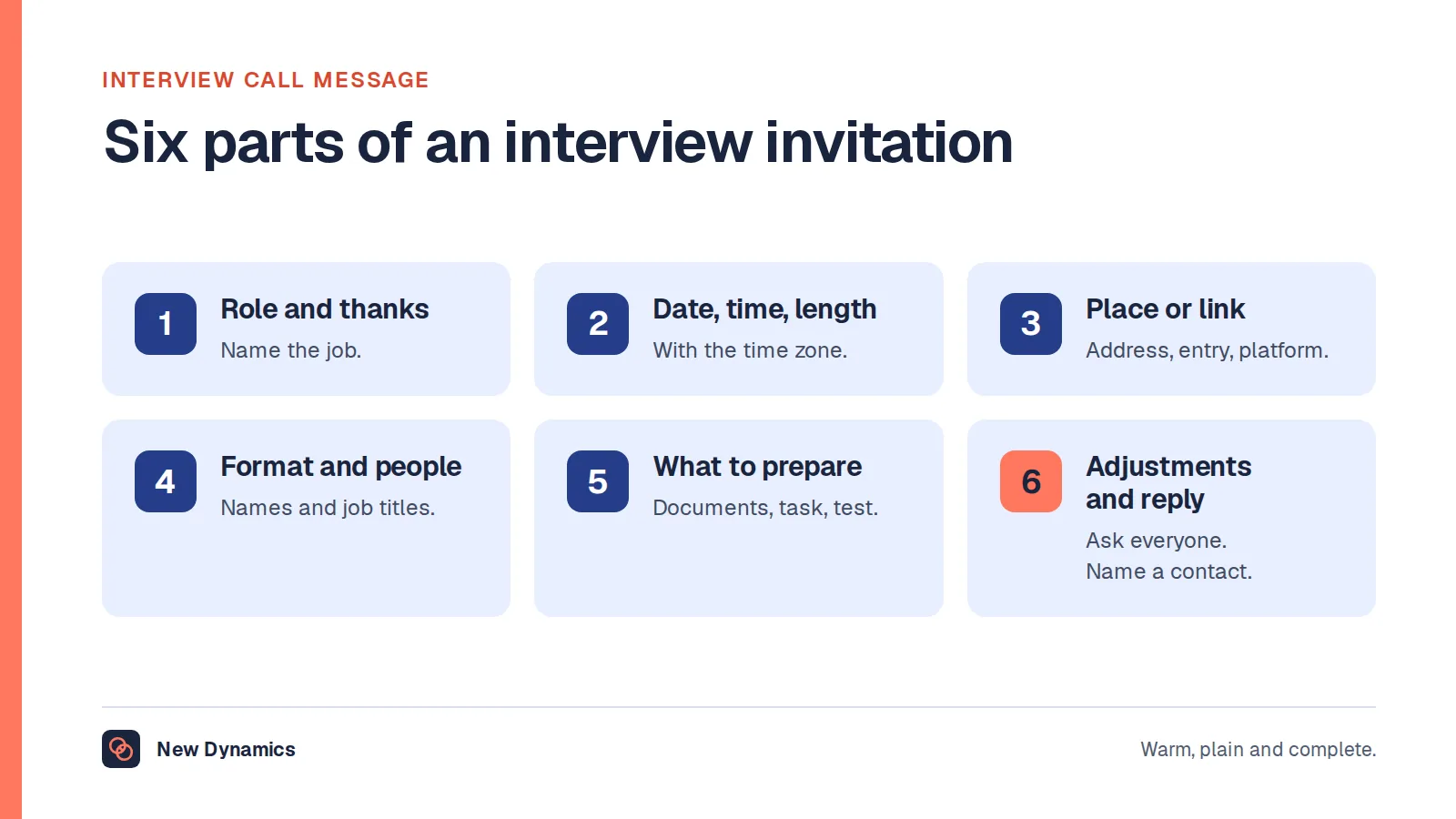
The employer's side of the same process is described in our guide to the meaning of hiring, and the invitation that starts the interview stage in our interview call message templates.
Candidate experience survey template
Send this to every applicant who reached at least the application-complete stage, hired or not, within a week of the outcome. Keep it anonymous, keep it short and publish what you change as a result.
Candidate experience survey
Thank you for applying to [organisation]. This survey takes about three minutes. Your answers are anonymous and will be used to improve how we recruit.
1. Which stage did you reach? Applied / Screening call / Interview / Assessment / Offer
2. How easy was it to apply? Very easy / Easy / Neither / Difficult / Very difficult
3. The job advert gave me a clear picture of the role and the pay. Strongly agree to strongly disagree
4. I could see the status of my application at every stage. Strongly agree to strongly disagree
5. I was told how long each stage would take, and those timings were kept. Strongly agree to strongly disagree
6. The people I met were prepared, courteous and asked relevant questions. Strongly agree to strongly disagree (or Not applicable)
7. I was asked whether I needed any adjustments, and any I asked for were made. Strongly agree to strongly disagree (or Not applicable)
8. I was told the outcome clearly, and received the feedback I was promised. Strongly agree to strongly disagree
9. Based on this experience, would you apply to us again or recommend us to a friend? Yes / Maybe / No
10. What is the one thing we should change? [Open text]
Optional: What did we do well? [Open text]
For the numbers, report the share who agree or strongly agree with each statement, split by the stage reached and by outcome. Unsuccessful candidates' scores are the ones to watch; hired candidates are usually generous.

How to act on the results
- Fix the timing first. The most common complaint is silence. Publish the timeline for each stage in the advert and the portal, and keep it.
- Tell everyone the outcome. Every applicant who reached an interview should get a personal message; every applicant should at least get a decision.
- Give the feedback you promised. Acas advises telling candidates what sort of feedback to expect. Do not promise what you will not deliver.
- Cut the form. Every field the ICO's proportionality test would fail is a field that loses applicants.
- Close the loop. Tell candidates, on the careers page, what changed because of the survey.
Frequently asked questions
What is a candidate portal?
A candidate portal is the part of an employer's recruitment system that applicants log in to: to apply, upload documents, see the status of their applications, book interviews, read messages and manage their details. It is the candidate-facing side of an applicant tracking system, sometimes called an applicant portal or careers account.
What should a candidate portal include?
An easy application, honest application status with dates, one-time upload of documents and checks with reasons given, interview booking and rescheduling with a way to request adjustments, all messages in one place, and a plain privacy notice with defined retention periods.
What is candidate experience?
Candidate experience is everything an applicant sees, hears and feels from the advert to the outcome: ease of applying, speed, communication, the interview, adjustments, feedback and how the decision is delivered. Because most applicants are rejected, it shapes what most people think of the employer.
How do you measure candidate experience?
With a short anonymous survey to every applicant who completed an application, hired or not, sent within a week of the outcome. Report the share who agree with each statement, split by stage reached and outcome, and track the trend rather than a single score.
What must UK employers tell candidates?
Acas advises telling every interviewee when and how they will hear the outcome, how to ask follow-up questions and what feedback to expect, and says employers must ask interviewees whether they need reasonable adjustments. The ICO says employers must collect only proportionate, relevant information, be transparent about its use and not keep it longer than needed. This is general information, not legal advice.
Do small employers need a candidate portal?
No. What every employer needs is the process a portal supports: a clear advert, acknowledgement of every application, a published timeline, honest status updates, an outcome for everyone and feedback for interviewees. A shared inbox and a spreadsheet can deliver that for a handful of vacancies a year.
Your next step: apply for your own job
- Apply for one of your vacancies as a candidate, on a phone, and time it.
- Check what the portal or the email trail tells an applicant at each stage, and when.
- Send the survey to the last three months' applicants.
- Fix the timing and the outcome messages before anything else.
For the stage after the offer, read and download our employee onboarding guide. The guide is free to read, and the PDF uses our short download form.
Want the handover from candidate to new starter to run as one path? Book a New Dynamics demo and bring your current process. You can also email contact@new-dynamics.com.