TL;DR
- ATS stands for applicant tracking system. It is software that holds an employer's vacancies and applications in one place, and moves each candidate through the stages from application to offer.
- An ATS does six things: publishes vacancies, collects applications, stores and searches candidate records, supports screening and shortlisting, schedules and communicates, and reports. An HRIS takes over once the person is hired.
- Many systems now include AI features. The UK Information Commissioner's Office gives six questions to ask a provider first, covering impact assessment, lawful basis, responsibilities, bias, transparency and data minimisation.
Apply for a job with almost any large employer and your CV goes into a system before a person sees it. Recruiters call that system the ATS. Candidates tend to call it a black hole. Both are talking about the same software, and both have a point.
This article explains what an ATS is and what the letters stand for, sets out the six things that it does, separates it from an HRIS and a recruitment CRM, gives the questions that a UK regulator says to ask before buying one with AI features, and offers candidates advice that does not depend on myths.
The ATS's job ends with the offer, which is where a good start begins. See how New Dynamics onboarding brings tasks, early goals and manager conversations into a clear path for a new starter. New Dynamics does not include an ATS, so this article is general background and names no products.
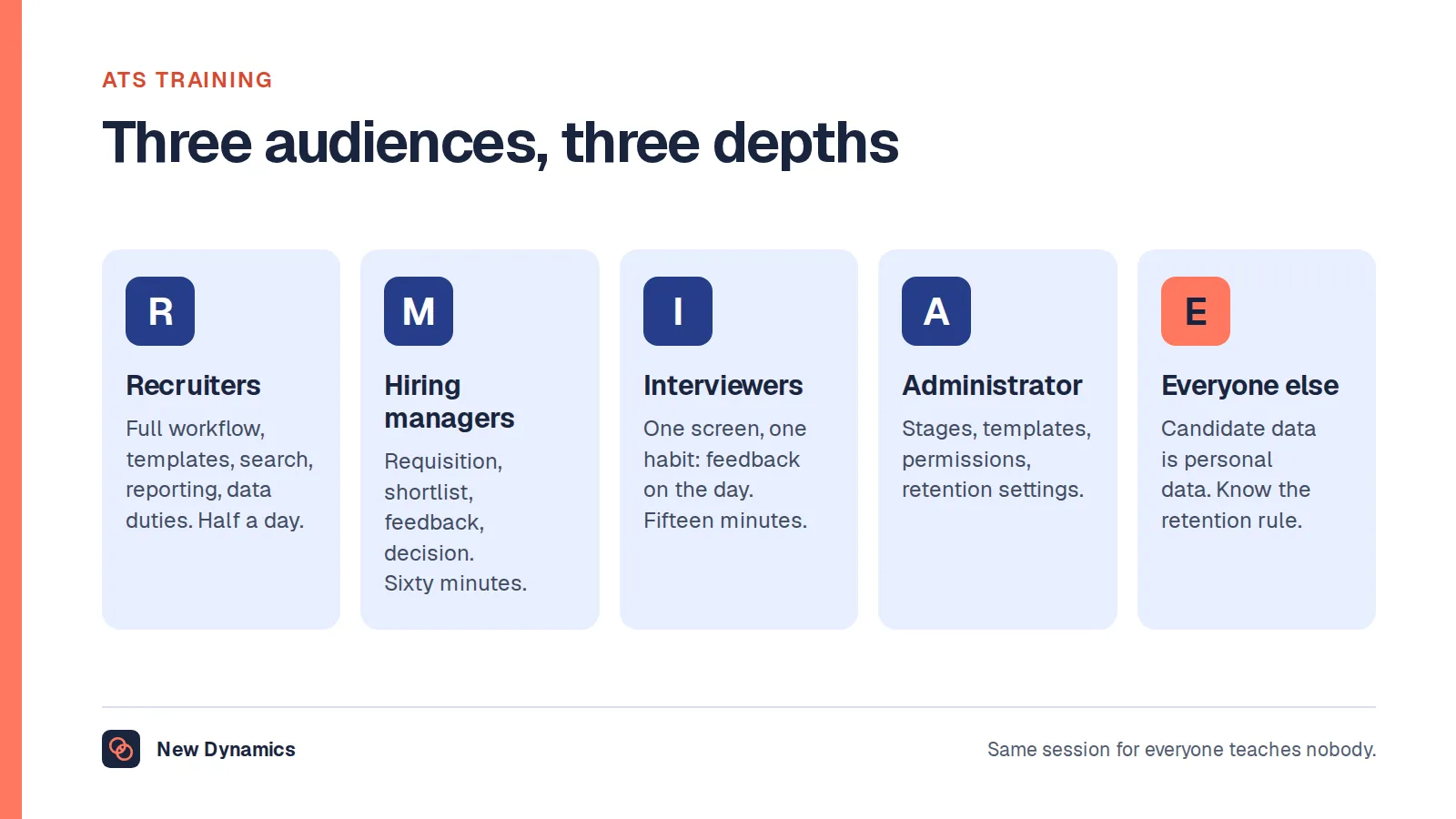
Buying the system is the easy half. Our plan for ATS training covers who needs training and at what depth, and the duties that arrive with the software.
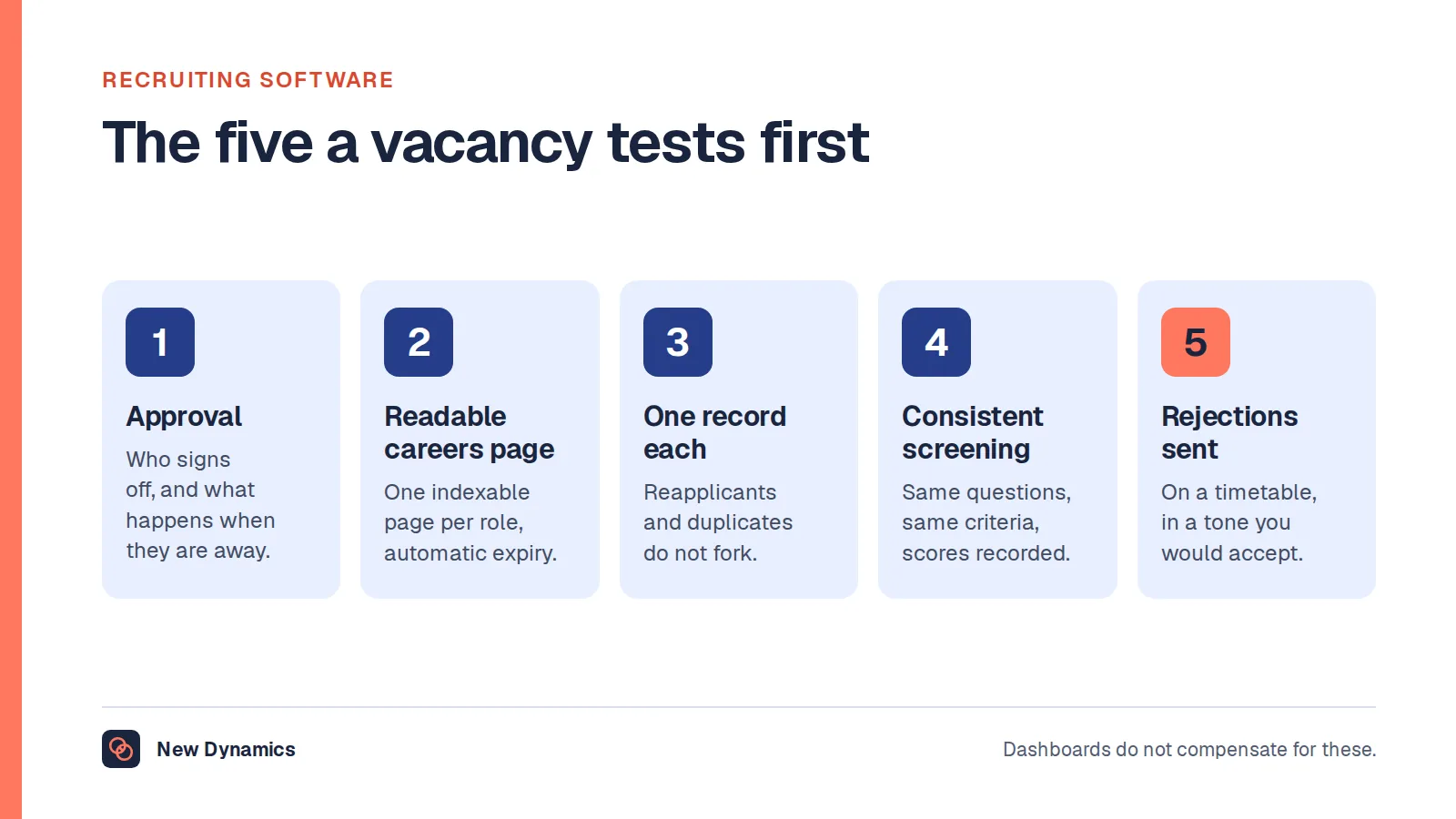
If you have not bought one yet, our guide to recruiting software covers whether you need a system at all and what to make a provider show you live.
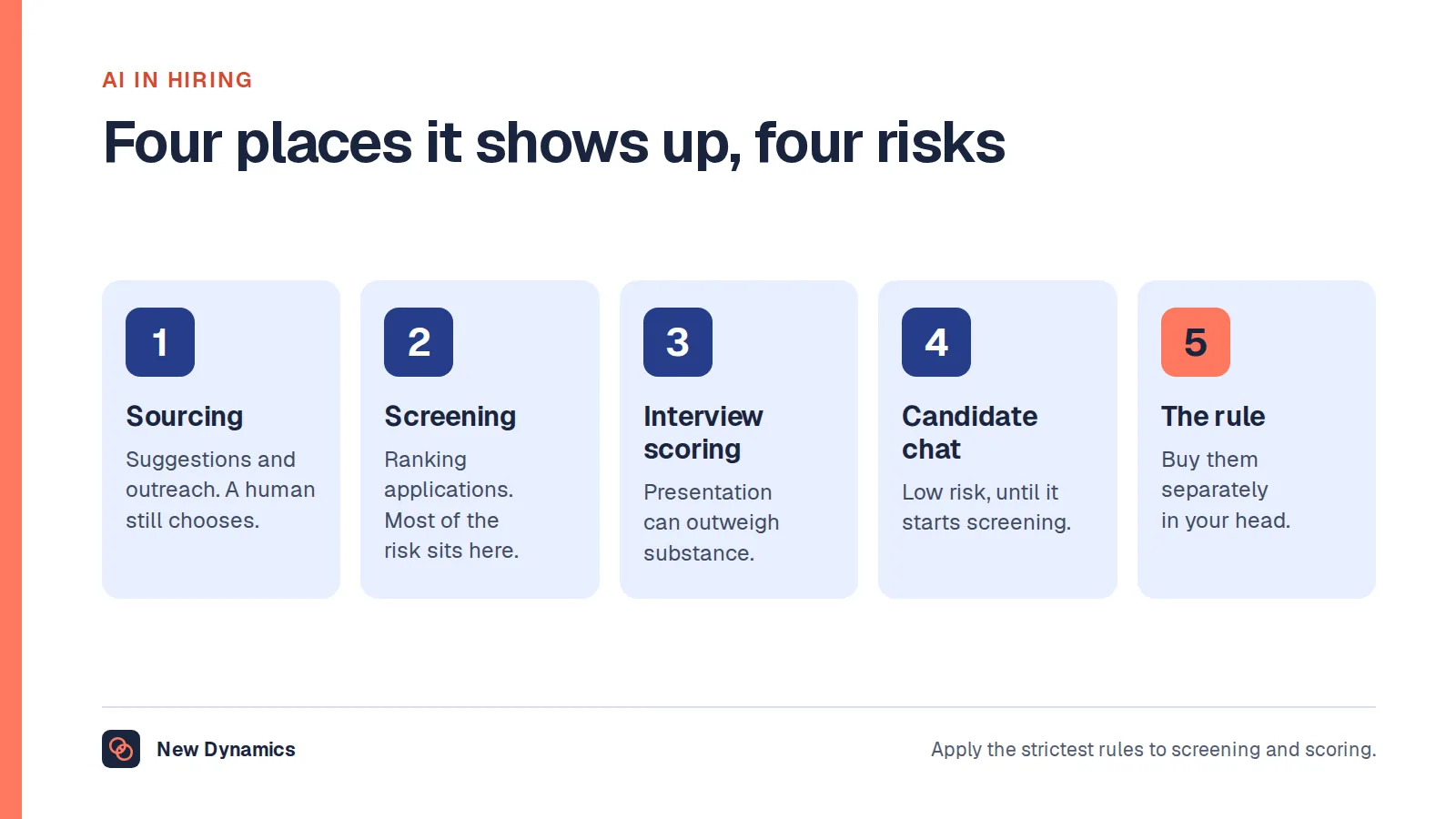
Where those systems rank or score people, our post on AI recruiting tools sets out the oversight that has to stay with you.
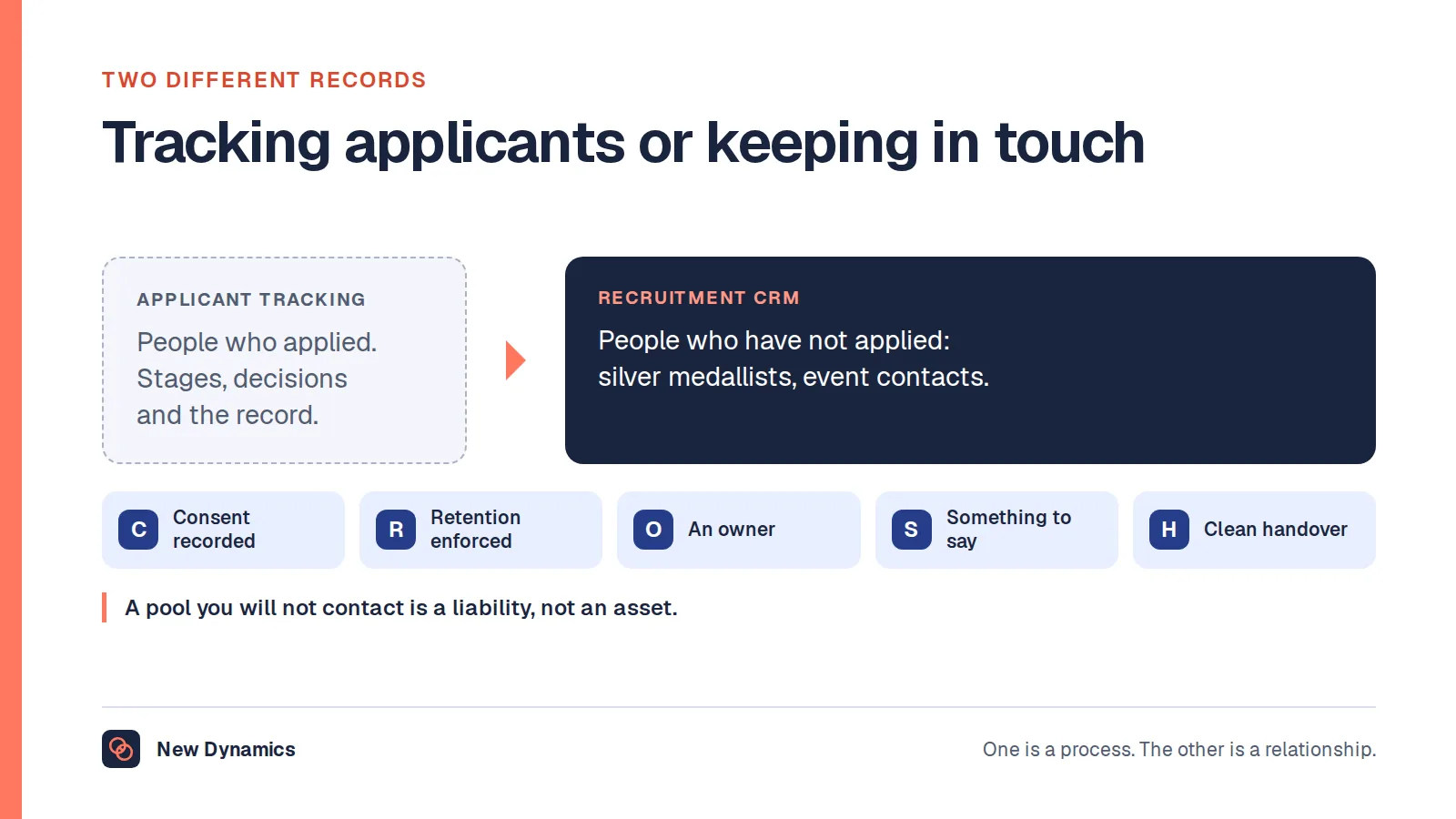
For the people who have not applied yet, our post on the recruitment CRM covers talent pools and the consent that makes one lawful.
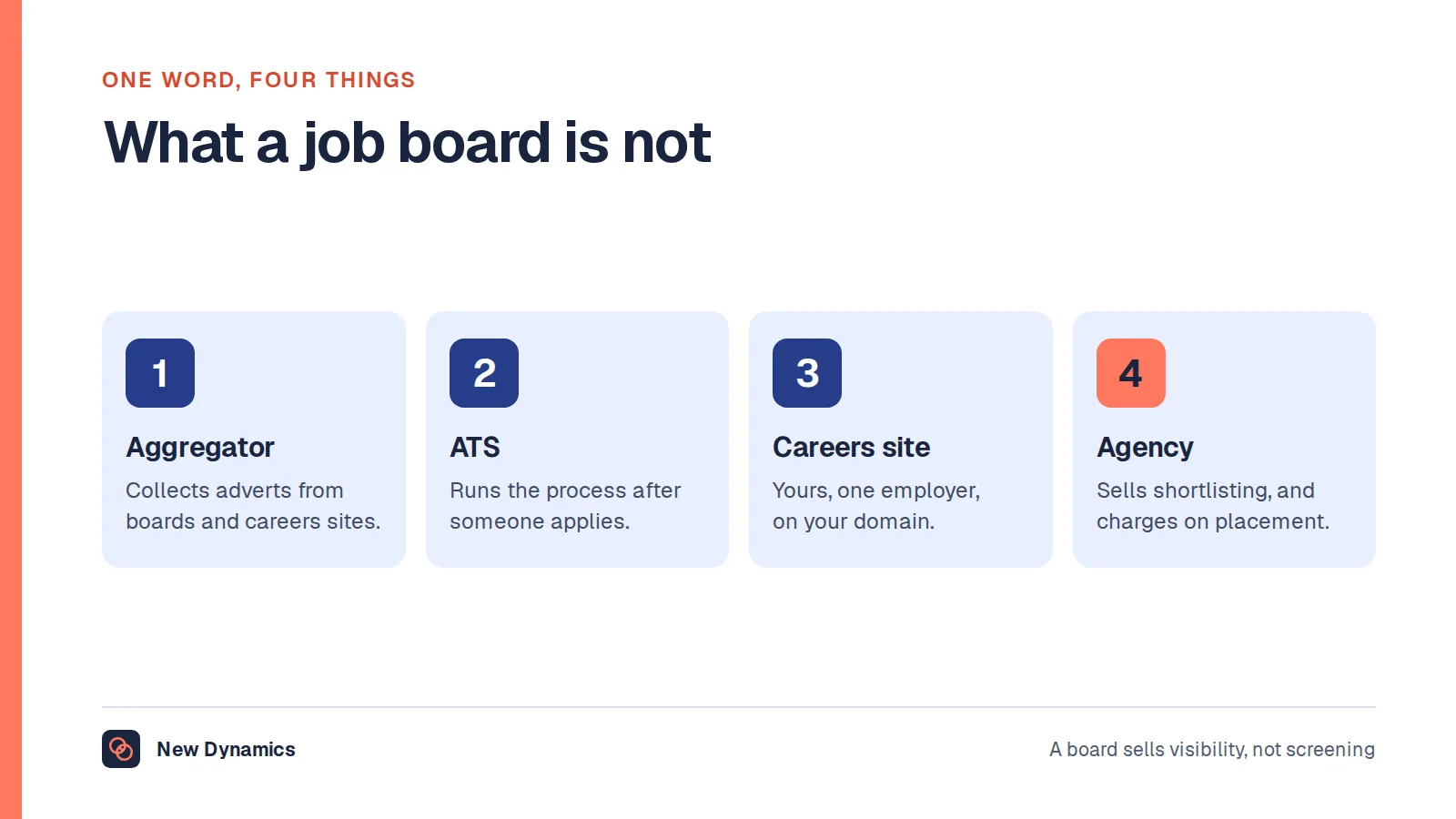
The system is not the same thing as the place the advert goes: our post on what a job board is covers that boundary and the two that sit either side of it.
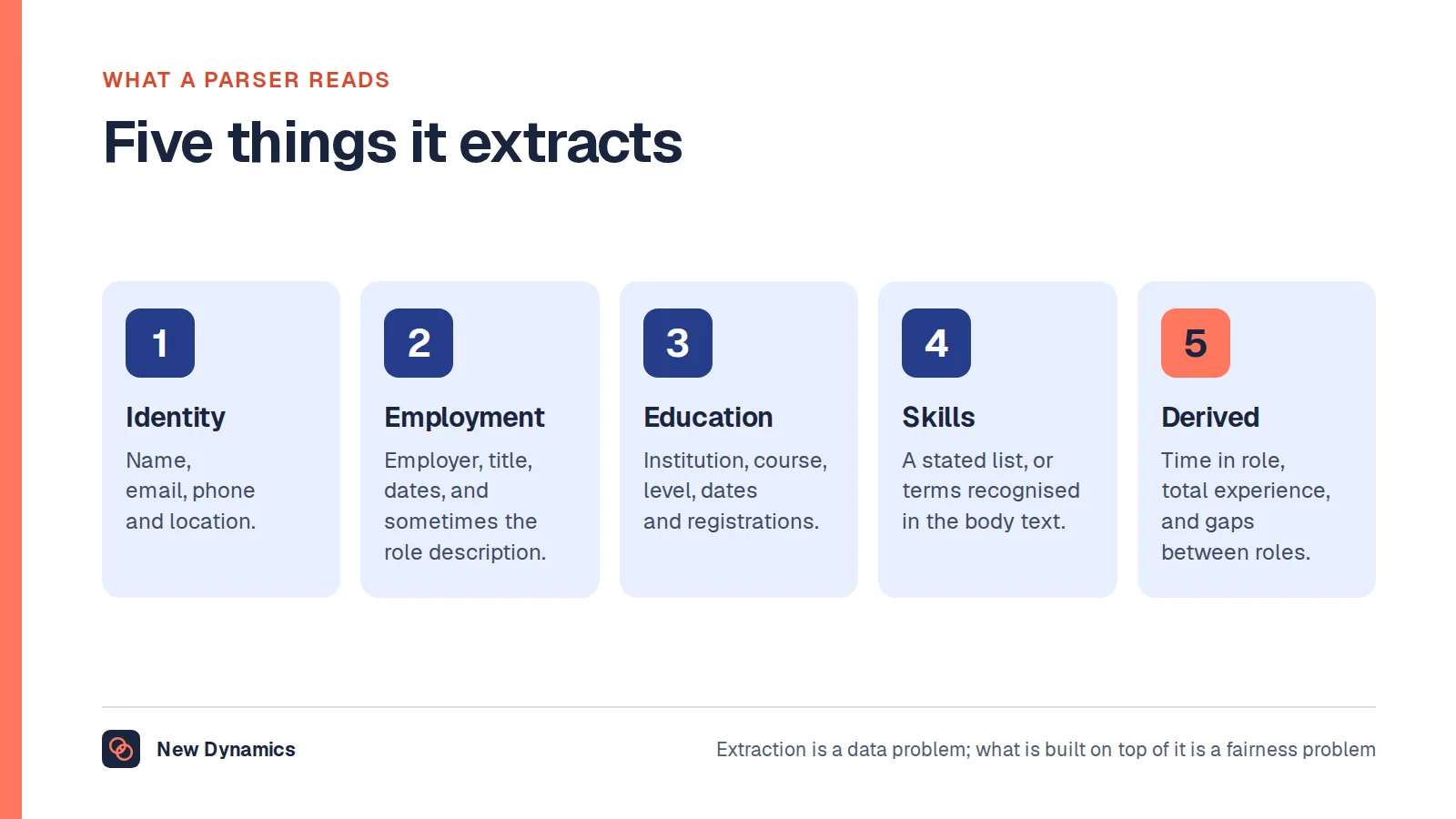
The first thing an ATS does with an application is read it by machine: our post on resume parsing covers what that extracts and what breaks it.
What does ATS stand for?
ATS stands for applicant tracking system. It is software that an employer uses to manage recruitment: it holds every vacancy and every application in one place, and tracks each candidate through the stages of hiring, from application to shortlist, interview, offer and either hire or rejection.
Think of it as a database with a workflow on top. The database remembers who applied for what, and what happened. The workflow moves people from one stage to the next, sends the messages and records the decisions.
Smaller employers manage the same work with an inbox and a spreadsheet. An ATS starts to pay for itself when vacancies and applicants become too many to track by hand, or when the employer needs a reliable record of how decisions were made.
What an ATS does: six functions
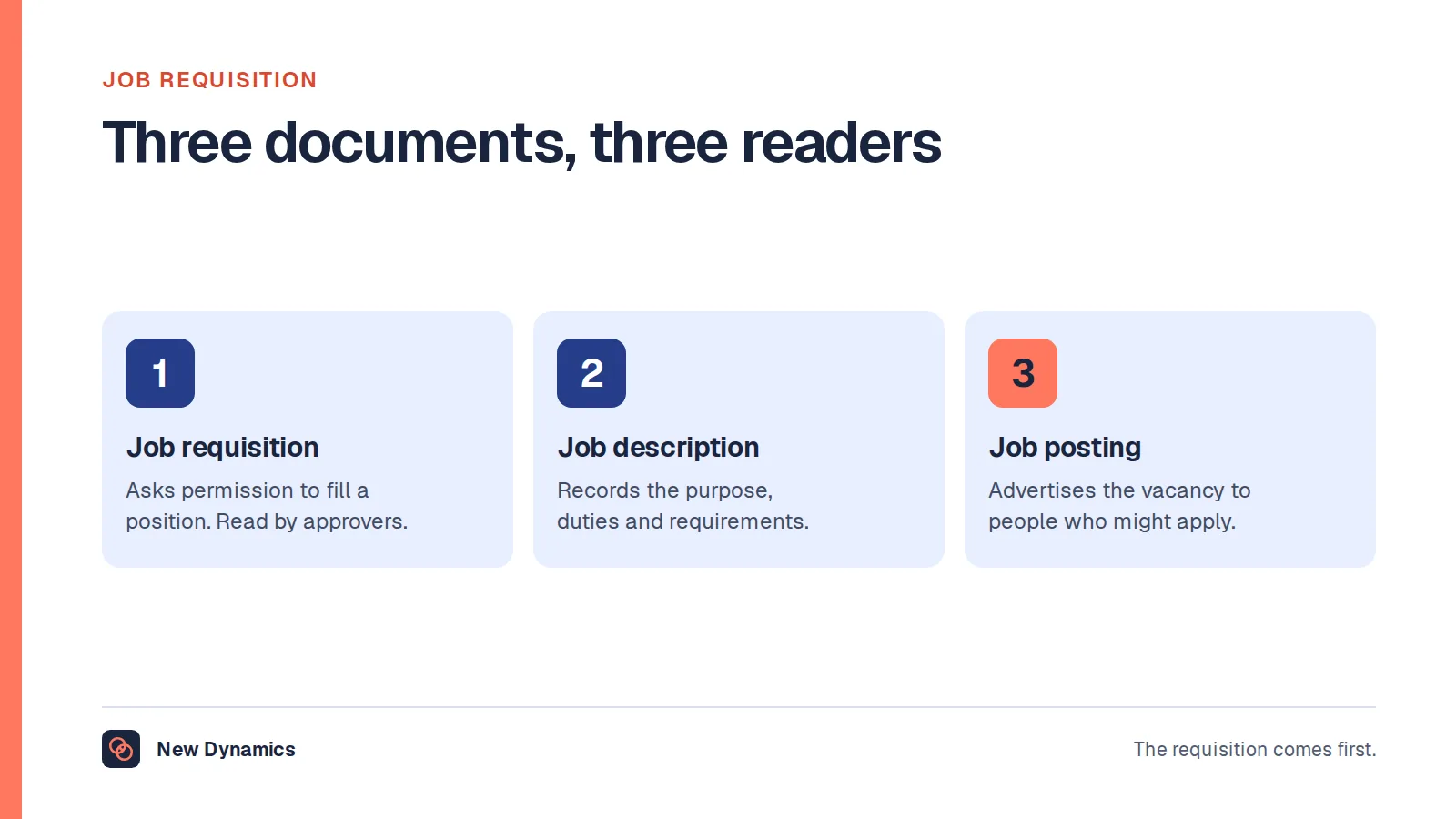
- Publishes vacancies. Creates the advert from an approved request, and posts it to the careers page and job boards. Our guide to the job requisition explains the approval step that comes first.
- Collects applications. Provides the application form, receives CVs and answers, and acknowledges each candidate.
- Stores and searches records. Keeps one record for each candidate, with documents, notes and history, and lets recruiters search and filter.
- Supports screening and shortlisting. Knock-out questions, scoring against criteria and, increasingly, automated ranking or summaries of CVs.
- Schedules and communicates. Interview invitations, reminders, feedback forms for interviewers, and rejection and offer messages.
- Reports. Time to hire, sources of applicants, numbers at each stage and equality monitoring data, kept apart from the people who make decisions.
The fourth function is where most of the controversy lies, and where regulators have taken an interest.

ATS, HRIS and recruitment CRM
- Recruitment CRM. Holds people before they apply: talent pools, past applicants who agreed to stay in touch, and contacts from events.
- ATS. Holds candidates from application to offer.
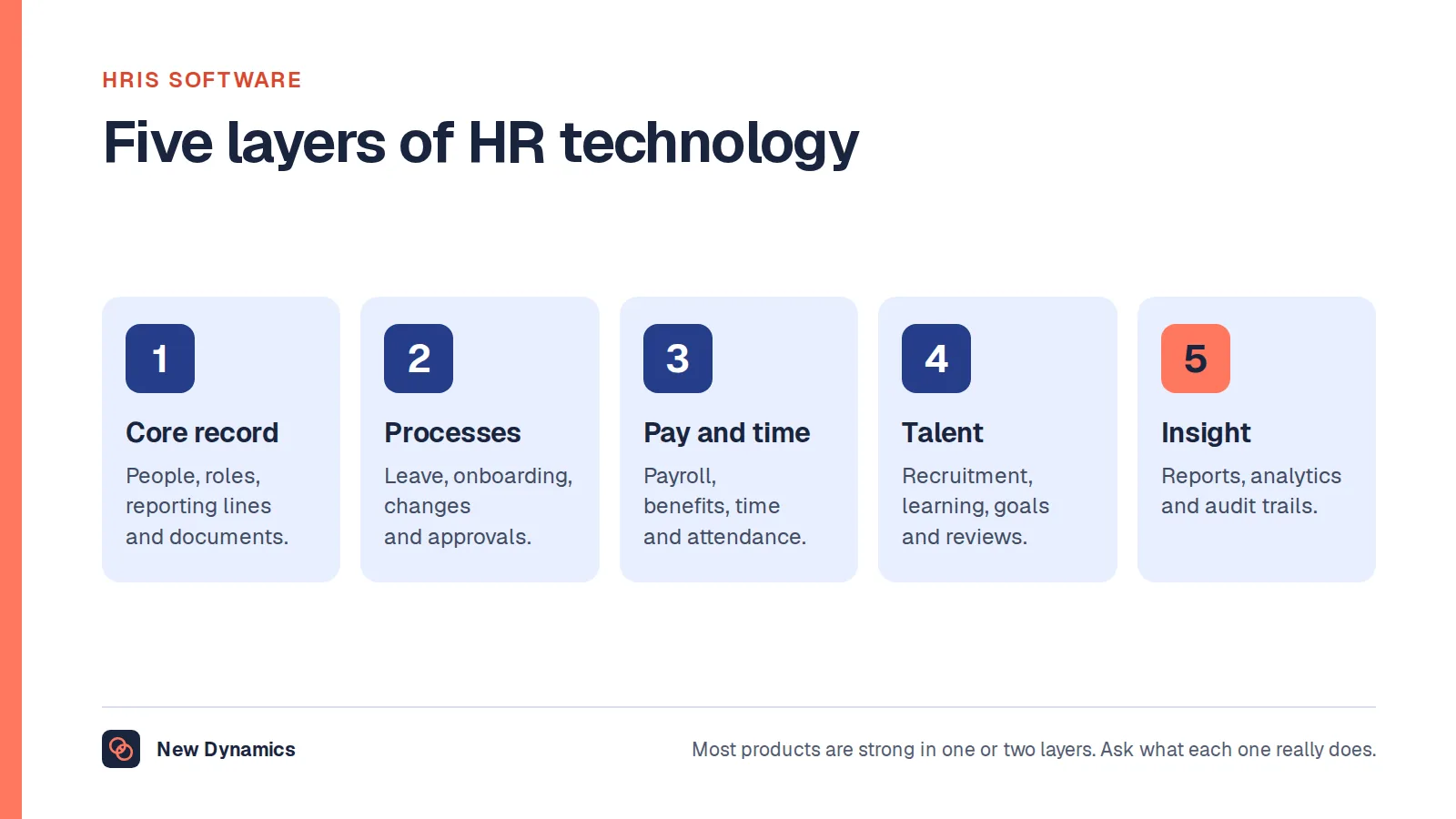
- HRIS. Holds employees from the first day: the contract, pay, leave, reporting line and history. Our guide to HRIS software explains it.
Many suppliers sell two or all three together, and the names on the box vary. What matters when you buy is that the record passes cleanly from one stage to the next, so that nobody retypes a new starter's details, and that data about unsuccessful applicants is deleted when it should be.

AI in applicant tracking: what the regulators say
Recruitment software increasingly includes artificial intelligence. The UK government's guide to responsible AI in recruitment notes that organisations are using AI-enabled technologies at every stage of the process, which it lists as sourcing, screening, interview and selection. It warns: “At all stages there is a risk of unfair bias or discrimination against applicants.” It also identifies a risk of digital exclusion for applicants who are not proficient in, or do not have access to, technology.
The Information Commissioner's Office (ICO), the UK's data protection regulator, audited several providers of AI recruitment tools and published key questions to ask before procuring an AI tool for recruitment. There are six.
- Have you completed a DPIA? A data protection impact assessment should be carried out before using an AI tool, ideally at the procurement stage.
- What is your lawful basis for processing personal information? Such as consent or legitimate interests, with a specific condition for special category data.
- Have you documented responsibilities and set clear processing instructions? Identify who is the controller and who is the processor, and record it in the contract.
- Have you checked that the provider has mitigated bias? The ICO reports that some tools were “allowing recruiters to filter out candidates with certain protected characteristics”.
- Is the AI tool being used transparently? The ICO says: “You must ensure that you inform candidates how an AI tool will process their personal information.” Candidates must also be told how they can challenge automated decisions.
- How will you limit unnecessary processing? The audits found that some tools “collected far more personal information than necessary and retained it indefinitely”.
These questions apply whether the AI arrives as a separate tool or as a feature that is switched on inside the ATS that you already have. This is general information, not legal advice, and other countries have their own rules.

How to choose an ATS
We do not publish a list of the best ATS products. We cannot test them fairly, and the right answer depends on your hiring. Use a method that works for any supplier.
- Write your scenarios. “A manager raises a vacancy, HR approves it, 200 people apply, four are interviewed by a panel of three.” Ask each supplier to show that scenario, with your data.
- Check the candidate's side. Apply for a test job on a phone. Count the minutes and the fields.
- Test accessibility. Ask how the application form works with a screen reader, and how candidates ask for adjustments.
- Ask the ICO's six questions about any AI feature, and ask whether the feature can be turned off.
- Look at the exits. How records pass to your HR system, how you export your data, and how retention and deletion work.
- Include the users. Recruiters and hiring managers should try it before anyone signs.
Our guide to the meaning of RFP explains how to run a structured purchase.
Advice for candidates
The side of the system you will see is the login page. Our guide to the candidate portal explains what it should show you and what you are owed at each stage.
You will read confident claims that ATS software automatically rejects most CVs. Figures of that kind are rarely sourced, and practice differs from one employer to the next. In many organisations a person still reads the applications, using the system to organise them. Sensible preparation helps in every case.
- Answer the knock-out questions carefully. A wrong tick on the right to work or a required licence can end an application at once.
- Use the words of the advert, truthfully. If the advert says “stakeholder management” and you have done it, say so in those words. People skim, and software searches.
- Keep the layout simple. Clear headings, standard fonts and no text inside images. A simple CV is easier for a person and a parser alike.
- Send the file type that is asked for.
- Ask about adjustments. If the online process is a barrier because of a disability, contact the employer and ask for another route.
You also have rights over your data. Under UK data protection law you can ask an employer what information it holds about you, and the ICO says that candidates must be told how an AI tool will process their information.
Common mistakes by employers
Buying features, not a process. Software cannot repair a slow or unfair hiring process. Fix the process first.
Silence. An ATS can acknowledge and update every applicant automatically. Many are configured to tell them nothing.
Forms that take an hour. Every extra field loses candidates, and the best candidates have the least patience.
Filters that nobody reviews. A knock-out rule written three years ago may be excluding good people today.
Keeping data for ever. Set retention periods, and delete.
Switching on AI without asking. A new ranking feature is a new way of processing personal data. Treat it as one.
Frequently asked questions
What is an ATS?
An ATS, or applicant tracking system, is software that employers use to manage recruitment. It holds vacancies and applications in one place, and tracks each candidate from application through shortlisting and interview to an offer or a rejection.
What does ATS stand for?
ATS stands for applicant tracking system. Some suppliers use the phrase candidate management system or recruitment software for the same thing.
What is the difference between an ATS and an HRIS?
An ATS manages candidates until they are hired. An HRIS, or human resources information system, manages employees from their first day: contract, pay, leave and reporting line. Many employers connect the two so that a new starter's details pass across without retyping.
Do ATS systems reject CVs automatically?
Some processes reject applications automatically on knock-out questions, such as the right to work. Beyond that, practice differs between employers, and widely quoted rejection figures are rarely sourced. In the UK, candidates must be told how an AI tool will process their information and how to challenge automated decisions.
How do I get my CV through an ATS?
Answer screening questions carefully, use the wording of the advert where it truthfully describes your experience, keep the layout simple with clear headings, send the requested file type and ask for adjustments if the process is a barrier.
Does a small business need an ATS?
Often not. An inbox, a shared spreadsheet and clear stages work for a handful of vacancies a year. An ATS becomes worthwhile when the volume of vacancies and applicants is too much to track by hand, or when you need a reliable record of decisions.
Your next step
If you are an employer, apply for one of your own jobs this week, on a phone, and time it. If you are a candidate, reread the advert and check that your CV uses its words wherever they are true of you.
If your recruitment tools include AI features, read and download our guide to AI in recruitment. The guide is free to read, and the PDF uses our short download form.
Want the care that you put into hiring to continue after the offer? Book a New Dynamics demo and bring your current approach. You can also email contact@new-dynamics.com.