TL;DR
- A UK pay run is a repeating cycle: collect the inputs, calculate gross pay, apply deductions, report to HMRC in a Full Payment Submission, pay the employees, pay HMRC, keep the records.
- Real Time Information sets the deadline that matters most. GOV.UK requires the five payroll tasks to be done “on or before your employees' payday”, and a late Full Payment Submission without a valid reason can attract a penalty.
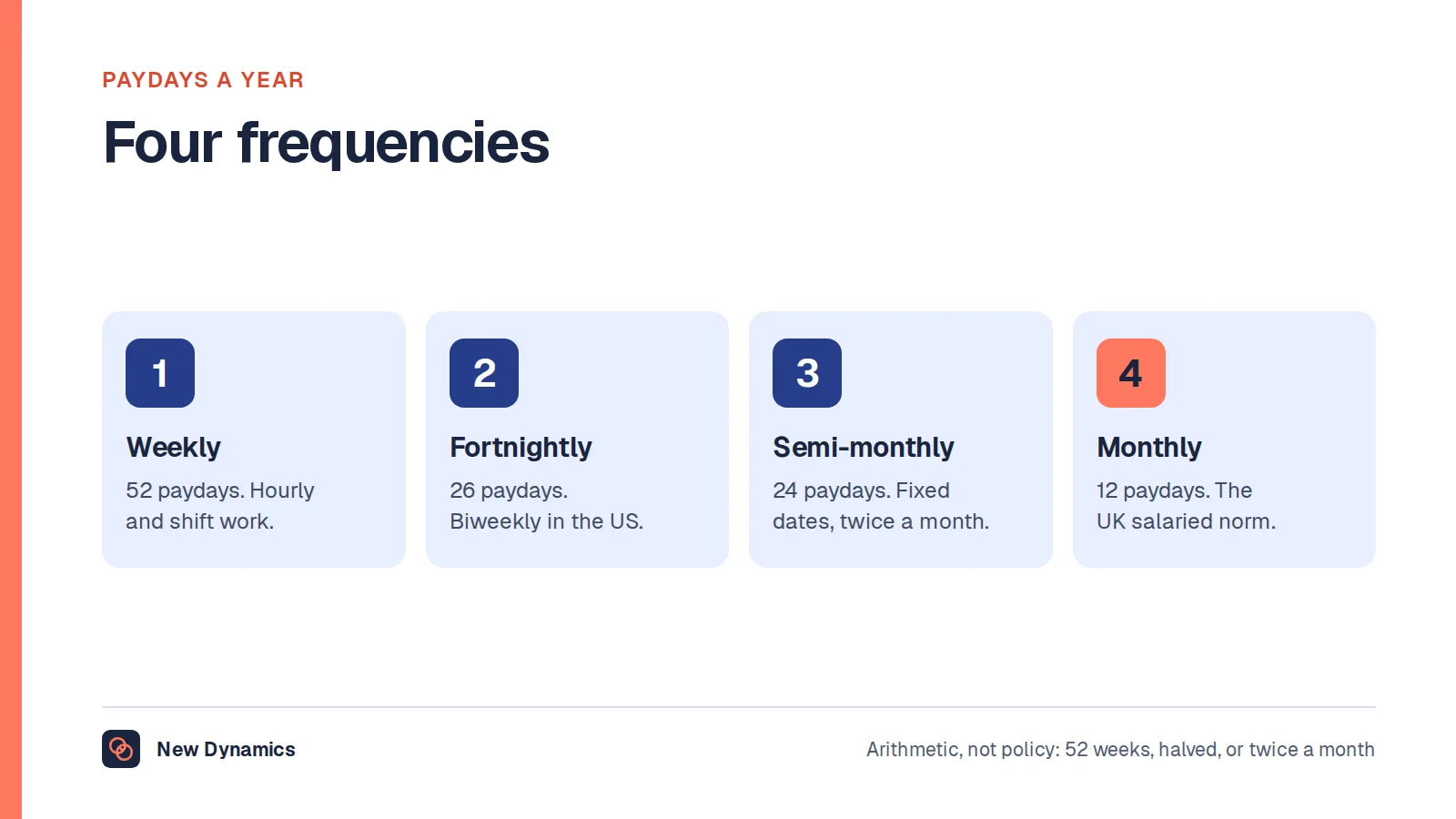
- Weekly pay gives 52 runs a year, fortnightly 26, monthly 12 and four-weekly 13, because 52 weeks divide into thirteen four-week blocks rather than twelve.
Most explanations of payroll describe the sum. Gross pay, minus deductions, equals net pay. That is accurate and almost useless when you are the person responsible for the run, because the sum is not the hard part. The hard part is the sequence: what has to arrive, from whom, by when, what you send to HMRC, and on which date the money has to leave.
This article walks through the payroll process as a cycle, in the order the work actually happens, for an employer in the United Kingdom. It covers registering for PAYE, the steps inside a single pay run, the Real Time Information deadline that governs the whole thing, employer National Insurance as a cost in its own right, the payroll calendar, the journal entries that payroll produces for the accounts, and starters, leavers and year end.
Payroll fails at handovers more often than at calculations. A pay rise approved in a chat message, a leaver nobody recorded, a timesheet that never arrived. See how New Dynamics workflows make each step's owner and due date explicit, so the information payroll needs turns up before the cut-off instead of after it.
A note on the product, stated plainly: New Dynamics does not run payroll. It does not calculate tax, file to HMRC or move money. What it holds is the people data that payroll depends on, the starters, the leavers, the contract changes and the approved pay decisions, in one place with a named owner and a date against each one.
First, a note on the words
Two of the most searched phrases in this subject are American. "Payroll taxes" is the United States framing for the taxes an employer withholds and pays on wages, and "biweekly" is the American word for pay every two weeks. Both have UK equivalents, and this article uses those throughout.
- Instead of employer payroll taxes, the UK employer cost is employer National Insurance, plus any apprenticeship levy and the employer's pension contributions.
- Instead of biweekly and semi-monthly, UK employers pay weekly, fortnightly, four-weekly or monthly.
The jurisdiction here is the United Kingdom. Northern Ireland follows the same PAYE system as England, Scotland and Wales, because PAYE is operated by HMRC across the UK. This is general information, not tax or legal advice, and rates and thresholds change every tax year.
Before the first pay run: registering as an employer
PAYE is not a piece of software or a tax of its own. GOV.UK's guide to PAYE and payroll for employers defines it in one line: "PAYE is HM Revenue and Customs' (HMRC) system to collect Income Tax and National Insurance from employment."
Operating that system is the employer's job. GOV.UK says you can do it by paying a payroll provider, or by doing it yourself using payroll software.
Registration comes first. GOV.UK's page on how to register as an employer says you "normally need to register as an employer with HM Revenue and Customs (HMRC) when you start employing staff", and sets a hard boundary on timing: "You must register before the first payday to get your employer PAYE reference number." It also notes that you "cannot register more than 2 months before you start paying people", so there is a window rather than an open invitation to get ahead.
The output of registration is an employer PAYE reference number, which GOV.UK says "will be sent to you in a letter". Nothing else in the process works without it, so treat it as the first task on the list and not an administrative afterthought.
One more point from the same guidance, easy to miss: even where registration is not required, "you'll still need to keep payroll records."
The cycle of a pay run, step by step
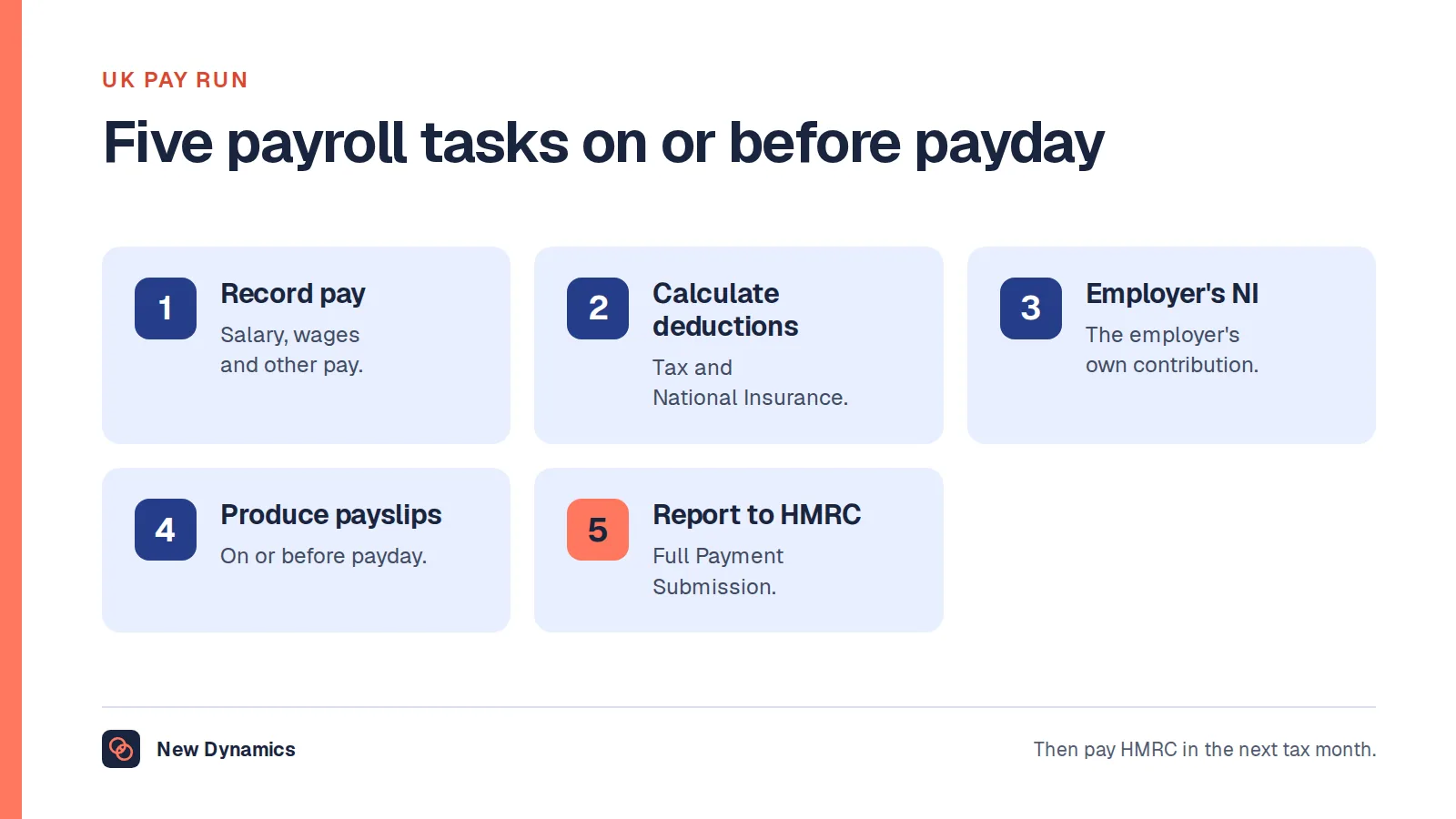
A pay run is the same loop every period. GOV.UK's guide to running payroll lists what you must do with payroll software each time you pay employees, and the framing is important: these tasks sit "on or before your employees' payday".

1. Collect the inputs
Nothing in the list below can be done until the facts arrive. The inputs are hours and overtime from timesheets or a time-tracking system, absence and statutory leave, starters with their tax information, leavers with their final dates, contract and pay changes, bonuses, commission, expenses, and changes to bank details or addresses.
This is the stage that decides whether the run is calm or frantic. Publish a cut-off date, make it the same relative date every period, and hold to it. A change that lands after the cut-off belongs in the next run, not in a rushed correction to this one.
Time tracking matters here for a specific reason: for anyone whose pay varies with hours worked, the hours are not a management statistic, they are the input to a legal payment. If timesheets are approved late, pay is calculated on incomplete data.
2. Calculate gross pay
Gross pay is everything the person has earned in the period. GOV.UK describes the payments involved as including "their salary or wages, as well as things like any tips or bonuses, or statutory sick or maternity pay". GOV.UK words the first payroll task as "Record their pay - include their salary or wages and any other pay."
If the vocabulary itself is new, our post on the definition of payroll sets out what gross pay, net pay and payroll each mean, and who is responsible for the run.
3. Apply the deductions
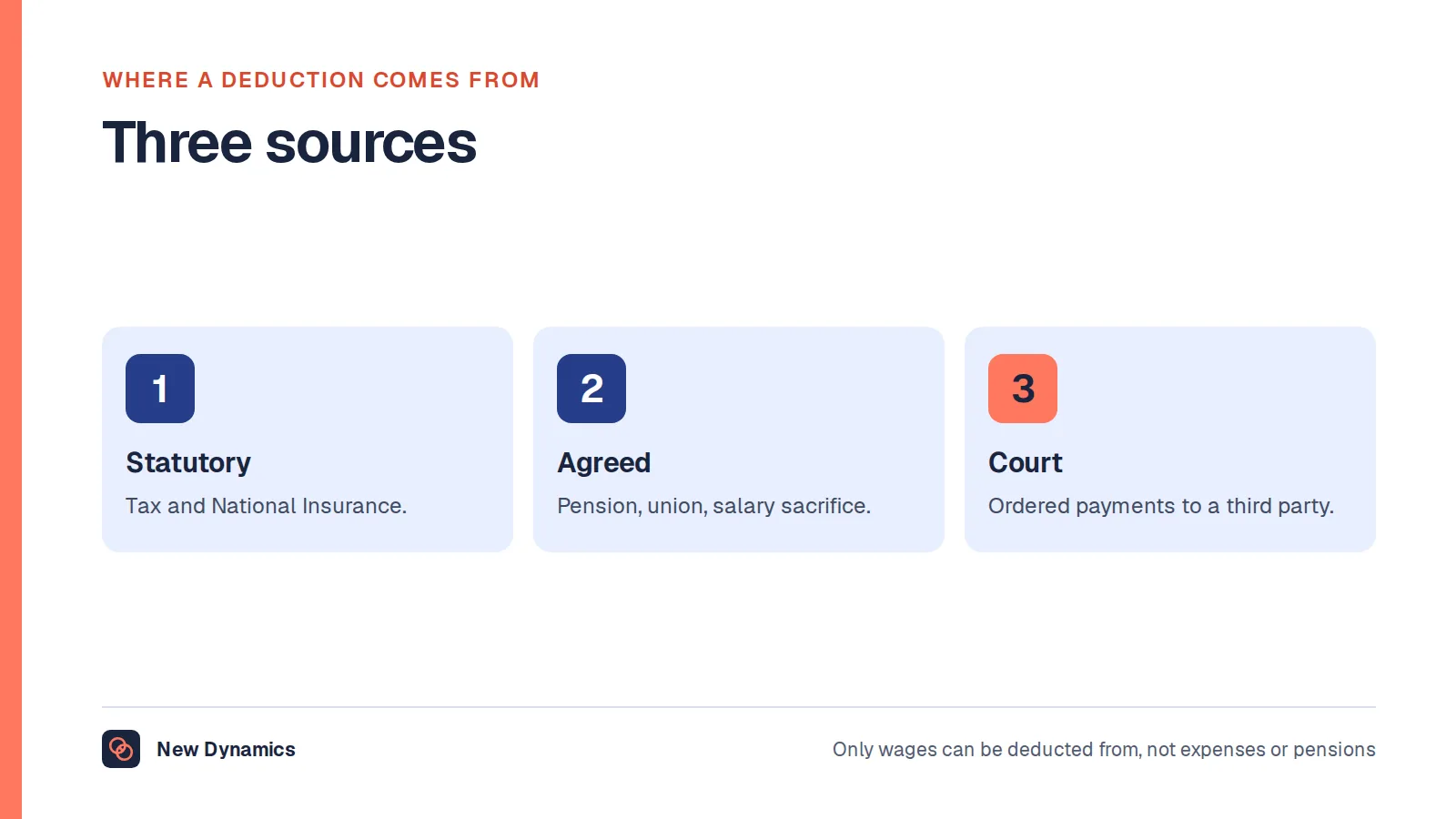
The second task is to "Calculate deductions from their pay, like tax and National Insurance." GOV.UK notes elsewhere that deductions may also include "student loan repayments or pension contributions".
What may lawfully be taken off, and in what order, is a subject of its own. Our post on payroll deductions covers which deductions are required, which need the employee's agreement and which are not permitted at all.
Payroll software then produces the documents. The fourth GOV.UK task is to "Produce payslips for each employee", and payslips must reach the employee on or before payday, not a few days later.
4. Report to HMRC in a Full Payment Submission
This is the step that people new to UK payroll underestimate. The fifth task is to "Report their pay and deductions to HMRC in a Full Payment Submission (FPS)."
An FPS is not a monthly summary sent when convenient. It is a report of that pay run, filed at the point of payment, under the system called Real Time Information. Payroll software generates and submits it.
5. Pay the employees
The money leaves on payday, by the method and on the date the contract sets out. The FPS and the payment are tied together by the on-or-before rule described below, so these two steps are not independent.
6. Pay HMRC by the deadline
The deductions you took, plus the employer's own National Insurance, are then paid over to HMRC. GOV.UK's guidance on how to pay PAYE tax gives the deadline as "the 22nd of the next tax month if you pay monthly", or "by the 19th of the month" if you pay by cheque through the post. Smaller employers who pay quarterly have until "the 22nd after the end of the quarter if you pay quarterly - for example, 22 July for the 6 April to 5 July quarter".
The consequence is stated just as plainly: "You may have to pay interest and penalties if your payment is late."
7. Keep the records
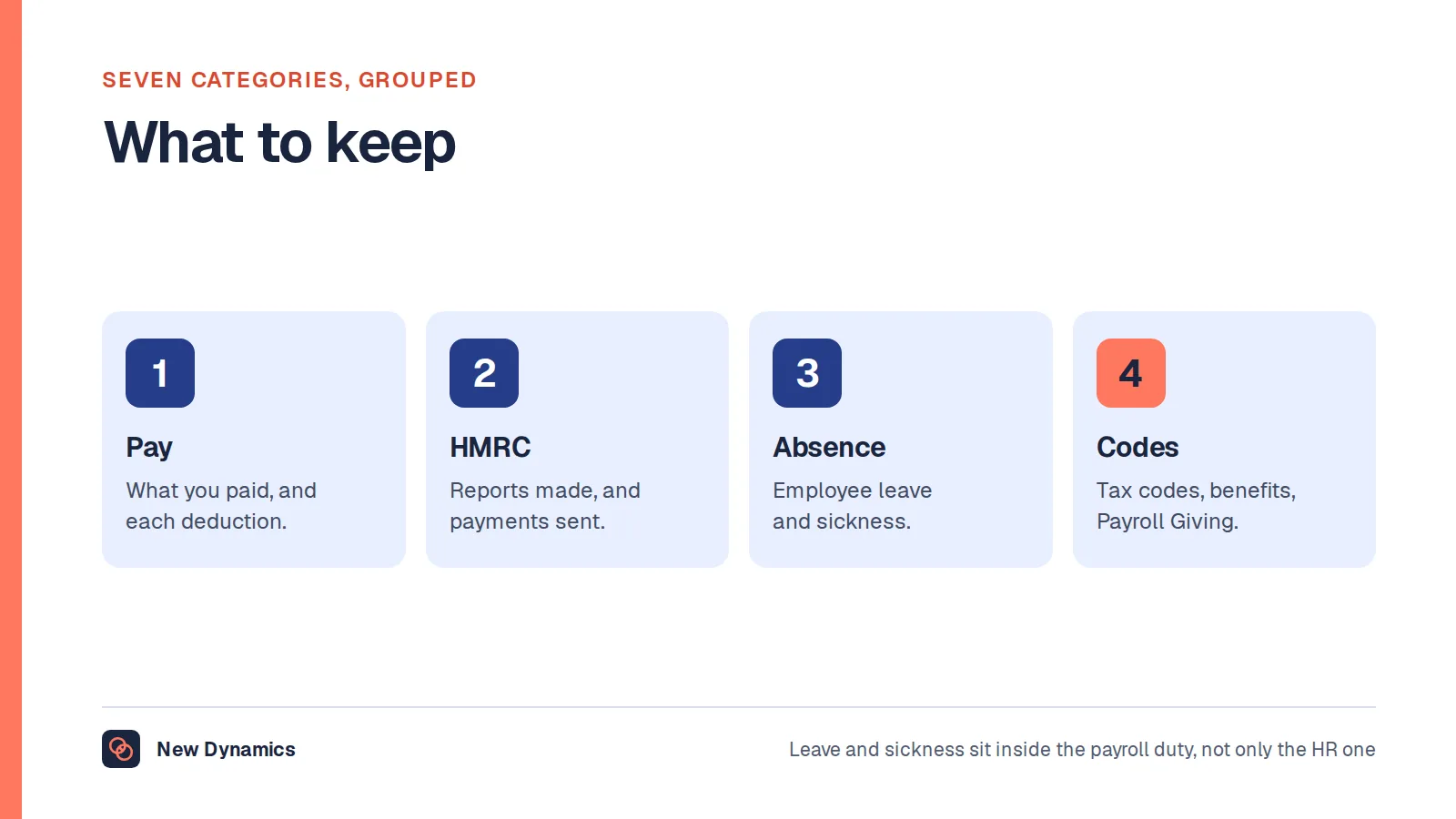
The run is not finished when the money lands. GOV.UK's guidance on keeping records requires employers to keep records of "what you pay your employees and the deductions you make", the "reports you make to HM Revenue and Customs (HMRC)" and the "payments you make to HMRC", along with employee leave and sickness absences, tax code notices and taxable expenses or benefits.
They must be kept, in GOV.UK's words, "for 3 years from the end of the tax year they relate to". If they are not: "If you do not keep full records, HMRC may estimate what you have to pay and charge you a penalty of up to £3,000." Our post on payroll records sets out the categories and the retention rule in full, including what a payroll register is in UK terms.
Real Time Information and the on-or-before rule
If you remember one deadline from this article, remember this one. Under Real Time Information, the Full Payment Submission is due on or before the day the employee is paid. GOV.UK sets out the five payroll tasks as things to do "on or before your employees' payday".
Reporting afterwards is the exception, not a tolerated habit. GOV.UK's page on sending an FPS after payday says that "If you send a late Full Payment Submission (FPS) without a valid reason, you may get: an online penalty warning message for the first late FPS you send each month", or be "charged a penalty".
Where a late submission is allowed, the reason has to be declared. GOV.UK: "Put the reason for reporting after payday on your FPS for each late submission. If you do not, or if HMRC disagrees with the reason or you do not send an FPS, they may send you an online penalty warning message and a penalty."
The valid reasons are narrow and specific, covering situations such as a payday falling on a non-banking day, certain ad hoc payments made outside the regular payroll, and particular cases involving employees without a P45. They are not a general extension.
The practical effect on how you plan a run: your internal cut-off has to sit far enough before payday that the FPS can be submitted on time even when something goes wrong. If the cut-off is the day before payday, a single query can push the filing late.
How long does a pay run take?
Honestly, it depends on headcount, how much of the pay is variable and how clean the inputs are, and no official source publishes a benchmark. What can be said with confidence is where the time goes. The calculation is near instant in software. Collecting and checking inputs, resolving queries and reconciling the totals against the previous period is where the hours sit. Shortening a pay run almost always means fixing the data flow, not the calculation.
The Employer Payment Summary, and when you need one
The FPS reports what you paid. The Employer Payment Summary, or EPS, reports things the FPS cannot show.
GOV.UK states one case directly: "You must send an Employer Payment Summary (EPS) to HM Revenue and Customs (HMRC) if you've not paid any employees in a tax month." Without it, HMRC has no way to tell the difference between a month with no payments and a month where you simply failed to file.
An EPS is also the mechanism for telling HMRC about amounts that reduce what you owe, such as reclaiming statutory payments, rather than amounts you paid out. The pattern worth holding on to is this: an FPS reports payments to employees, and an EPS adjusts the employer's bill or reports the absence of payments. Your payroll software will prompt for one; the error to avoid is skipping a quiet month because there was nothing to report.
Employer National Insurance: the employer's own cost
This is the single most common point of confusion for anyone arriving from a United States payroll background, where "the employer's share of payroll taxes" is standard language.
In the UK, two different things happen to National Insurance in the same pay run.
- The employee's contribution is a deduction. It comes out of gross pay and reduces what the employee receives.
- The employer's contribution is not a deduction at all. It is an additional cost to the employer, calculated on the employee's earnings but paid on top of them. It never appears in the employee's net pay.
GOV.UK's third payroll task is to calculate "the employer's National Insurance contribution" due on earnings above a weekly threshold. For the current figures, GOV.UK's page on National Insurance rates and categories gives, for the tax year 6 April 2026 to 5 April 2027, an employer rate of 15% on earnings above the secondary threshold for most category letters, with that threshold at £481 per week (£2,083 per month) for most categories. The same page states that "Employers pay Class 1A and 1B National Insurance on expenses and benefits they give to their employees", and that "The rate from 6 April 2026 to 5 April 2027 on expenses and benefits is 15%."
Check GOV.UK for the figures that apply to the tax year you are actually running, because the rate and the thresholds are set each year. Categories differ by employee circumstances, and some have a lower threshold.
The budgeting consequence is the point. The cost of employing someone is not their salary. It is their salary, plus employer National Insurance above the threshold, plus employer pension contributions, plus anything else the employer funds.
The payroll calendar: frequencies and pay periods
A payroll calendar is simply the published list of pay dates for the year, with the cut-off date and the HMRC payment date against each one. Build it once a year, before the tax year starts, and circulate it to managers. Most of the chasing in payroll exists because nobody knows the cut-off.

The arithmetic of pay periods is where the "how many biweekly pay periods in a year" question comes from, and it answers itself once you divide 52 weeks by the length of the period.
| Frequency | Pay periods in a year | Note |
|---|---|---|
| Weekly | 52 | 53 in some tax years, depending on where paydays fall |
| Fortnightly | 26 | The UK equivalent of American "biweekly" |
| Four-weekly | 13 | Not twelve, see below |
| Monthly | 12 | The most common UK arrangement |
Why four-weekly produces thirteen runs. A four-weekly cycle is anchored to weeks, not to months. There are 52 weeks in a year, and 52 divided by 4 is 13, so there are thirteen four-week blocks in a year rather than twelve. This catches people out in two ways. First, annual salary must be divided by 13 rather than 12 to get the four-weekly amount. Second, there will be two calendar months in each year containing two paydays, which affects cash flow planning and tends to generate questions from employees who think they have been paid twice by mistake.
Weekly pay has its own version of this. Because 52 weeks of 7 days is 364 days, paydays drift through the calendar and some tax years contain 53 weekly paydays. Payroll software handles the tax implications, but the extra run has to be in the calendar.
Choosing between these is a separate decision with consequences for cash flow, for employees and for administration. Our post on pay frequency weighs the options.
The payroll journal
Payroll produces money movements, and those movements have to land in the accounts. The payroll journal is the entry that puts them there.
This section is general bookkeeping practice rather than a quoted rule. Accounting treatment is not a GOV.UK matter, and the exact accounts and their names depend on your chart of accounts and your accounting standard. Ask your accountant how it should be set up for your business.

What the entries represent, in accounting terms:
- Gross pay is an expense. The full gross figure, not the net amount, is the cost of employment for the period. It is usually split across cost centres or departments.
- Employer National Insurance and employer pension contributions are also expenses. They are additional employer costs, recorded separately from gross pay so the true cost of employment is visible.
- Net pay is a liability until it is paid. Between calculating the run and the money leaving the bank, the business owes its employees. Once payment clears, the liability clears and the bank balance falls.
- Deductions are liabilities, not income. Income tax, employee National Insurance, student loan repayments and employee pension contributions are amounts you are holding on behalf of someone else. They sit in payroll liability accounts until they are paid to HMRC or the pension provider.
That last point is the one worth internalising. Money deducted from an employee's pay was never the employer's money. It is held, briefly, and passed on. A payroll control account that never clears to zero is a signal that something has been paid incorrectly or not at all.
The reconciliation that follows a pay run is straightforward in principle: the payroll report totals should equal the journal, the net pay total should equal the bank payments, and the liability accounts should clear when HMRC and the pension provider are paid.
Starters, leavers and year end
Starters
GOV.UK's guidance on taking on a new employee is direct: "You must tell HM Revenue and Customs (HMRC) when you take on a new employee and be registered as an employer."
You need their information to work out the tax code. GOV.UK: "Get employee information to work out their tax code - if you do not have their P45, use HMRC's 'starter checklist' (which replaced the P46)." The new employee is then reported to HMRC through the FPS.
The timing is the same rule as everything else in Real Time Information. GOV.UK: "You must tell HMRC about your new employee on or before their first pay day."
Leavers
When someone leaves, the final pay run covers their last payments, including any outstanding holiday pay, and you give them a P45. The leaving date is reported to HMRC on the FPS for that run. The P45 is what the next employer uses in place of a starter checklist, which is why issuing it promptly matters to the person rather than just to your file.
Year end
The tax year ends on 5 April, and payroll has a short sequence of tasks after it. GOV.UK's guide to payroll annual reporting and tasks sets out the steps and the dates: "Send your final payroll report of the year" on or before your employees' payday, "give your employees a P60" by 31 May, and "Report employee expenses and benefits" by 6 July. From 6 April you then "Update employee payroll records" and "Update payroll software" for the new tax year.
A P60 summarises an employee's pay and the deductions made in that tax year. Employees need it for tax queries, for self assessment and often for mortgage applications, so it is worth telling people when to expect it rather than fielding the same question thirty times.
Frequently asked questions
How does payroll work, in simple terms?
Payroll is a repeating cycle. You collect the facts for the period, such as hours, absence, starters, leavers and pay changes. You calculate gross pay, apply deductions such as income tax and National Insurance, and produce payslips. You report the pay and deductions to HMRC in a Full Payment Submission on or before payday, pay the employees, then pay HMRC by its deadline and keep the records.
What is the most important deadline in UK payroll?
The Full Payment Submission. Under Real Time Information, GOV.UK requires the payroll tasks to be completed "on or before your employees' payday". A late FPS without a valid reason can attract an online penalty warning message or a penalty, and the reason for any late submission has to be stated on the FPS itself.
Are employer payroll taxes the same as employer National Insurance?
"Payroll taxes" is an American framing. The nearest UK equivalent is employer National Insurance, which is the employer's own cost rather than a deduction from the employee. GOV.UK gives an employer rate of 15% above the secondary threshold for most category letters for the tax year 6 April 2026 to 5 April 2027. Check GOV.UK for the year you are running.
How many biweekly pay periods are there in a year?
Biweekly is the American word for fortnightly, and there are 26 fortnightly pay periods in a year, because 52 weeks divided by two is 26. Four-weekly pay is different and produces 13 runs a year, since 52 weeks divide into thirteen four-week blocks. Weekly pay gives 52 paydays, and in some tax years 53.
When do I need to send an Employer Payment Summary?
GOV.UK states that you "must send an Employer Payment Summary (EPS) to HM Revenue and Customs (HMRC) if you've not paid any employees in a tax month". An EPS is also how you tell HMRC about amounts that reduce what you owe, such as reclaiming statutory payments. The FPS reports what you paid employees; the EPS adjusts the employer's bill.
How long do I have to keep payroll records?
GOV.UK requires employers to keep payroll records "for 3 years from the end of the tax year they relate to". That covers what you paid employees, the deductions you made, your reports and payments to HMRC, leave and sickness absence, tax code notices and taxable expenses or benefits. Incomplete records can lead HMRC to estimate what you owe and charge a penalty.
Your next step: build the calendar before the year starts
- Draft next year's payroll calendar now: payday, cut-off date and HMRC payment date for every period.
- Send the cut-off dates to every manager who approves overtime, timesheets or pay changes.
- Check that one named person, and one deputy, can submit the FPS.
- Reconcile the payroll liability accounts and confirm they clear to zero after each HMRC payment.
Pay decisions arrive at payroll as instructions, so they should be made and recorded properly before they get there. Read and download our compensation policy guide for a clear approach to setting and approving pay. The guide is free to read, and the PDF uses our short download form.
Want the starters, leavers and approved pay changes to reach payroll on time, with an owner and a date against each one? Book a New Dynamics demo and bring your current process. You can also email contact@new-dynamics.com.