TL;DR
- Most recruiting software is bought on features and regretted on process. The questions that decide whether it helps are mundane: who approves a vacancy, who sees which candidates, what the rejection looks like, and how long you keep the records.
- Below roughly twenty hires a year, a shared inbox, a spreadsheet and a written process usually beat a system. Software earns its cost when volume, multiple hiring managers, or the need to show how decisions were made make the manual version unreliable.
- Whatever you buy, the duties come with it: a fair and consistent process, candidate records kept no longer than needed, and human accountability for any automated screening. This article describes the United Kingdom position and is general information, not legal advice.
A demo shows a tidy pipeline with eight well-named candidates moving neatly to the right. Your actual vacancy has a manager on leave during shortlisting, two candidates who applied twice, a recruiter covering three roles at once and a hiring panel who answer email at midnight.
Choosing recruiting software well means testing it against that, not against the demo.
This article covers whether you need a system yet, the seven requirements a real vacancy breaks on, the duties that arrive with candidate data, what to do instead if you hire occasionally, and the red flags worth walking away from. It names no products and quotes no prices.
Hiring ends at the offer; keeping the person is a separate system. See how New Dynamics onboarding turns an accepted offer into tasks, early goals and manager conversations. New Dynamics does not sell recruiting software, so this is general guidance.
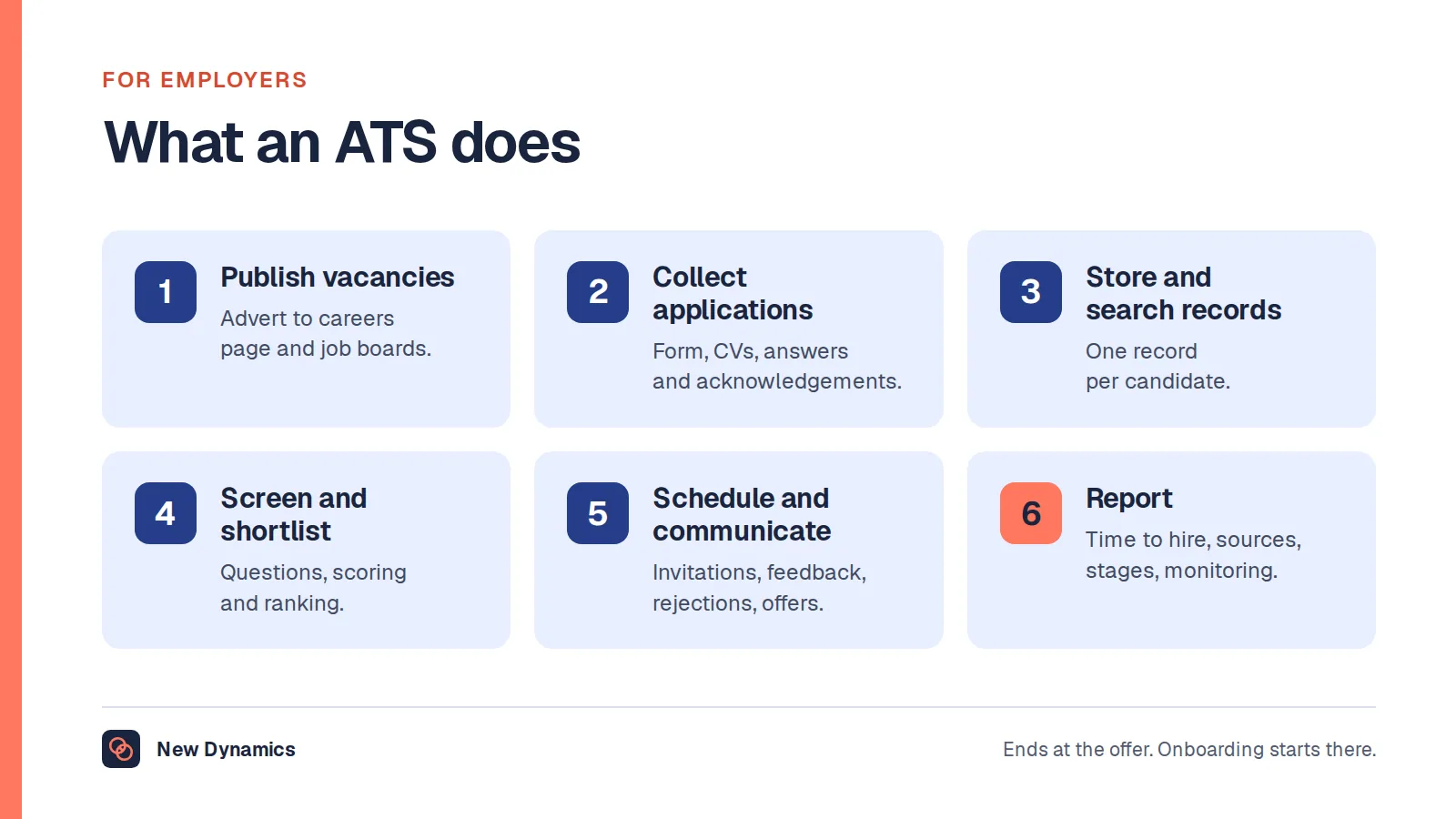
If you are not sure what the category even contains, our post on what an ATS is covers the six things an applicant tracking system does.
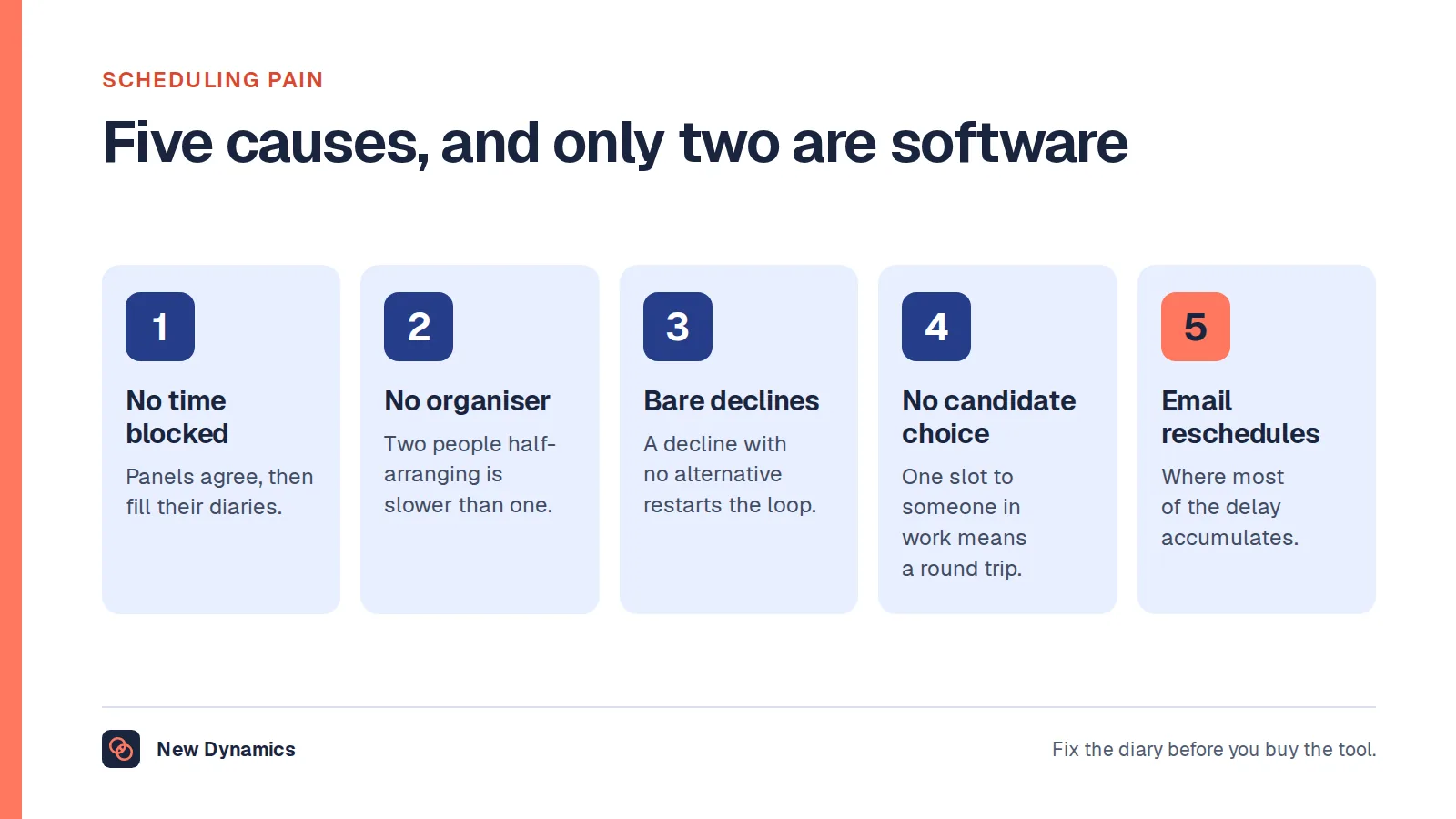
If the pain is arranging the interviews rather than tracking the candidates, our post on interview scheduling software covers what a tool can and cannot fix.
Do you need it yet?
Three questions settle this faster than a feature comparison.
- How many vacancies run at once, and how many people touch them? One recruiter and two vacancies is a spreadsheet. Five managers hiring at the same time is a system.
- Could you reconstruct a hiring decision from six months ago? If not, and if that matters to you, that is the strongest argument for software, because the record is the product.
- What breaks today? Lost applications, slow scheduling, no visibility, inconsistent questions, nobody chasing. Name the breakage before the demo, and judge every product against it.
Under roughly twenty hires a year, a structured inbox, a shared scoring sheet and a written process usually outperform a cheap system that nobody keeps updated. Acas is clear that "There are no set processes that are required by law. But employers must follow a fair process." Consistency is a discipline, and software supports it rather than supplying it.
Seven requirements a real vacancy breaks on

- Approval before advertising. Who signs off a vacancy, with budget and headcount attached, and what happens when they are away.
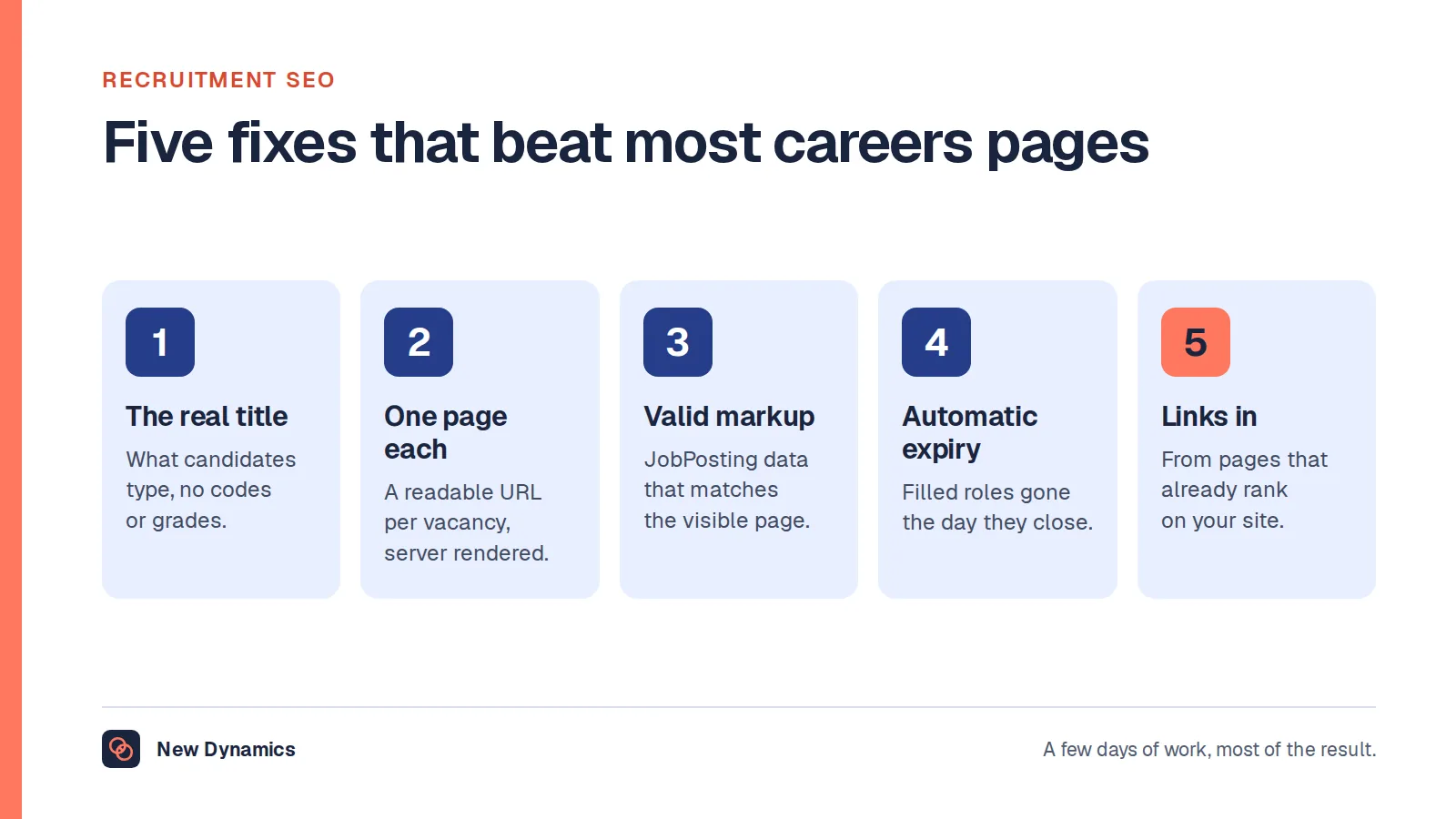
- A careers page that search engines can read. One indexable page per vacancy, correct structured data and automatic expiry. Our post on recruitment SEO covers why most careers sites fail this.
- One record per candidate, including the person who applies for three roles and the one who reapplies next year.
- Consistent screening. The same questions and the same criteria for every applicant to a role, with scores recorded.
- Scheduling that survives a panel. Multiple interviewers, room or video links, reschedules, and no manual diary tennis.
- Rejections that actually go out, on a defined timetable, with a tone you would be happy to read.
- Reporting you will use. Time to hire, source, stage conversion, and the diversity data you collect separately from the application.
If a product is weak on any of the first six, no amount of dashboard quality compensates.
The duties that arrive with the data
Buying the system means taking on candidate records, and the rules are not optional. The position described here is the United Kingdom one, and this is general information rather than legal advice.
- Retention. The ICO's guidance on recruitment records is blunt: "You must not keep information for longer than you need to." Decide the period, configure it, and tell candidates.
- Access. Hiring managers should see the candidates for their vacancy, not the whole database. Ask to see the permission model, not a slide about it.
- Automated screening. If the product ranks or filters, you remain accountable for the decision. Ask what the feature does, what it does not do, and what the audit trail shows.
- Equality monitoring kept separate. Diversity data should not sit in the shortlisting view.
- Exit. What you can export, in what format, and what the provider deletes when the contract ends.
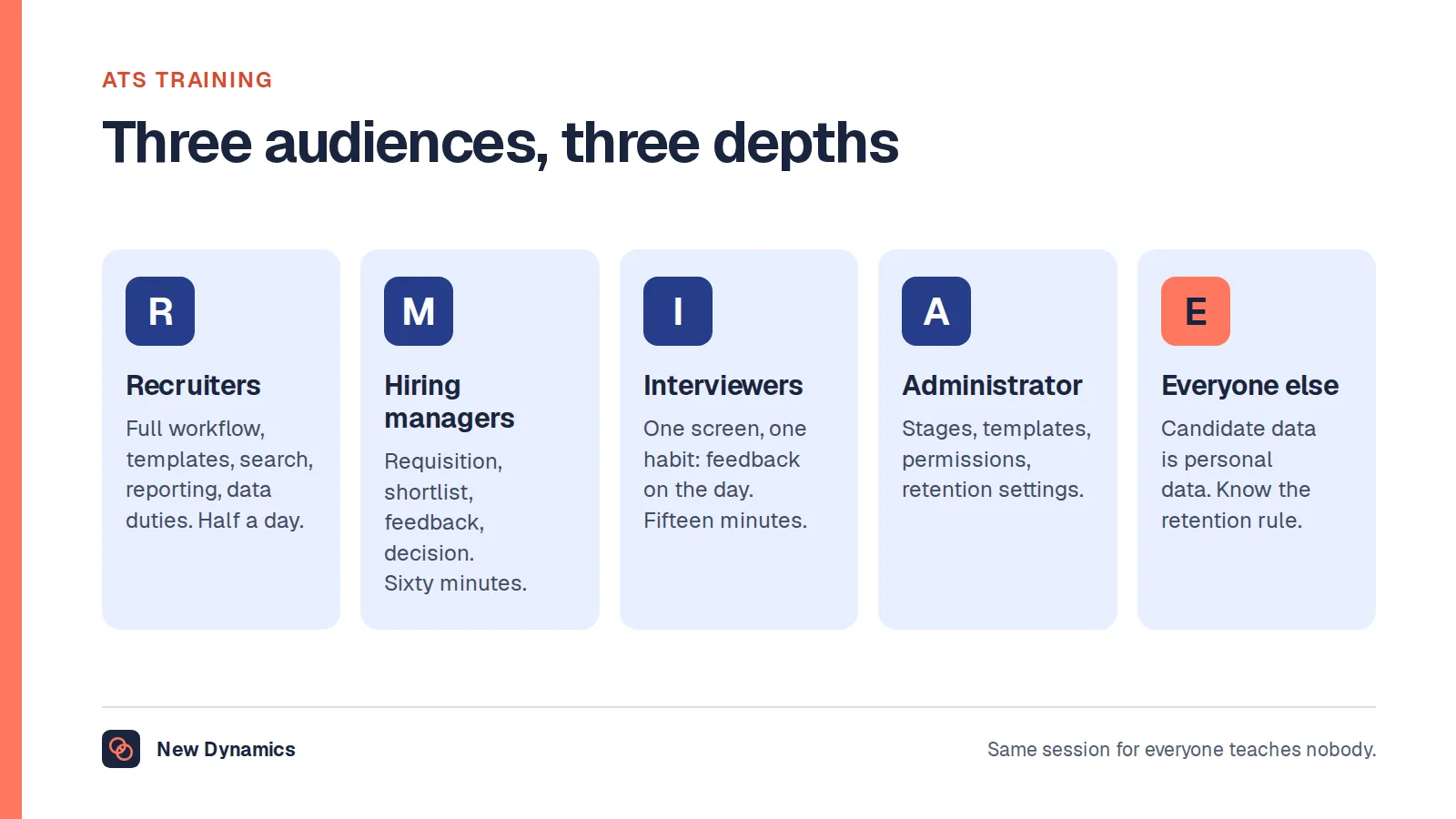
Our post on ATS training covers how to get a team using these controls properly once the system is in.
Questions that separate products

- Show me a vacancy from approval to offer, with a reschedule and a duplicate application in the middle.
- Show me the permission model with a hiring manager account, not an administrator one.
- Show me the rejection flow, including what a candidate receives and what happens when they reply.
- Show me retention settings, and what happens to a record when the period expires.
- What does the careers page output look like in raw HTML, and who controls the template?
- What is the implementation effort on our side, in hours and in people?
- What do we export at the end of the contract?
Red flags: a demo that only uses a prepared dataset, a refusal to show permissions, "the API can do that" as an answer to a core requirement, and pricing that depends on how many managers log in, which quietly discourages the people you most need in the system.
If you hire occasionally

A deliberate manual process beats an unused product. Five things to put in place:
- A single inbox or folder per vacancy, owned by one person.
- A one-page scoring sheet with the criteria agreed before the advert goes out.
- Diary slots blocked for interviews before the shortlist exists.
- A rejection template and a day of the week when rejections are sent.
- A note of why each decision was made, kept with the vacancy.
That costs nothing, satisfies the fairness expectation and gives you a record. Revisit the question when two of the five start slipping.
What usually goes wrong
- Buying for the busiest quarter. A system sized for a hiring spike is overhead for the rest of the year.
- Nobody owns the configuration. Stages, templates and permissions drift to the defaults, and the process becomes whatever the tool does.
- Managers never log in. Usually a permissions or notification problem, occasionally a licensing one. Find out which before blaming adoption.
- The careers page is an afterthought, so vacancies are invisible and the spend moves to paid listings.
- Rejections stop happening when the system makes them manual. That is a reputational cost you pay slowly.
Frequently asked questions
What is recruiting software?
It is software that manages hiring: raising and approving a vacancy, publishing it, collecting applications, screening and shortlisting, scheduling interviews, recording decisions, sending offers and rejections, and reporting. Applicant tracking systems are the core of the category, with scheduling, assessment and candidate relationship tools around them.
Does a small business need recruiting software?
Often not. Below roughly twenty hires a year, a structured inbox, an agreed scoring sheet and a written process usually work better than a system nobody maintains. Buy when several managers hire at once, when applications get lost, or when you need to show how decisions were made.
What is the difference between recruiting software and an ATS?
An applicant tracking system is the record and workflow at the centre: vacancies, candidates, stages and decisions. Recruiting software is the wider category, which also covers scheduling, assessment, candidate relationship management and onboarding handover. Most buyers are really choosing an ATS with extras.
How long can you keep candidate data?
Only as long as you need it, which means setting a period you can justify and telling candidates what it is. If you want to keep details for future vacancies, say so and get that on the record, then configure the system to delete rather than relying on anyone remembering.
Should recruiting software do the shortlisting for you?
It can rank or filter, but the decision stays yours and so does the accountability. Ask what the feature actually produces, require a human reason for every shortlist that does not simply cite the score, and read a sample of applications the system ranked low on every vacancy.
What should you ask in a recruiting software demo?
Make them run one vacancy end to end with a reschedule and a duplicate application, show the hiring manager's view rather than the administrator's, show the rejection a candidate receives, and show what happens when a retention period expires. Prepared datasets prove nothing.
Your next step: write the breakage list
- Write down the three things that actually break in your hiring today, with examples from the last two vacancies.
- Score shortlisted products against those three, and against the seven requirements above.
- Ask for the four live demonstrations listed in this article, not slides.
- Decide the retention period and the permission model before implementation, not after.
For the questions to ask before any AI-assisted screening touches a candidate, read and download our AI recruitment guide. The guide is free to read, and the PDF uses our short download form.
Want the handover from offer to first day to be as organised as the hiring? Book a New Dynamics demo and bring your current onboarding checklist. You can also email contact@new-dynamics.com.