TL;DR
- A meeting tool and an event platform are different categories. An event adds registration, a published programme, a capacity limit, an attendance record and usually a recording that is distributed afterwards. Each of those creates an obligation a meeting does not.
- The commonest failure is turning the registration list into a marketing list. The ICO states that you must not send marketing emails or texts to individuals without specific consent, and that the limited soft opt-in exception does not apply to prospective customers or new contacts.
- A mandatory evening or weekend event for staff is working time. The Working Time Regulations 1998 define working time to include any period during which a worker is receiving relevant training, and the eleven hour daily rest period still applies. This article describes the United Kingdom position and is general information, not legal advice.
Nine hundred people register for an all-staff briefing. Eight hundred and ten of them join. The recording goes out the next morning to everyone on the list, including the two hundred who did not attend, and it contains the twenty minutes of questions from the floor with names and faces attached. Six weeks later, marketing emails the same list about a product launch, because the list was sitting there and it was the only clean list anybody had.
Nothing in that story required a decision from a senior person. Every part of it was a default. And the problem is not the software. It is that the organisation bought a tool for meetings, used it for an event, and inherited a set of obligations nobody had read.
This article covers virtual event software as a category: what it actually does, where the line sits between a meeting tool and an event platform, the United Kingdom duties that bite at registration, at recording and at accessibility, the records you will end up holding and how long to keep them, and what to ask before you sign anything. It names no products, ranks nothing and quotes no prices.
Most of the work around an event is not the broadcast. It is the chasing: who was invited, who has to attend, who has an adjustment, who still owes a follow-up. See how New Dynamics workflows put a named owner and a date on each of those steps instead of leaving them in somebody's inbox.
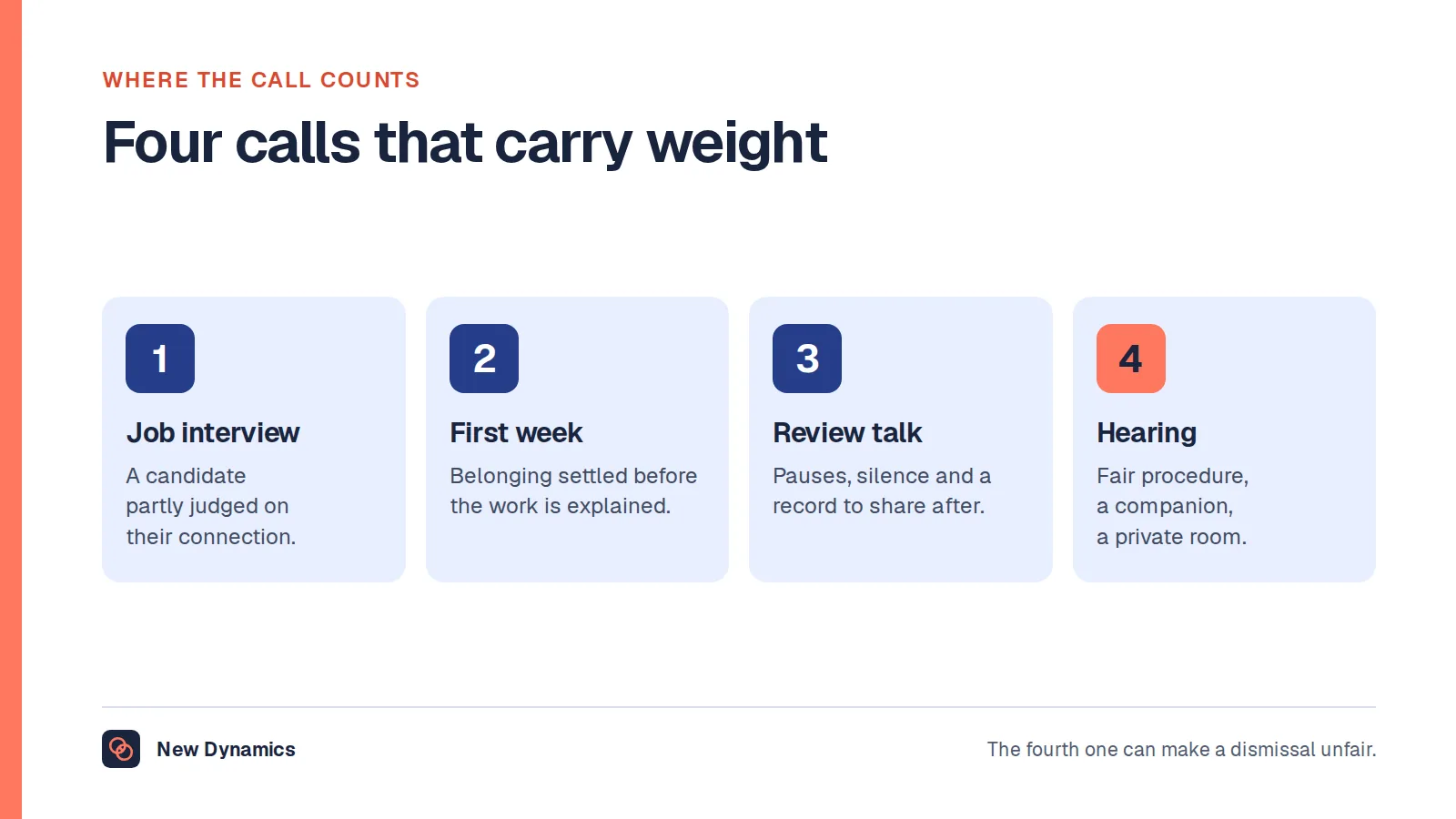
If your question is really about the call rather than the event, video conferencing software covers interviews, onboarding, review conversations and hearings. If it is about where announcements live, internal communication tools covers that.
What virtual event software actually is
An event platform runs a scheduled occasion for an audience. The job it does that a meeting tool does not is everything around the broadcast: a registration page that collects details and issues a ticket, a capacity limit, a published agenda with sessions and speakers, moderated questions, polls, a lobby or exhibition area, attendance tracking, a recording pipeline, and a set of follow-up emails.
Three neighbouring categories get confused with it.
- A meeting tool carries live audio and video between people who all expect to speak. Its unit is the call. Registration, if it exists at all, is an afterthought.
- A webinar feature inside a meeting tool sits in between. It adds a registration form and a speaker or attendee split, and for a monthly update to two hundred people that is often enough.
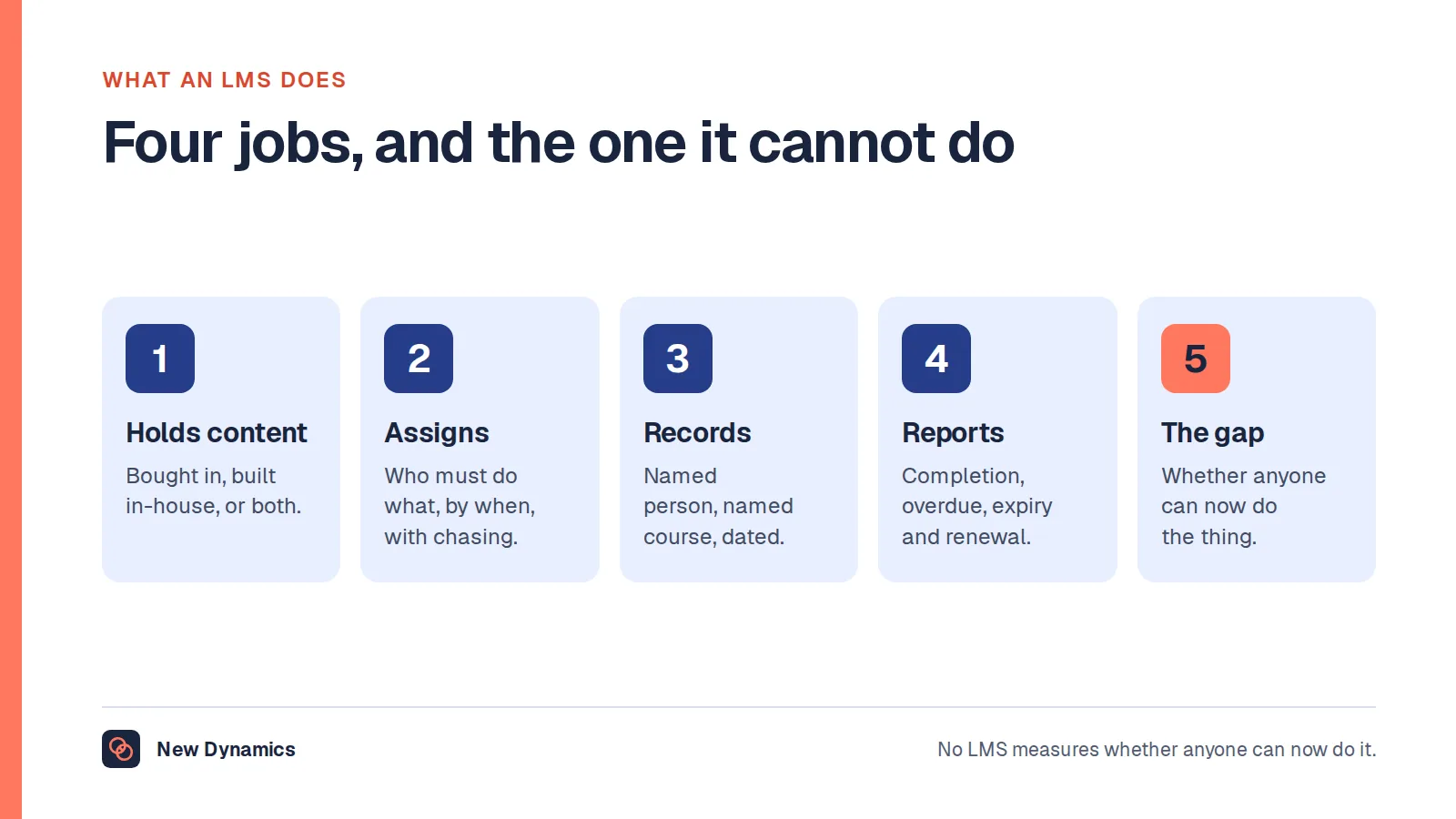
- A learning platform records that a named person completed something and keeps the evidence. If the point of your event is that people are trained and you can prove it later, see learning management system software, because attendance at an event is not the same record as completion of a course.

The useful test is not a feature list. It is this: does anybody have to sign up, is there a limit on how many can come, will you be asked afterwards who was there, and will a recording exist that goes to people who were not? If the answer to any of those is yes, you are running an event, and the obligations below apply whatever the software is called.
Why this site does not rank virtual event platforms
Many searches that reach this page want a ranked list: the best virtual event platforms, five online event tools scored out of ten, a price comparison. This site does not publish those, and will not name, rank, compare or price any product in this category.
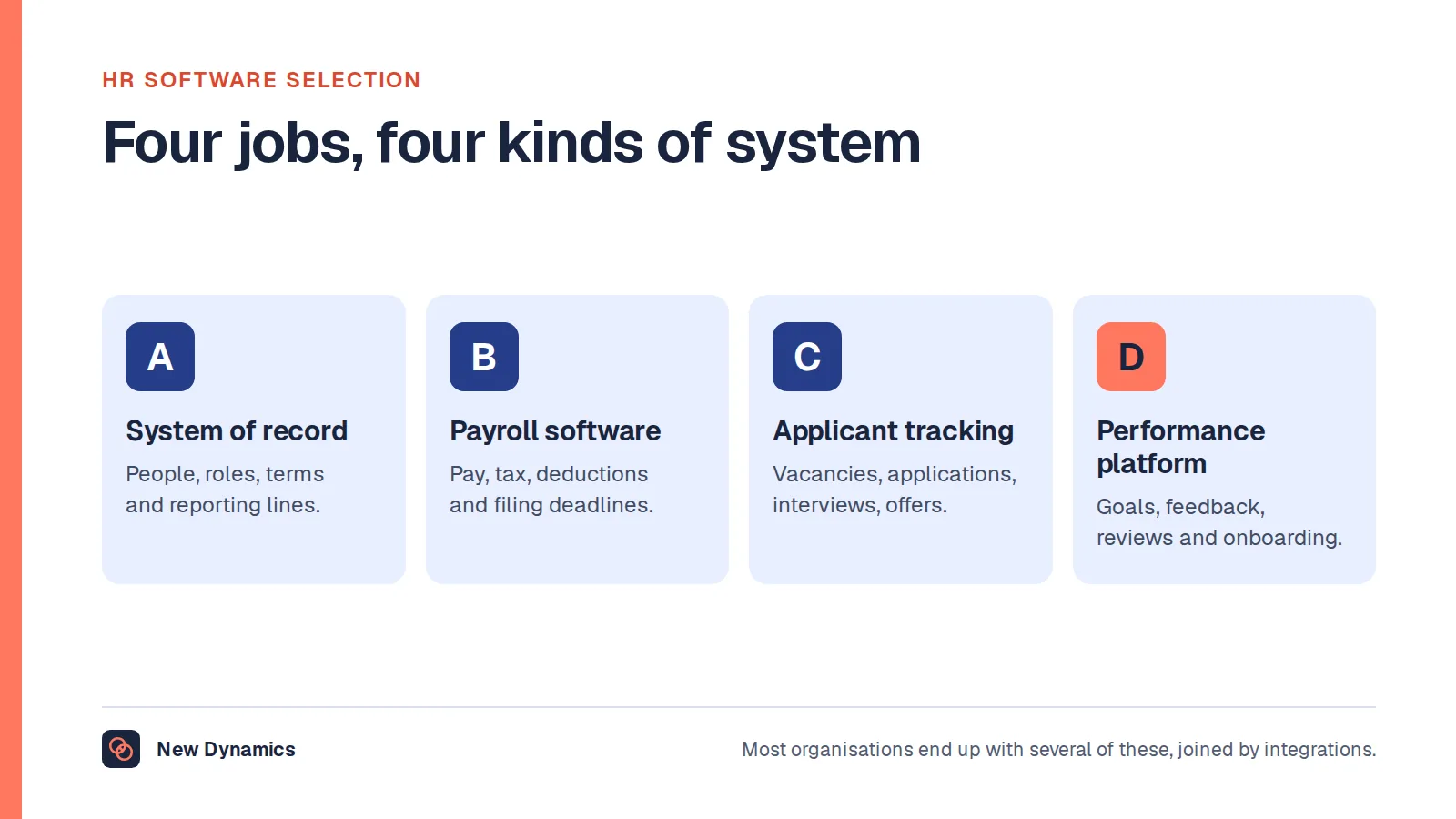
The reasoning is set out in why we do not publish a top 5 HRIS list. A ranking cannot know whether your audience is staff or the public, whether a third of your workforce has no corporate email address, whether your sector requires a retained record of attendance, or whether anybody attending needs captions. What we can give you is the requirements and the duties.
Registration data is personal data, and the lawful basis comes first
A registration list is a list of named people with their email addresses, usually their employer, often their job title, and sometimes their dietary requirements or access needs. That is personal data in the ordinary sense of the term. The Information Commissioner's Office quotes the definition in full: personal data "means any information relating to an identified or identifiable natural person", identifiable directly or indirectly by reference to an identifier such as a name or an identification number.
So the first question about an event platform is not how the stage looks. It is what lawful basis you are relying on for each thing you will do with the registration list. The ICO is direct about the order of operations: "You must determine your lawful basis before you start using the personal information and you must document it." It adds a warning that is easy to trip over later: "Take care to get it right first time - you should not swap to a different lawful basis at a later date without good reason. In particular, you can't usually swap from consent to a different basis."
That matters because the purposes multiply quietly. Running the event is one purpose. Sending the recording is another. Reporting attendance to a line manager is another. Adding the person to a mailing list is another again. On reusing information for something new, the ICO says "You must only reuse the personal information for a new purpose if this is compatible with your original purpose", and that "You must have a lawful basis for any new purpose. If your original lawful basis is not sufficient, you must find a new one."
The practical version: write the purposes down on the registration form before the form goes live, because a purpose you did not disclose is a purpose you will struggle to add later.
The commonest failure: a registration list used as a marketing list
This is the one that produces complaints, and it is almost always accidental. Somebody signs up for a free online session on a professional topic. The session happens. Then the emails start.
The rule here is not UK GDPR alone. It is the Privacy and Electronic Communications Regulations, and the ICO's guidance on electronic mail marketing states the position in one line: "You must not send marketing emails or texts to individuals without specific consent. There is a limited exception for your own previous customers, often called the 'soft opt-in'."
Read the exception carefully, because people lean on it when it does not hold. The ICO says the soft opt-in applies where an individual bought or discussed buying a similar product or service from you in the past, and only "if you gave them a clear chance to opt out of getting marketing emails or texts when you collected their details, and in every message". It then closes the gap explicitly: the rule "does not apply to prospective customers or new contacts (eg from bought-in lists)", and it "does not apply to non-commercial promotions (eg charity fundraising or political campaigning)".
Someone who attended your free online session is, in most cases, a new contact rather than a previous customer. The software consequences are specific and worth testing in a demonstration:
- A separate marketing opt-in on the registration form, unticked, worded for marketing rather than for the event, and stored as a distinct field. Attendance is not consent.
- An export that carries the consent flag with the row. If the download is names and emails with the opt-in left behind, the list will be used wrongly within a month.
- No automatic subscription when a contact is created. Find the setting and show it to whoever owns the mailing list.
- An unsubscribe in every message, including the follow-up that feels like event admin but reads like marketing.
Note that the PECR rules bite differently for corporate subscribers. The ICO says sole traders and some partnerships are treated as individuals, so you can only email them with specific consent or under the soft opt-in, while you may email a corporate body, although the ICO calls an opt-out good practice there too.
Recording the event, and sending it to people who were not there
An event recording is a different artefact from a meeting recording, because it is made to be distributed. That changes what you have to say in advance.

Transparency is the governing principle, and the ICO describes it as being "clear, open and honest with people from the start about who you are, how and why you use their personal information, and their rights". It also sets the standard for how you say it: "You must ensure that you tell people about your processing in a way that is easily accessible and easy to understand. You must use clear and plain language."
On the detail you must supply, the ICO's guidance on the right to be informed says "You must provide individuals with information including: your purposes for processing their personal data, your retention periods for that personal data, and who it will be shared with", and that you must provide it at the time you collect the data. It adds the line that catches events after the fact: "You must bring any new uses of an individual's personal data to their attention before you start the processing."
Translated into event arrangements:
- Say on the registration page what will be captured, who will receive the recording, and for how long it will be available. Not in a banner at the start of the session, when the person has already committed their afternoon.
- Decide what the recording contains before you publish it. The questions from the floor are the risky part: a named employee asking about redundancies, or a visible health condition in a video tile, is not the same as a speaker on a stage.
- Offer a way to take part without appearing. Written questions submitted to a moderator, cameras off by default for the audience, and a stated rule that the audience view is not recorded.
- Edit before distribution, and keep the raw capture only as long as you need it for that edit.
Accessibility: an employer running an event for staff has a duty
If you run an event for your own workers, the Equality Act 2010 is in play, and the duty is not a nice-to-have. Section 20 of the Act sets out three requirements, the first of which is a requirement, where a provision, criterion or practice "puts a disabled person at a substantial disadvantage in relation to a relevant matter in comparison with persons who are not disabled, to take such steps as it is reasonable to have to take to avoid the disadvantage". The third requirement covers an auxiliary aid, and section 20(11) states that a reference to an auxiliary aid includes an auxiliary service, which is how an interpreter or a captioner fits.
Section 20(6) is the one that reads as though it were written for events: where the first or third requirement relates to the provision of information, the steps it is reasonable to take "include steps for ensuring that in the circumstances concerned the information is provided in an accessible format".
GOV.UK puts the employment duty plainly: "Employers must make reasonable adjustments to make sure workers with disabilities, or physical or mental health conditions, are not substantially disadvantaged when doing their jobs", and says this applies to all workers, including trainees, apprentices, contract workers and business partners. Section 20(7) adds that the employer cannot require the disabled person to pay towards the cost of complying.
What that means for the software, and for the organiser:
- Live captions that an attendee can switch on themselves, not only the host, and that work on a phone.
- A transcript with the recording, because a recording without one is information in a single format.
- The recording made available afterwards, which is itself frequently the reasonable adjustment: for someone who cannot sit through ninety unbroken minutes, or who needs to replay a section, access after the fact is the access.
- Room for extra participants so an interpreter or a support worker is never a licence problem, and a speaker view that can be pinned so an interpreter stays on screen.
- An access question on the registration form, asked early enough that the answer can change the arrangements, with the answers held separately and not visible to every organiser.
- A keyboard and screen reader accessible join flow. This is where event platforms fail most often, because the lobby is usually custom-built.
This is the United Kingdom position and is general information rather than legal advice.
A mandatory evening or weekend event is working time
An event scheduled outside normal hours, with attendance expected, is not a social occasion that happens to be compulsory. It is work.
The Working Time Regulations 1998 define the term at regulation 2. "Working time", in relation to a worker, means "any period during which he is working, at his employer's disposal and carrying out his activity or duties", and, in a second limb that applies directly to a conference or a training session, "any period during which he is receiving relevant training".
Three consequences follow, and the software cannot help with any of them.
- The eleven hour rest period still applies. Regulation 10 provides that a worker is entitled to "a rest period of not less than eleven consecutive hours in each 24-hour period during which he works for his employer". An event ending at nine in the evening and a nine o'clock start the next morning does not leave eleven hours.
- A long event needs a break. Regulation 12 provides that where a worker's daily working time is more than six hours, they are entitled to a rest break, which, subject to any applicable collective or workforce agreement, is "an uninterrupted period of not less than 20 minutes" that the worker is entitled to spend away from their workstation. A full-day online conference with twenty minute gaps between sessions has not provided that, because a gap spent reading your inbox is not a break. See rest breaks at work for the detail.
- The hours count towards the weekly limit. GOV.UK states that "You cannot work more than 48 hours a week on average", normally averaged over 17 weeks, on its page on maximum weekly working hours.
The honest fix is scheduling, not technology: hold it in working hours, make attendance genuinely optional where it cannot be, record it so that people with caring responsibilities are not penalised, and if it must run late, move the following morning.
The records you will hold, and how long to keep them
An event platform generates more personal data than most buyers expect, and the retention question lands on whoever owns the account.
Expect to hold a registration list with contact details and any access or dietary requirements, an attendance record showing who joined and sometimes for how long, chat and question logs with names attached, poll responses that may or may not be anonymous, a recording, a transcript, and a feedback survey. Some platforms also record which virtual booth a named person visited, which is tracking data about an individual's interests.
The principle is short. The ICO states: "You must not keep personal data for longer than you need it." It also says you need a policy setting standard retention periods wherever possible, and notes a practical reason beyond compliance: you have to respond to subject access requests for any personal data you hold, which is harder if you are holding old data for longer than you need.

So before the first event, set a date for each class of record rather than accepting a default. A few positions worth taking:
- Poll responses stay aggregated unless you have a stated reason to hold individual answers, and say which it is on the poll.
- Chat and question logs are deleted with the event, unless the event was a consultation or a training session where the record has a purpose.
- Attendance records for mandatory training are kept deliberately, with a named period, because here the record is the point.
- The recording has an expiry, published to the audience in advance.
- The account itself has an owner. An events platform bought by one team, with a login shared by three, is how a list survives the person who understood its consents.
For the wider duties around employee information, read and download our employee data protection guide. The guide is free to read, and the PDF uses our short download form.
What the numbers can honestly tell you
Event platforms report registration-to-attendance rates, average watch time, poll participation and engagement scores, and buyers are often shown benchmarks to compare against.
Be careful with those. No official United Kingdom source publishes attendance or engagement benchmarks for online events, and the figures circulating in this market come from vendors reporting on their own platforms, with their own definitions of an attendee and their own selection of customers. We do not quote them, and a figure you cannot check is not a target worth managing against. For figures that are published, with reference periods attached, see our HR statistics hub.
What your own data can tell you is narrower and more useful. Whether the people who have to attend are attending. Whether the sessions people leave early have something in common. Whether the recording is watched, which tells you whether the live slot was necessary at all. Set your own baseline from your first three events and compare against that.
The questions to ask before you buy
Write these down before you watch a demonstration, as choosing HR software sets out, and make the provider show you settings rather than slides.
- What does the registration form collect by default, and can we remove fields? Every field you keep is a field you must justify and retain.
- Where is marketing consent stored, is it a separate unticked field, and does it travel with the export?
- Who can download the registration list, and is that recorded?
- Can an attendee switch captions on themselves, on a phone? Ask them to demonstrate it, not describe it.
- Does the recording come with a transcript, and can we edit the recording before it is distributed?
- What is the retention setting for each record type, and what is the default? A default of "forever" is an answer.
- Does the join flow work with a keyboard and a screen reader? Test the lobby, not the player.
- Can someone attend without appearing on camera and without their question being attributed?
- Where is the data processed and stored, and who are the sub-processors? The ICO states that "Whenever a controller uses a processor, there must be a written contract (or other legal act) in place", so ask to see it rather than assuming the order form covers it.
- What is in the export when we leave, and does it include the consent fields and the attendance records?
- How many concurrent attendees before it degrades, and what happens on a slow connection? Ask about graceful degradation to audio, and whether a telephone option exists.
- Who owns the account, and what happens to the data when that person leaves?
What usually goes wrong
- A meeting tool used as an event platform. It works until registration matters, and then the list lives in a spreadsheet nobody has a retention date for.
- The registration list treated as a marketing list. The single most common failure, and the one most likely to generate a complaint.
- Recording by default and distributing by default. Two separate decisions made as one.
- Accessibility handled as a request on the day. Captions arranged in the last hour are usually not arranged at all.
- A compulsory evening event. Fine as a choice, expensive as an oversight.
- Engagement scores reported upwards as though the platform's definition of engaged meant something outside it.
Frequently asked questions
What is virtual event software?
It is software that runs a scheduled occasion for an audience online, adding registration, a capacity limit, a published agenda, moderated questions, attendance tracking, a recording pipeline and follow-up emails around the live broadcast. A meeting tool carries a call between people who all expect to speak, which is a narrower job.
What is the difference between a virtual event platform and a meeting tool?
An event has registration, a programme, a capacity limit, an attendance record, often a public audience, and usually a recording distributed afterwards. Each of those creates an obligation a meeting does not: a lawful basis and a retention period for the list, transparency about what the recording captures and who receives it, and accessibility arrangements for people who signed up without you knowing who they are.
Can we email event registrations about other things afterwards?
Only with a separate consent in most cases. The ICO states that you must not send marketing emails or texts to individuals without specific consent, and that the limited soft opt-in exception for your own previous customers does not apply to prospective customers or new contacts. Registering for an event is not consent to marketing, so collect a distinct, unticked opt-in and keep it with the record.
Do we have to provide captions for an online event?
For an event you run for your own staff, captions are frequently a reasonable adjustment under the Equality Act 2010, which requires reasonable steps where a practice puts a disabled person at a substantial disadvantage, and section 20(6) refers to providing information in an accessible format. GOV.UK states that employers must make reasonable adjustments so that workers with disabilities or health conditions are not substantially disadvantaged. This is general information, not legal advice.
Is a compulsory evening event working time?
The Working Time Regulations 1998 define working time as any period during which a worker is working, at the employer's disposal and carrying out their activity or duties, and also any period during which they are receiving relevant training. A mandatory evening or weekend event therefore counts, and the eleven hour daily rest period in regulation 10 and the rest break in regulation 12 still apply.
How long should we keep event recordings and attendance records?
As long as you need them for the purpose you stated, and no longer. The ICO says you must not keep personal data for longer than you need it, and that you need a policy setting standard retention periods wherever possible. Set a date per record type before the first event: an attendance record for mandatory training has a reason to persist, a chat log usually does not.
Your next step: write the duties before the shortlist
- List the events you actually run, and mark which ones involve registration, a capacity limit, an attendance record or a distributed recording. Those are events, whatever tool you use today.
- For each one, name the lawful basis and the retention period for the registration list, the attendance record and the recording.
- Rewrite your registration form: remove fields you cannot justify, add a separate unticked marketing opt-in, and add an access question.
- Check your next event against the working time position, and move it into working hours if attendance is expected.
- Then, and only then, write the twelve questions above into a requirements document and go and watch demonstrations.
Want the chasing around an event to live somewhere better than a spreadsheet and an inbox? Book a New Dynamics demo and bring your last event's invitation list. You can also email contact@new-dynamics.com.